
Camera apps can make wireless monitoring more convenient, whether you are managing a dedicated IP camera or repurposing an older smartphone. The right app can provide live viewing, motion notifications, recording, and remote access without requiring a complicated wired installation. However, convenience should be balanced with strong security practices and respect for personal privacy.
What camera apps can do
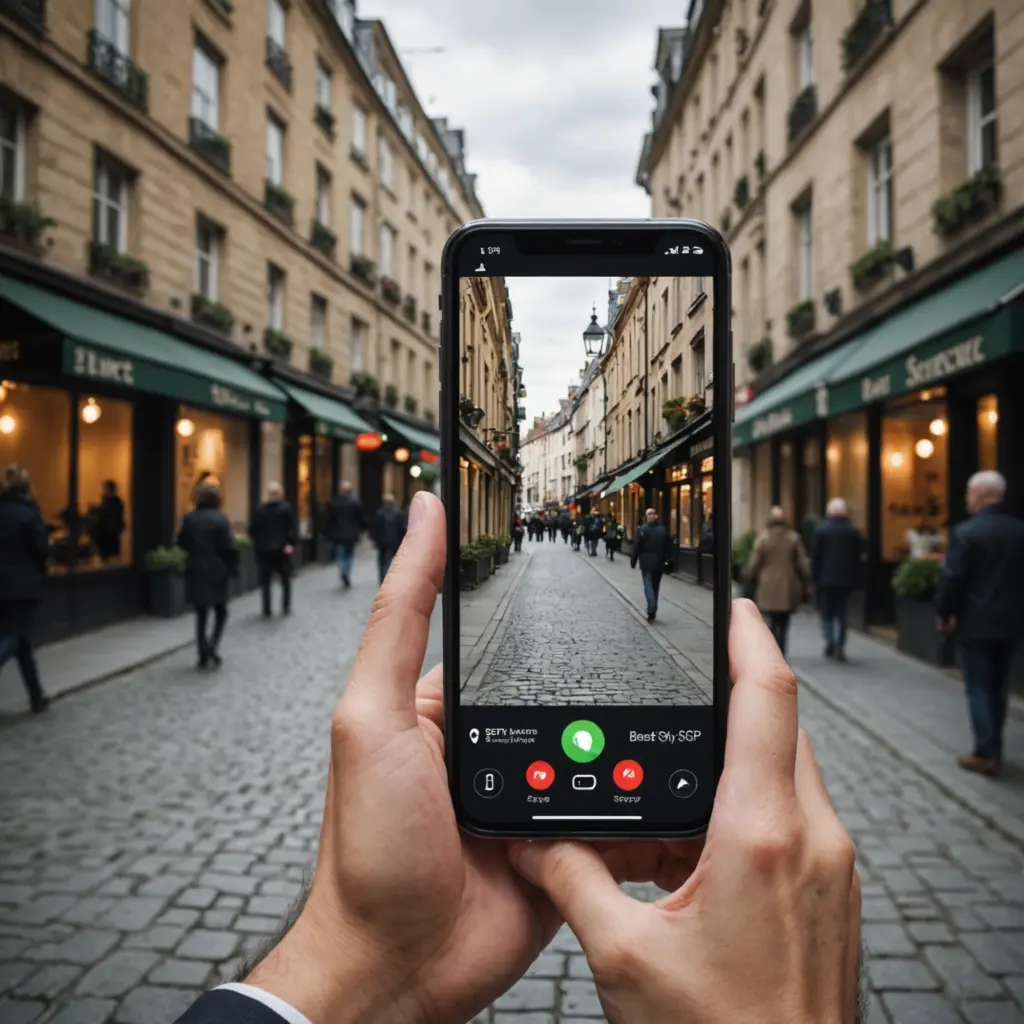
A camera app typically connects a phone or compatible wireless camera to your home network or the internet. Depending on the device and service, it may allow you to:
- View a live camera feed remotely
- Receive alerts when movement is detected
- Record video to cloud storage, a memory card, or local network storage
- Review earlier clips and search event history
- Use two-way audio where the camera supports it
- Manage several cameras from one account
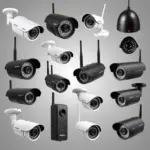
Some apps are designed for simple do-it-yourself monitoring, while others support a broad range of IP cameras and offer more detailed network and recording controls.
Features worth comparing
Compatibility and setup
Begin by checking whether the app supports your camera, smartphone, operating system, and preferred connection method. A straightforward pairing process is valuable, particularly if you plan to add more cameras later. For an old-phone setup, confirm that the camera device can remain connected to power and that the app supports viewing from a second device.
Recording and storage
Consider whether you need live viewing only or a searchable record of events. Cloud storage can make footage available when you are away from home, while local storage may provide more control over where recordings are kept. Some systems support both, which can provide a backup if one storage method becomes unavailable. Check retention limits, subscription requirements, and the process for exporting important clips.
Alerts and motion controls
Motion alerts are most useful when they can be adjusted. Look for controls for detection sensitivity, activity schedules, and specific motion zones. These settings can reduce unnecessary notifications caused by pets, traffic, or moving shadows. If the app offers sound alerts or other event types, compare those options with your actual monitoring needs.
Privacy and account security
Camera footage can be highly sensitive, so security should be a deciding factor rather than an afterthought. Review the app’s available authentication options, encryption information, account controls, and data-retention policy. Two-factor authentication is a useful additional safeguard when offered. Also consider whether the service requires cloud access or can operate primarily through local storage.
Apps commonly used for different needs
The legacy options in this category serve different purposes, and the best choice depends on your equipment and goals:
- Alfred: Intended for turning an old smartphone into a basic monitoring camera, with functions such as live viewing and motion detection.
- Manything: Focused on smartphone-based monitoring and cloud recording options, with storage features that may suit users who need to keep footage for longer.
- tinyCam and IP Cam Viewer: Useful to investigate when you need compatibility with various IP cameras and more detailed control over streams or network settings.
- Presence: A simpler approach to home monitoring, emphasizing device pairing and motion notifications.
App features, supported devices, pricing, and availability can change. Test compatibility and performance before relying on any service for an important security purpose.
How to set up a camera app more securely
- Use a unique, strong password for your Wi-Fi network and camera account.
- Enable WPA3 or WPA2 wireless encryption, depending on what your router supports.
- Change any default camera password before connecting the device for regular use.
- Turn on two-factor authentication if the app provides it.
- Disable features such as universal plug and play when you do not need them.
- Update the camera firmware, app, and phone operating system regularly.
- Set motion zones and schedules to limit unnecessary recording and alerts.
- Review which accounts and devices can access the camera, removing old or unused access.
Wireless cameras still need dependable power. A camera that loses power or repeatedly drops its network connection cannot provide reliable monitoring, even if the app itself is well designed. Test the system from the locations and times where you expect to use it.
Legal and ethical use
Camera monitoring must respect reasonable expectations of privacy. Do not place cameras in private areas such as bathrooms or changing rooms. Depending on your location and circumstances, recording audio or video may require notice or consent. Household members, visitors, tenants, and employees may have rights that affect where and how cameras can be used.
Use cameras for legitimate purposes such as protecting property or documenting safety concerns, and keep recordings only as long as necessary. For workplace monitoring, check the privacy and employment rules that apply in your area and consider clear notices. When in doubt, obtain appropriate consent and seek local legal advice.
Choosing the best option
Define the job before choosing an app. A repurposed phone may be enough for occasional single-room viewing, while a multi-camera installation may require stronger event management, broader camera compatibility, and dependable recording. Compare local and cloud storage, notification reliability, connection stability, security controls, and total cost. A free version or trial can help you test latency and alerts in your own wireless environment before committing.
Used responsibly, a camera app can be a practical part of a broader security setup. The best option is not simply the one with the most features; it is the one that works with your equipment, protects access to your footage, and supports lawful, transparent monitoring.