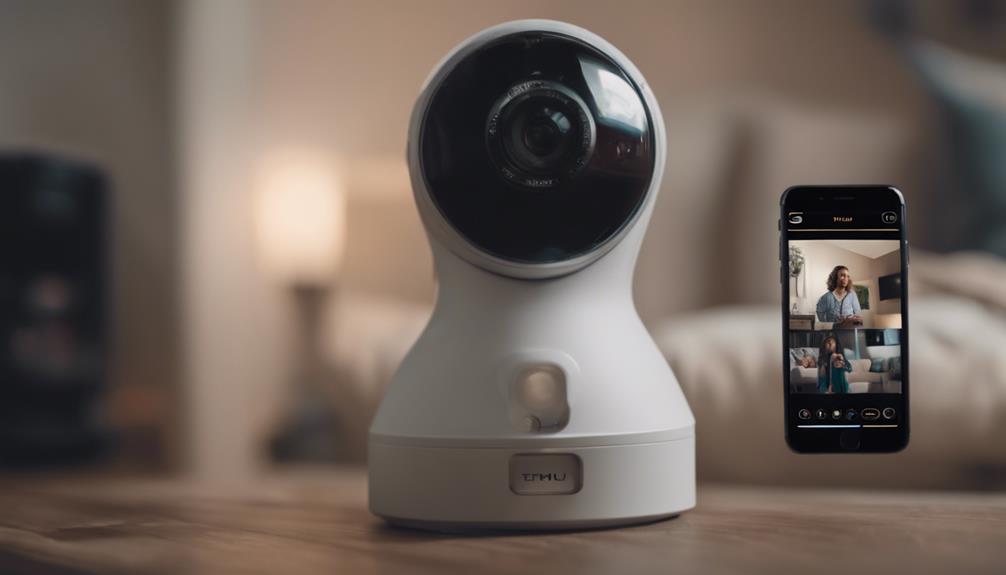

Choosing a compact camera is not simply a matter of selecting the smallest model available. A useful mini camera must also deliver dependable video, practical power options, stable connectivity, and software that is easy to manage. Mini cam reviews can help reveal the difference between a well-designed security device and a product that looks impressive on a specification sheet but performs poorly in everyday conditions.
This guide explains what to look for when comparing mini security cameras, how to interpret review results, and which features matter for different monitoring needs.
What a Useful Mini Cam Review Should Cover
The most helpful reviews go beyond listing resolution or battery claims. They describe how the camera performs in realistic conditions, including changing light, movement, weak wireless signals, and extended use. Look for reviews that discuss both measurable specifications and practical experience.
- Video quality: Reviewers should assess clarity, detail, motion handling, and whether the image remains usable in difficult lighting.
- Night performance: Infrared or other low-light features should be evaluated rather than accepted solely on the basis of marketing descriptions.
- Battery runtime: Reported runtime is more useful when the review explains recording settings, motion activity, and whether the camera was actively streaming.
- Connection reliability: A camera may be easy to install but frustrating if live viewing or alerts frequently disconnect.
- Build and mounting: Small dimensions are helpful, but the housing, mounting method, and cable arrangement also affect practical placement.
Image Quality and Night Vision
Resolution matters most when the camera needs to show useful detail, such as a person’s face or activity near an entry point. However, a higher resolution number does not guarantee a better image. Lens quality, lighting, compression, field of view, and motion handling all contribute to the result.
Night vision deserves separate attention. A camera may produce a visible image in darkness without showing enough detail for identification. Reviews that include examples from both well-lit and low-light environments provide a more realistic basis for comparison. Also consider whether the camera creates glare when aimed through glass or toward reflective surfaces.
Power, Storage, and Connectivity
Power requirements often determine where a mini camera can be used. Battery-powered models are easier to relocate, but their practical recording time depends on motion levels, wireless activity, and recording settings. Wired or USB-powered cameras are less flexible but may be better suited to continuous monitoring.
Storage options also affect cost and privacy. Some cameras rely on local removable storage, while others offer cloud recording or a combination of both. Before choosing a model, check whether important features require a subscription, how recordings are accessed, and whether the camera can continue recording if internet service is interrupted.
Wireless setup should be straightforward, with clear instructions and a stable connection during live viewing. Reviews should mention installation difficulties, notification delays, and whether the camera reconnects reliably after a temporary network outage.
App Features and Motion Alerts
The companion app can have as much impact on daily use as the camera hardware. A well-organised interface makes it easier to view live footage, review recordings, change settings, and share access with authorised users.
Motion detection is particularly important. Look for adjustable sensitivity, activity zones, and controls that help reduce unwanted alerts. Reviews may also identify whether notifications arrive promptly and whether the camera records enough footage before and after an event to provide useful context. Software quality can change over time, so comments about updates and ongoing support are valuable when comparing products.
Matching a Mini Camera to Its Intended Use
Different situations call for different priorities. For indoor monitoring, simple setup, clear two-way audio, and dependable notifications may matter more than maximum battery life. For travel or temporary placement, portability, USB power, and local storage may be more important. Small businesses may prioritise continuous power, broad coverage, and easy access to recorded footage.
For any discreet installation, the camera should be used responsibly and only where recording is permitted. A compact design can make placement easier, but it does not remove privacy obligations. Avoid recording in areas where people reasonably expect privacy, and consider whether audio recording is subject to additional restrictions in your location.
Installation and Placement Tips
Placement affects image quality, motion detection, and the area covered. Before mounting the camera, test the viewing angle and check for glare, blocked views, and nearby power limitations. A higher position may cover more of a room, while a lower or more direct angle may show greater facial detail. Avoid pointing the lens at bright windows or reflective surfaces unless the camera is specifically suited to that environment.
Reviewers who show mounting hardware and explain their test setup usually provide more useful guidance than reviews based only on unboxing impressions.
How to Handle Conflicting Reviews
Differences between mini cam reviews do not always indicate that one reviewer is wrong. Results can vary because of lighting, wireless signal strength, firmware versions, camera placement, and recording settings. When opinions conflict, compare several reviews and look for repeated patterns.
Give extra weight to reviews that explain their testing conditions, include sample footage, and separate manufacturer claims from observed performance. A camera with slightly fewer headline features may be the better choice if it is easier to configure, more reliable over time, and better suited to the way it will actually be used.
A Practical Buying Checklist
- Define whether you need continuous recording or motion-triggered recording.
- Decide whether battery power or a permanent connection is more practical.
- Check daytime detail and low-light performance separately.
- Compare local storage, cloud features, and any ongoing costs.
- Review app usability, alert controls, and access security.
- Confirm that the intended placement and recording use are lawful and respectful of privacy.
The best mini cam is not necessarily the smallest or most feature-packed option. The strongest choice is the one whose image quality, power arrangement, software, storage, and placement options match your real monitoring requirements. Careful mini security camera reviews make that comparison easier by showing how each model behaves beyond its advertised specifications.