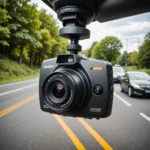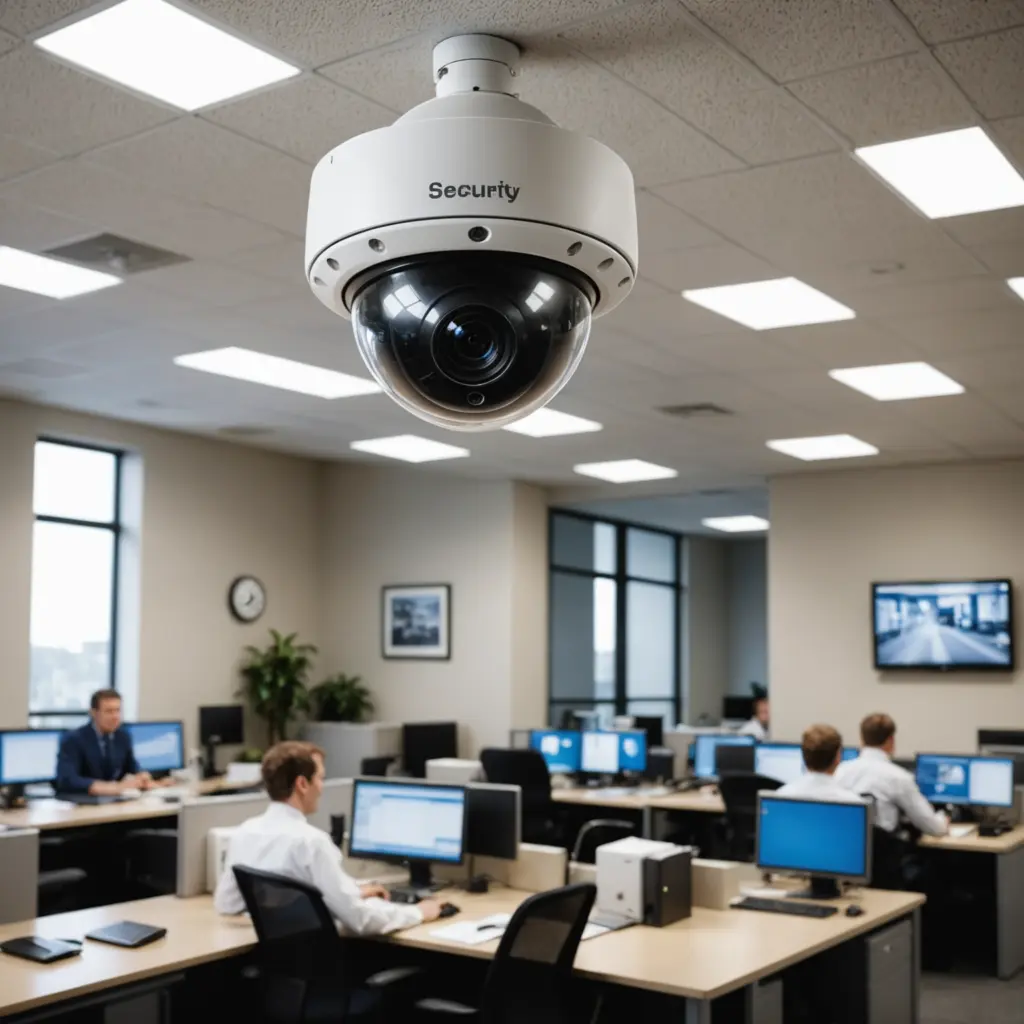

Outdoor security cameras are no longer limited to expensive, professionally installed systems. Affordable models can provide useful coverage around doors, driveways, gardens, and other access points without requiring a large upfront investment. The key is to choose a camera that fits your property, network, power availability, and storage needs rather than selecting solely on price.
Why consider a budget outdoor security camera?
A lower-cost camera can be a practical way to begin a home security setup or add coverage to areas that an existing system does not reach. Many inexpensive models include useful features such as high-definition video, infrared night vision, motion notifications, mobile viewing, and two-way audio.
There are trade-offs. Cheaper cameras may use less durable materials, offer more basic motion detection, have shorter warranty support, or require a subscription for some functions. Even so, a carefully chosen budget model can provide helpful visual evidence and a deterrent presence for everyday security concerns.
Features that matter most
Weather resistance
An outdoor camera must be able to cope with the conditions where it will be installed. Check the product’s weather-resistance information and IP rating, where provided. Consider exposure to rain, dust, temperature changes, and direct sunlight. A camera designed for indoor use should not be treated as an outdoor solution simply because it is inexpensive.
Image quality and night vision
Resolution affects how clearly the camera records people, vehicles, and activity. However, resolution alone does not determine video quality. Lens angle, lighting, sensor performance, and the distance between the camera and the subject also matter. Infrared night vision is useful for dark areas, but compare reviews and sample footage when possible because nighttime performance can vary considerably between models.
Motion detection and alerts
Motion alerts are most useful when they are adjustable. Look for options such as sensitivity controls, activity zones, or person-detection settings if they are important to you. These features can help reduce notifications caused by passing traffic, moving branches, pets, or wildlife. A camera that sends too many irrelevant alerts may quickly become difficult to use.
Power and connectivity
Wi-Fi cameras are generally simple to install, but they depend on a stable wireless signal at the mounting location. Test the connection before permanently installing the unit. Wired Ethernet or PoE cameras can provide a more consistent connection, although they usually require more planning and installation work.
Battery-powered cameras are convenient for locations without an outlet, but they need regular charging or battery replacement. Wired models can operate continuously but may require weatherproof cable routing, a suitable power supply, and protection for external connections.
Storage and ongoing costs
Check how recorded video is stored before buying. Some cameras support a local microSD card, some rely mainly on cloud storage, and others offer both. Cloud storage can preserve footage even if the camera is damaged or stolen, but it may add a recurring subscription cost. Include that expense in the overall budget rather than comparing devices only by their purchase price.
Useful locations for inexpensive outdoor cameras
- Front doors and porches: Monitor deliveries and activity near the main entrance.
- Driveways and gates: Record vehicles and movement approaching the property.
- Side paths: Cover less visible access routes that may otherwise be overlooked.
- Garages, sheds, and outbuildings: Add visibility to areas separated from the home.
- Vacation properties: Use remote viewing to check conditions between visits, where the camera has a dependable connection.
Place cameras where they provide a useful view without relying on them as the only layer of security. Lighting, secure doors, locks, and good visibility around the property can complement camera coverage.
How to shop for outside cameras for sale
Compare manufacturer stores, established retailers, and specialist security suppliers. Look beyond star ratings and read reviews that discuss weather performance, connection stability, app reliability, firmware updates, and customer support. Refurbished or open-box equipment from a reputable seller can reduce the cost, while multi-camera bundles may offer better value when several areas need coverage.
Be cautious with unusually cheap products that have few trustworthy reviews, unclear warranty terms, or no obvious support process. A low purchase price can become less attractive if the device is unreliable or no longer receives important software updates.
Installation, privacy, and maintenance
Mount cameras high enough to discourage tampering, but not so high that faces and other details become difficult to see. Aim them at entrances and property boundaries where appropriate. Avoid directing cameras into neighbors’ windows or private areas. Rules concerning privacy and audio recording vary by location, so check applicable local requirements before installation. If you do not need audio, disabling it can reduce privacy concerns.
Use weatherproof fittings for cables and connections, keep lenses clean, and inspect mounting points and seals periodically. Apply firmware updates promptly and check that alerts and recording still work after changes to your network. For battery models, schedule recharging or replacement so coverage does not stop unexpectedly.
Set realistic expectations
Affordable outdoor security cameras can provide valuable coverage, but they may have limitations in construction, low-light detail, detection accuracy, storage options, or long-term support. Prioritize weather resistance, dependable connectivity, adequate image quality, and a storage plan that suits your budget. With sensible placement and regular maintenance, a modest camera can become a useful part of a broader approach to property awareness and security.