
Smart cameras combine image capture with onboard processing, network connectivity, and software that helps people understand what is happening in a monitored space. Unlike traditional cameras that simply record footage for later review, a smart camera can analyze activity, identify relevant events, and send notifications or selected clips to a phone or connected storage service. Explore how your smart camera can adopt discreet surveillance features for covert monitoring and advanced sensor integration.
These systems range from compact indoor devices to outdoor security cameras and larger smart CCTV installations. Although some products are designed to be discreet, any camera used in a home, workplace, or business should be installed lawfully and with appropriate respect for people’s privacy.
How a smart camera works
A conventional camera captures images. A smart camera adds a processor and software capable of interpreting those images. Depending on the model, it may detect movement, distinguish people from pets or vehicles, and identify activity that is more likely to require attention.
This analysis can take place on the camera itself, through a connected hub, or through a cloud service. Event-based recording is one practical result: instead of saving an uninterrupted stream, the system can record or upload short clips when it detects relevant movement. This can reduce storage requirements and make it easier to find important moments.
Useful features to compare
Smart camera specifications vary considerably, so it helps to focus on the features that match the intended location and purpose.
- Image quality: Resolution, lens quality, and wide dynamic range affect how clearly the camera captures details in bright, dark, or uneven lighting.
- Night operation: Infrared and low-light modes support monitoring after dark, although performance depends on the environment and the camera’s sensor.
- Intelligent detection: Person, pet, or vehicle detection can help reduce alerts caused by shadows, weather, or moving vegetation.
- Motion zones: Adjustable detection areas can prevent unnecessary notifications from roads, windows, or other busy parts of the scene.
- Two-way audio: A built-in microphone and speaker may allow communication through the camera, where this is appropriate and permitted.
- Storage: Options may include local storage, a connected recorder, or cloud storage. Check how long events are retained and whether an ongoing service is required.
- Privacy controls: Privacy masks, recording schedules, and the ability to disable audio or the lens can help limit unnecessary collection.
- Power and networking: Battery, mains-powered, wired, and Power over Ethernet installations suit different locations and reliability requirements.
Common uses for smart camera systems
At a front entrance, a smart camera can provide a live view, record a delivery, or send an alert when someone approaches. Event snapshots can also make it easier to review a particular occurrence without searching through hours of video.
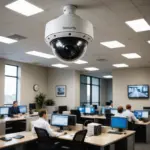
Indoors, cameras may help residents check on pets, verify that a visitor has arrived, or monitor an area while they are away. In commercial settings, a smart CCTV camera system can support perimeter monitoring, review activity around entrances, and help operators focus on relevant events rather than a continuous stream.
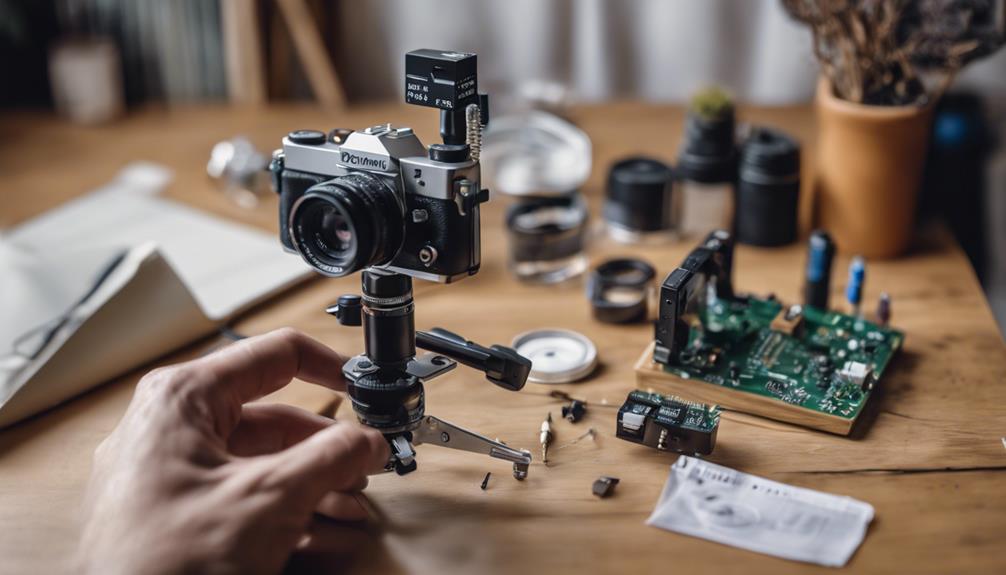
Some installations are selected for their compact or inconspicuous design. However, discreet placement should not be treated as permission to record people secretly. Cameras should not be used in spaces where individuals reasonably expect privacy, and audio recording may be subject to additional legal restrictions. For practical privacy perspectives, explore discreet camera discussions where members compare features, placement, and responsible use.
Planning installation and connectivity
Begin with the area you need to monitor and the result you want from the system. Outdoor cameras need suitable protection from weather and effective nighttime performance. Indoor cameras may place greater emphasis on size, appearance, privacy controls, and easy repositioning.
Network capacity is another important consideration. Live video and frequent uploads can consume significant bandwidth, while event-based recording may reduce unnecessary traffic. A wired or Power over Ethernet connection can be useful for a fixed camera that needs dependable, continuous operation. Battery-powered models offer flexibility but require a plan for charging and may adjust recording behavior to conserve power.
Remote access should be protected with strong, unique account credentials and two-factor authentication where available. Keep camera software and connected applications updated, and review account permissions so that only appropriate users can view footage.
Privacy-conscious use
Before installing a camera, consider who may appear in its view and whether recording is necessary for the stated purpose. Aim the lens only at the area that needs protection, use privacy masking where possible, and avoid recording neighboring property or private rooms. Inform affected people when required, particularly in workplaces or shared spaces.
It is also worth deciding how long footage should be kept. A short, clearly defined retention period can reduce privacy risks and storage demands. Review alerts and recordings regularly, and remove access for anyone who no longer needs it.
Choosing the right smart camera
The best smart camera is not necessarily the one with the largest feature list. Match image quality, detection tools, power requirements, storage, and connectivity to the location. Then evaluate security settings, privacy controls, and the practical cost of maintaining the system.
Whether you need a single indoor camera or a broader smart CCTV setup, responsible planning is as important as technical capability. A well-positioned, securely configured system can make monitoring more useful while limiting unnecessary recording and access.