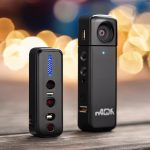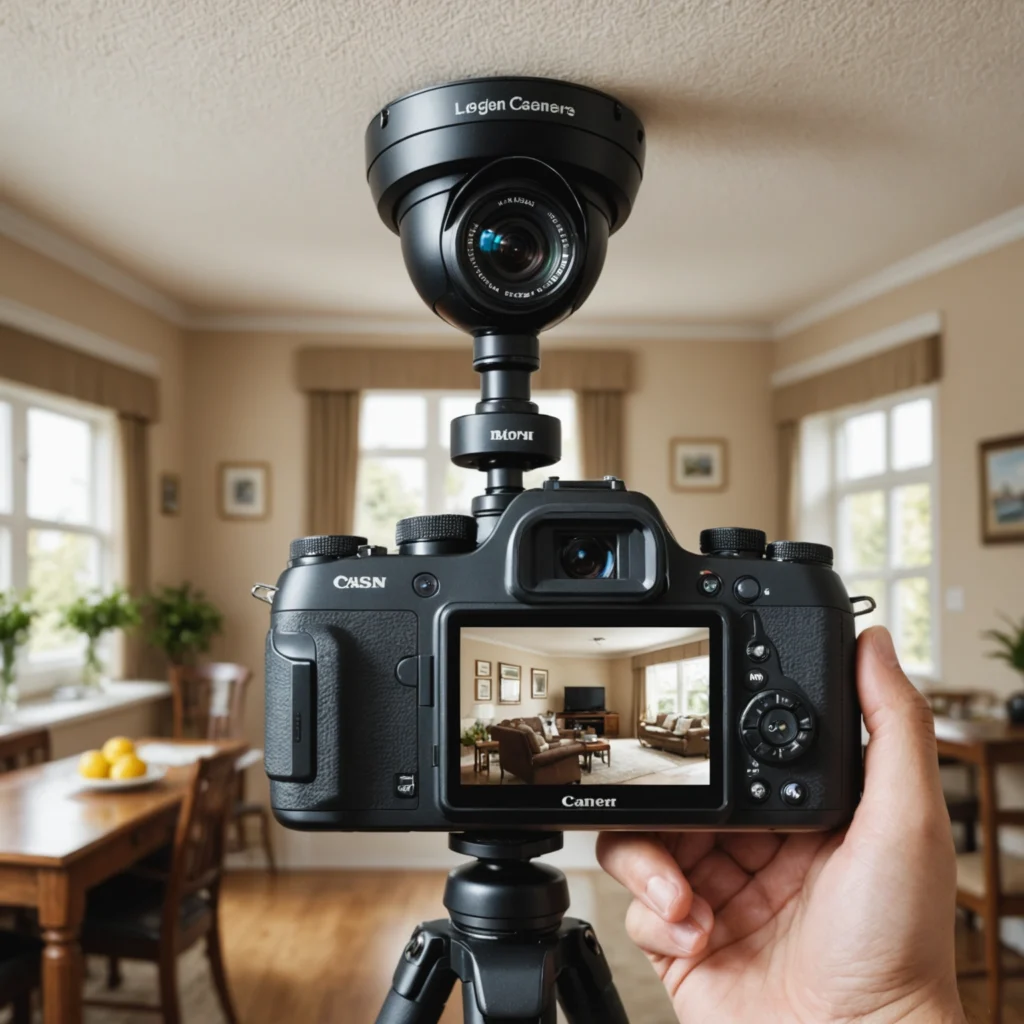

Connecting a live feed camera to phone has become a cornerstone of modern home security, remote monitoring, and professional surveillance. Whether you’re checking on a sleeping baby, supervising a construction site, or keeping an eye on a vacation property, streaming video from a camera to your smartphone provides real-time awareness and control. This article explains how live feed camera to phone systems work, what features to look for, practical use cases, and best practices for setup and privacy. Explore real-time streaming features to understand which surveillance technologies enable live feed camera to phone connectivity.
How live feed camera to phone systems work
At a basic level, a live feed camera to phone solution captures video with a camera, encodes the video stream, and transmits it to a mobile app or a web interface. Cameras can be wired or wireless and typically connect to the internet via Wi-Fi, Ethernet, or cellular networks. The camera’s firmware or an associated gateway handles video compression, often using H.264 or H.265 codecs, and either pushes the stream to a cloud service or makes it available directly over local network protocols such as RTSP or ONVIF. Many consumer systems use peer-to-peer (P2P) connections facilitated by a QR code setup to simplify NAT traversal and make real-time viewing possible without complex network configuration.
Key features to look for in a live feed camera to phone setup
When choosing a camera to stream video to your phone, consider resolution, frame rate, and low-light performance. Higher resolution provides clearer detail, which is important for identification, while a higher frame rate makes motion appear smoother. Motion detection and configurable activity zones reduce false alerts by focusing on relevant areas. Two-way audio, pan-tilt-zoom controls, and local storage options like microSD cards add flexibility. Security features such as end-to-end encryption, secure authentication, and firmware update support are essential to protect your live feed from unauthorized access.
Practical use cases for streaming camera feeds to a phone
Home security is a primary application: a live feed camera to phone lets homeowners verify alarms, watch packages on the porch, and monitor entry points remotely. In childcare, parents use live feeds to check on infants without entering the nursery. Small businesses leverage live video for remote loss prevention, employee oversight, and customer safety. Field professionals—construction managers, delivery coordinators, and caretakers—benefit from instant visual confirmation of site conditions and progress. Even hobbyists use mobile streams for wildlife observation, live event streaming, or monitoring DIY projects from a distance.
Setting up a reliable live feed camera to phone connection
Start by placing the camera within range of a robust internet connection. For Wi-Fi cameras, ensure the router supports the camera’s frequency band and that signal strength is adequate. During initial setup, most cameras provide a companion app that guides pairing via QR code or temporary hotspot. If you prefer local control, enable RTSP or ONVIF on the camera and use a third-party app capable of handling those streams. For remote access without cloud services, configure your network for secure port forwarding or set up a VPN to the home network. Always change default passwords, enable two-factor authentication if available, and keep the camera firmware updated to patch vulnerabilities. If you want phone streaming from multiple angles, consider installing an extra video module for expanded coverage.
Performance considerations and troubleshooting tips
Latency and reliability depend on network conditions, camera hardware, and server pathways. If video lags or buffers, check the upload bandwidth of the camera’s network and the download speed of the phone’s connection. Lower the resolution or frame rate to reduce bandwidth consumption. Interference on the Wi-Fi band, such as crowded 2.4 GHz channels, can also cause dropouts; switching to 5 GHz where supported may improve performance. If the app fails to connect remotely, verify the camera’s cloud service is operational and that the router’s firewall isn’t blocking necessary outbound connections. For persistent issues, capture logs through the app or consult the manufacturer’s support resources.
Privacy, legality, and ethical considerations
Streaming camera footage to a phone raises important privacy and legal issues. Always inform occupants and visitors if they may be recorded, and follow local laws regarding audio and video surveillance, particularly in private spaces like bathrooms or changing areas. Use privacy modes or scheduled recording to limit unnecessary monitoring, and minimize data retention by archiving only footage that is necessary. If using cloud storage, choose providers with clear data handling policies and strong encryption to protect sensitive footage from unauthorized access.
Streaming a live feed camera to phone is a powerful tool for safety, convenience, and oversight. By understanding how different technologies work, prioritizing secure configurations, and selecting the right features for your needs, you can build a system that provides reliable real-time visibility while respecting privacy and legal boundaries. Whether for home security, professional monitoring, or personal projects, the right setup will deliver clear, timely video to your phone whenever you need it.