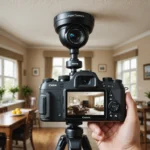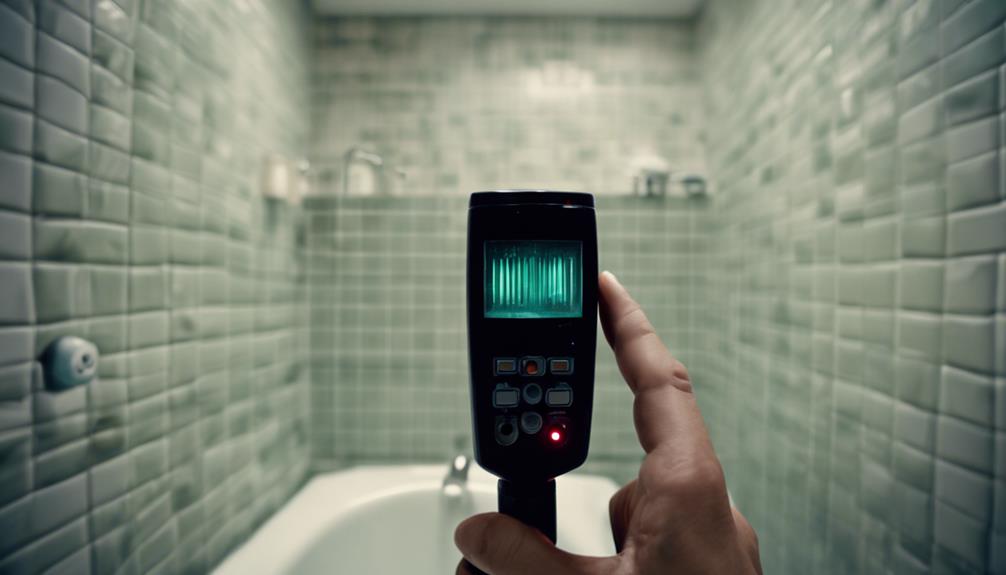

A light switch camera is a compact surveillance camera built into, or designed to resemble, a wall switch plate. Because it shares the appearance of an ordinary electrical fitting, it can blend into a room more easily than a conventional security camera. Depending on the model, it may record video locally, stream footage over Wi-Fi, detect motion, or provide alerts through a smartphone app. Find more light switch models in our pillar overview of specific covert surveillance device types.
These devices can be useful as part of a broader security system, but they also raise important installation, privacy, and legal questions. Choosing one responsibly means looking beyond appearance and considering power, storage, image quality, network security, and the rights of anyone who may be recorded.
How a light switch camera works
A light switch camera typically contains a small lens and image sensor behind an opening in the switch plate. Some products retain a working light-switch function, while others are camera-only units designed to look like a switch. Power may come from the building’s electrical wiring, an internal battery, or an external adapter concealed near the mounting point.
Hardwired versions can operate continuously, but replacing an existing electrical fitting requires care. Battery-powered models are generally easier to position because they do not require changes to the wiring, although their operating time depends on battery capacity and recording settings.
Features worth comparing
Specifications can vary significantly between models. Before buying, compare the following features rather than relying only on the product’s appearance:
- Video resolution: Higher-resolution recording can make faces and events easier to distinguish, although the result also depends on lighting, lens quality, and viewing distance.
- Low-light performance: Night vision or infrared illumination can help in dark rooms. Check whether the camera produces usable footage in the actual conditions where it will be installed.
- Motion detection: Motion-triggered recording can reduce unnecessary footage and may send alerts through a companion app.
- Wi-Fi access: Wi-Fi models may support live viewing and remote notifications, but they depend on a stable wireless connection and secure account settings.
- Storage: Look for support for a microSD card or another local recording option if you do not want cloud storage to be mandatory.
- Recording modes: Loop recording, scheduled recording, and event-based recording offer different ways to manage storage and power use.
- Software support: An app should make setup, playback, notifications, and account security straightforward. Check whether the manufacturer provides firmware updates.
Suitable applications
In a lawful and transparent setting, a light switch camera may provide an additional view of an entrance, hallway, living area, or other shared space. It can supplement visible security equipment where a traditional camera would be difficult to mount. A property owner may also use one to monitor access to a small business area, provided local employment and privacy requirements are followed.
These cameras should not be used in places where people reasonably expect privacy, including bathrooms, changing areas, or bedrooms used by guests. Monitoring children, caregivers, household members, tenants, or employees can involve additional consent and disclosure obligations. When practical, tell affected people that recording is taking place and explain how footage is stored and accessed. For discreet beginner setups, compare how light-switch cameras differ from compact amateur recording devices.
Installation and setup
Installation depends on the design. A hardwired unit may require removing a switch plate, working inside an electrical box, and connecting the camera to the building’s wiring. If you are not qualified or comfortable working with mains electricity, use a licensed electrician. Turn off power at the appropriate breaker and follow the product’s instructions; do not treat an electrical installation as a simple cosmetic replacement.
Battery-powered or overlay-style models are usually simpler to mount because they do not require wiring changes. After the physical installation, setup commonly involves pairing the device with its app, connecting it to Wi-Fi, choosing recording preferences, and testing the camera’s view. Check the image from the intended viewing distance and make sure the lens is not obstructed by the switch plate.
Privacy, security, and legal responsibilities
Camera laws differ by country, state, and local jurisdiction. Video recording may be restricted where there is a reasonable expectation of privacy, while audio recording often has separate or stricter consent requirements. Recording employees, renters, guests, or service providers may also require notice, a legitimate purpose, or compliance with workplace and housing rules.
Before installation, confirm the rules that apply to your location and intended use. Avoid recording more of a space than necessary, restrict access to footage, and use strong unique passwords. If the camera supports remote access, keep its firmware and app updated and review account permissions regularly. Local storage can reduce reliance on cloud services, but memory cards and recorded files still need to be protected.
Advantages and limitations
The main benefit is a discreet, integrated appearance that can fit naturally into a room. Hardwired models can provide continuous power, while battery-operated versions offer more flexible placement. However, the small housing may limit lens size, field of view, and low-light performance. Wi-Fi streaming is convenient but depends on network reliability and introduces additional cybersecurity considerations.
A light switch camera is best viewed as one component of a carefully planned security setup. Compare real-world image quality, storage choices, app reliability, installation requirements, and privacy policies before purchasing. Most importantly, use the device only for legitimate purposes and in a way that respects the rights and expectations of the people who may be recorded.