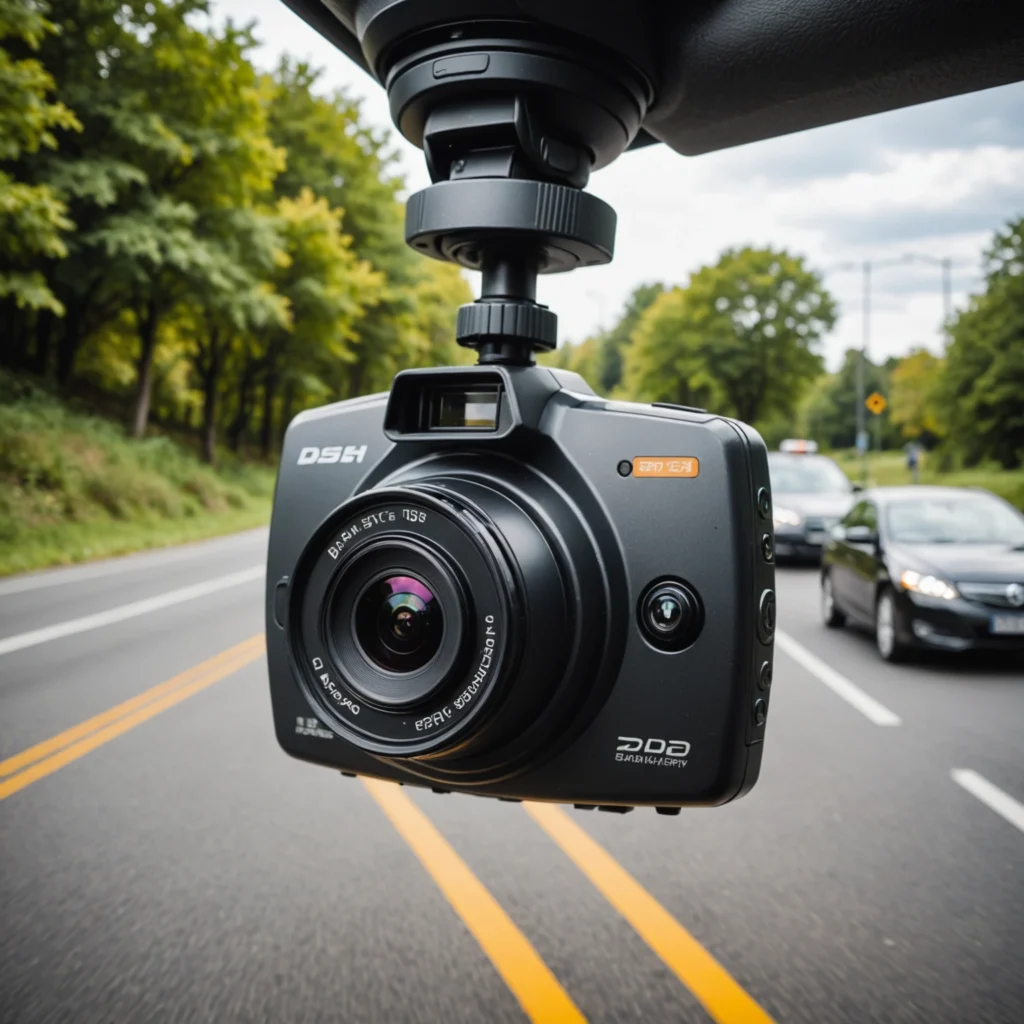

A wireless pan-tilt IP camera combines remote-controlled movement with network video streaming. Unlike a fixed camera, it can rotate from side to side and move vertically, allowing one device to cover a wider area. Because it connects through Wi-Fi, installation may require less cabling, making it useful for home monitoring, small businesses, temporary installations, and outdoor observation.
What a Wireless Pan-Tilt IP Camera Does
These cameras use a motorized mount to adjust the viewing direction. Pan controls move the lens horizontally, while tilt controls raise or lower it. Depending on the model, movement can be controlled through a mobile app, web browser, or recording system.
Video may be stored on a memory card, network video recorder, or cloud service. Many cameras also provide features such as motion alerts, night vision, two-way audio, and scheduled recording. The available functions vary, so it is important to check how each model handles storage, remote access, and notifications before buying.
Advantages Over a Fixed Camera
- Wider coverage: A movable lens can view several zones from one mounting position.
- Remote adjustment: Users can change the viewing angle without physically reaching the camera.
- Flexible installation: Wireless networking can simplify placement where running data cable is difficult.
- Motion-based monitoring: Compatible models can send alerts when movement is detected.
- Useful low-light features: Infrared or other night-vision functions can support monitoring after dark.
Pan-tilt movement can be helpful when monitoring an entryway, a room, a workshop, or a yard. However, a camera that moves between areas may not record every location at the same time. If continuous coverage of multiple zones is essential, several fixed cameras may be more appropriate.
Indoor and Outdoor Applications
Indoor models can be used for general home security, checking on property while away, or observing a designated area such as an entrance or office. In a workplace or retail setting, they may help document incidents when deployed under an appropriate surveillance policy.
Outdoor use requires additional planning. Look for weather-resistant construction, a suitable operating-temperature range, dependable wireless reach, and a mounting system that can withstand the intended location. Power is also important. Mains-powered units usually provide consistent operation, while battery-powered cameras require regular charging. Solar-supported options may be useful in suitable locations but still depend on adequate light and careful installation.
Important Features to Compare
Image and movement
Compare image resolution, low-light performance, viewing angle, pan and tilt limits, and whether the camera can follow movement or patrol preset positions. A wide movement range is not automatically better if the device cannot maintain a stable connection or record reliably.
Recording and connectivity
Check whether the camera supports local storage, cloud recording, or integration with a network video recorder. Confirm what happens when the internet connection fails. Some systems continue recording locally, while others depend heavily on cloud access. Wi-Fi signal strength should be tested at the planned mounting point rather than assumed from a nearby room.
Security controls
Remote cameras should be protected with a unique, strong password and any available multi-factor authentication. Keep firmware updated, disable features that are not needed, and review account permissions regularly. Encryption and secure remote access are especially important because an improperly configured IP camera can expose live video or stored recordings.
Placement and Setup
Choose a position with a clear view of the areas that matter most and enough room for the lens to move without hitting walls, furniture, branches, or other obstructions. Mount the device securely, protect power connections where necessary, and test the full pan-and-tilt range after installation.
Set motion zones and alert schedules to reduce unnecessary notifications. If the camera supports presets, create positions for key areas rather than relying only on automatic movement. Review sample recordings during both daytime and nighttime conditions to confirm that the image is useful.
Privacy and Responsible Use
A wireless pan-tilt camera should be used only in ways that respect the people who may be recorded. Do not place cameras in areas where individuals reasonably expect privacy, including bathrooms, changing areas, or private sleeping spaces. Rules concerning audio recording, workplace monitoring, tenants, guests, and outdoor views differ by location, so check applicable laws before installation.
For homes and businesses, clear notice and written surveillance policies can help set expectations. Avoid recording neighboring properties or public areas beyond what is necessary for a legitimate security purpose. Store footage securely, limit access, and establish a reasonable retention period.
Final Checklist
- Confirm the camera’s indoor or outdoor rating.
- Measure Wi-Fi strength and plan the power source.
- Compare storage, night vision, movement range, and alert controls.
- Secure the account and keep the firmware updated.
- Test viewing angles, recording, and notifications after installation.
- Check local privacy and recording requirements before use.
When selected carefully and configured responsibly, a wireless pan-tilt IP camera can provide flexible monitoring without the limitations of a fixed viewpoint. Good placement, dependable connectivity, strong security, and respect for privacy are just as important as the camera’s technical specifications.