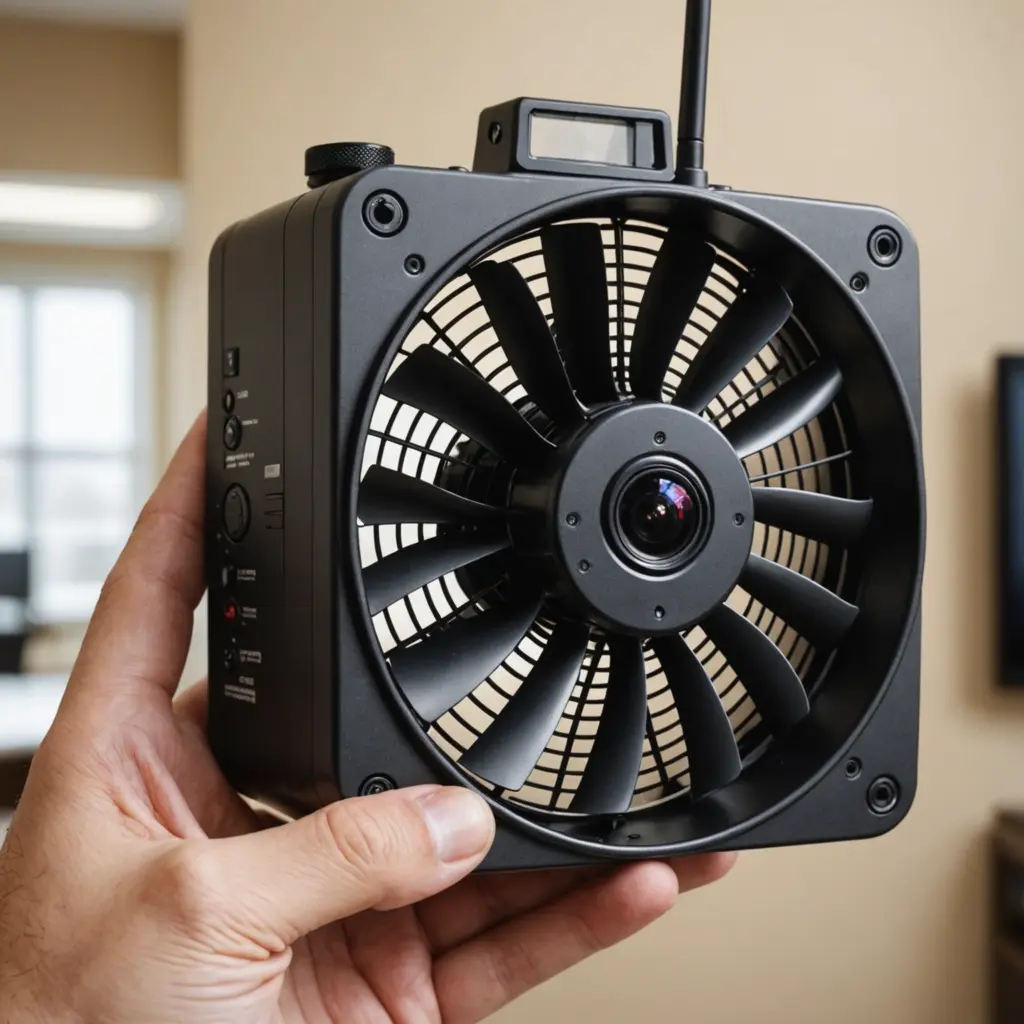

A 4K security camera system can give businesses sharper footage for monitoring entrances, sales floors, loading areas, parking lots, offices, and other important locations. The additional detail may help security teams review incidents, identify people or vehicles, and examine small visual evidence that could be difficult to see in lower-resolution recordings. Businesses deploying 4K security systems should explore covert surveillance setups for discreet on-site monitoring and evidence collection.
However, resolution is only one part of a commercial CCTV solution. The most suitable system also depends on lighting, camera placement, recording capacity, network design, cybersecurity, analytics, and the way footage will be reviewed. A well-planned 4K installation is generally more useful than a collection of high-resolution cameras that are poorly positioned or unable to record reliably.
Why businesses choose 4K cameras
4K cameras capture substantially more image detail than standard 1080p models. This can be valuable when a camera covers a wide area and investigators later need to examine a smaller section of the recording. Retailers may use this detail to review activity around displays and checkout areas, while warehouses and logistics facilities may need clearer footage around loading bays and high-value inventory.
Higher resolution can also improve the usefulness of digital zoom, but it does not guarantee identification in every situation. Distance, motion, poor lighting, camera angle, glare, and obstructions can still make footage difficult to interpret. Camera placement and lens selection should therefore be planned around the specific scene rather than resolution alone.
Features to compare before buying
- Low-light performance: Evaluate the image produced at night or in dim interiors. A capable sensor and suitable infrared illumination may matter more than a headline resolution specification.
- Wide dynamic range: WDR can help balance scenes containing bright windows, entrances, headlights, and darker interior areas.
- Frame rate: A suitable frame rate can make moving people, vehicles, and objects easier to follow.
- Camera design: Dome, bullet, turret, panoramic, and PTZ cameras serve different coverage and installation requirements.
- Power and connectivity: Power over Ethernet can simplify cabling by carrying power and data through one network connection.
- Recording platform: Confirm compatibility with the intended network video recorder, video management software, mobile access, and any existing security equipment.
- Support and scalability: Check warranty terms, firmware support, storage expansion, and whether additional cameras or analytics can be added later.
Storage, bandwidth, and system design
4K footage requires more storage and network capacity than lower-resolution video. Before installation, estimate the number of cameras, recording hours, desired retention period, frame rate, and whether every camera will record continuously or only when activity is detected. H.265 or similar compression may reduce storage and bandwidth requirements, although settings should be tested to ensure that important detail remains usable.
Businesses may use an on-site NVR for local recording and rapid access, with optional remote access or backup where appropriate. Network design should separate surveillance equipment from general business traffic when practical. Strong passwords, role-based access, secure remote connections, firmware updates, and limited administrative privileges are important safeguards because network-connected cameras and recorders can create additional security risks.
Planning camera placement
Start with the risks the system is intended to address. Entrances may require a view that captures faces, while a parking area may require coverage of vehicle movement and license plates. Loading docks, cash-handling areas, stockrooms, corridors, and perimeter gates may each need different lenses and mounting heights. Businesses comparing 4K surveillance systems should also evaluate discreet monitoring locations for lawful, strategically placed recording equipment.
Avoid pointing cameras directly toward strong light sources whenever possible. Reflections, backlighting, rain, dirt, and obstructions can reduce image quality even when the camera has a 4K sensor. Test views at different times of day, confirm that critical areas are not blocked, and document each camera’s purpose and field of view.
Analytics and integration
Modern commercial systems may offer tools such as motion detection, people counting, perimeter alerts, heat mapping, or license plate recognition. These features can reduce the time required to search footage, but they should be evaluated carefully for accuracy, configuration requirements, and legal obligations.
Integration with access control, alarms, or other business systems may help security staff connect an event with relevant video. Choose analytics that address a defined operational need rather than paying for features that will not be monitored or maintained.
Using covert cameras responsibly
Some businesses consider discreet surveillance for specific internal investigations or areas where visible cameras could affect the behavior being reviewed. Any covert deployment should have a documented purpose, limited access, and approval from appropriate legal or compliance personnel.
Privacy laws and workplace rules vary by location. Cameras should never be placed in areas where people have a strong expectation of privacy, such as restrooms or changing rooms. Before using hidden cameras, obtain legal advice about notice requirements, employee rights, audio recording, data retention, and the handling of evidence. Visible cameras and clear policies are often more appropriate for routine workplace security.
Making the final choice
The best 4K security camera system for a business is the one that matches its risks, environment, budget, and operating capacity. Compare image performance in the actual lighting conditions, plan storage before purchasing equipment, secure the network, and use professional installation when coverage or compliance requirements are complex. A carefully designed system can provide clearer evidence and more efficient monitoring without treating resolution as a substitute for sound security planning.