
A business security camera system can help protect employees, customers, property, inventory, and sensitive areas. The most effective installations are not based on placing cameras wherever wiring is convenient. They begin with a clear assessment of the site, the risks that need to be addressed, and the way recorded video will be managed after installation. Consider covert surveillance uses when integrating business security camera system installation for discreet employee and asset monitoring.
Start with a security assessment
Before selecting equipment, review the entire property and identify the locations that require coverage. A site survey should consider:
- Main entrances, exits, and reception areas
- Cash registers, payment stations, and other asset-handling points
- Loading docks, delivery areas, and storage rooms
- Parking areas, exterior doors, and perimeter access
- Hallways, blind spots, and areas with limited lighting
- Locations where employee or customer safety may be a concern
The design should define what each camera needs to accomplish. A camera intended to show general activity may require a different lens and placement from one intended to capture identifying facial detail or read labels at a loading area.
Choosing cameras for the environment
Camera selection depends on the location, lighting, viewing distance, and level of detail required. IP cameras are commonly suited to business installations because they can transmit video over a network and support centralized recording. Outdoor locations may require weather-resistant equipment, while warehouses and other challenging environments may benefit from rugged housing and wide dynamic range.
Consider the following features during the design process:
- Resolution appropriate for the required level of detail
- Lens angle and viewing distance
- Low-light or infrared performance where lighting is limited
- Wide dynamic range for entrances exposed to bright outdoor light
- Motion detection and other available video analytics
- Visible placement for deterrence or discreet placement where justified
Visible cameras can communicate that security is being taken seriously. Discreet or covert cameras require additional caution and should only be considered for a specific, legitimate purpose after legal and privacy requirements have been reviewed.
Wiring, networking, and power
Infrastructure decisions affect reliability, installation cost, and future expansion. Power over Ethernet can carry power and data over one network cable, simplifying many commercial camera installations. Wireless cameras may be useful in locations where cabling is difficult, but signal strength, interference, cybersecurity, and power availability must be evaluated before relying on them.
Surveillance equipment should be planned as part of the business network rather than added without considering existing systems. Network segmentation, strong access controls, and restricted administrative permissions can help limit access to video streams and recording equipment. Remote access should be configured carefully and provided only to authorized users.
Plan storage and retention before installation
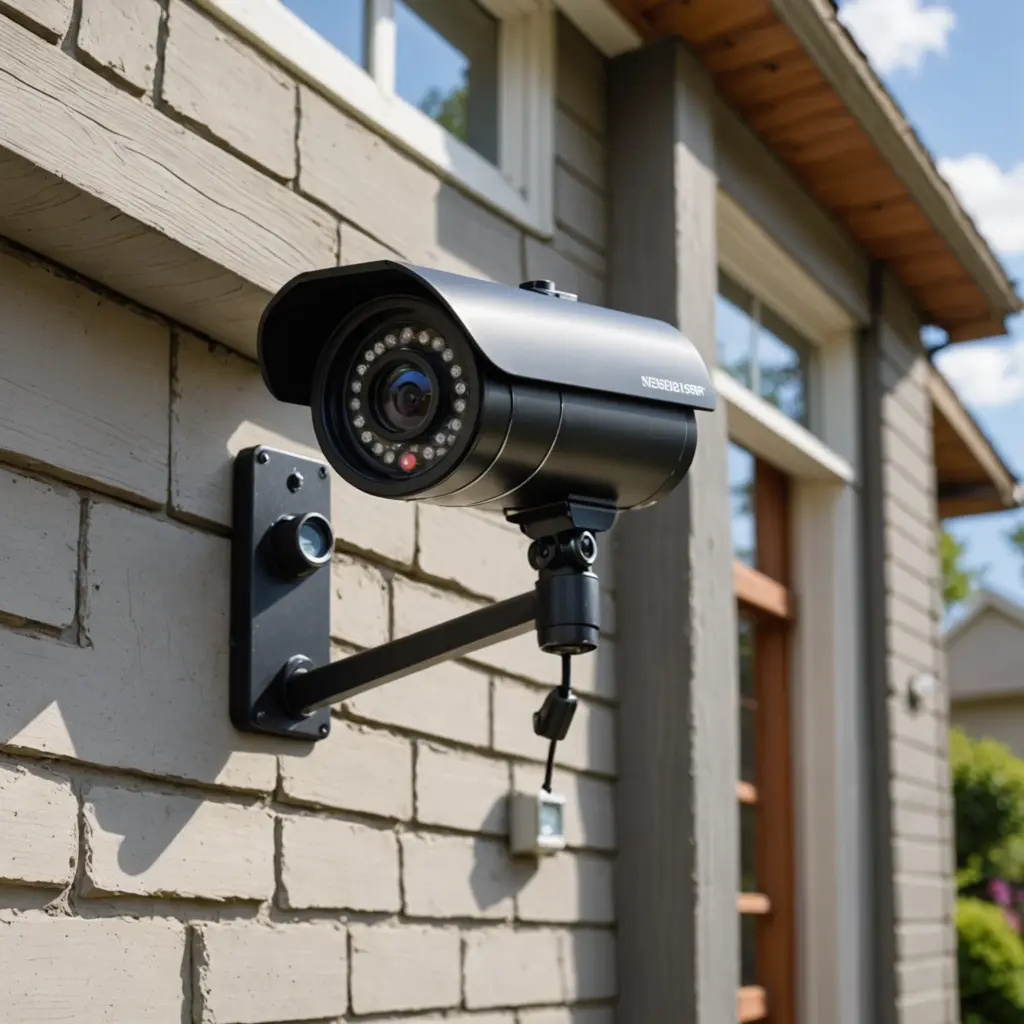
Video storage requirements depend on the number of cameras, image quality, recording schedule, motion activity, and the length of time footage must be retained. Options may include an on-site network video recorder, cloud storage, or a hybrid arrangement. The choice should reflect the business’s operational needs, available network capacity, and internal policies for handling evidence. During business security camera system installation, wireless outdoor monitoring can extend coverage across entrances, parking areas, and perimeter spaces.
Define who may view, export, or delete footage. Retention periods should be documented, and exported recordings should be protected from unauthorized alteration or disclosure. Storage planning is especially important for businesses operating across multiple locations or requiring centralized monitoring.
Privacy and legal considerations
Camera monitoring affects employees, customers, visitors, and contractors, so the system should be designed with privacy in mind. Requirements vary by jurisdiction and may depend on the location of the camera, the type of recording, and whether audio is captured. Legal advice may be appropriate before monitoring begins.
Businesses should generally avoid surveillance in areas where people have a strong expectation of privacy, including restrooms and changing areas. If covert monitoring is being considered for an investigation, document the legitimate business reason, limit the scope and duration, and obtain appropriate legal guidance. Clear notices, internal policies, access controls, and secure handling procedures can reduce confusion and misuse.
Connect surveillance with daily operations
A camera system may be more useful when coordinated with access control, alarm systems, or other building security tools. Centralized viewing can help authorized managers review multiple locations, while mobile or remote access may support oversight when staff are away from the site.
Analytics such as motion detection, people counting, or license plate recognition may support specific operational goals, but they should be selected only when they serve a defined purpose and can be managed responsibly.
Maintain the system after installation
Installation is only the beginning of the system’s useful life. Schedule regular checks to confirm that cameras are recording, lenses are clean, views have not been obstructed, and timestamps are accurate. Review storage health, test alerts, update firmware when appropriate, and verify that former employees or contractors no longer have access.
For larger or more complex deployments, a professional installer or service provider can assist with design, commissioning, health monitoring, repairs, and future expansion. A well-planned business security camera system combines suitable equipment, reliable infrastructure, responsible data practices, and ongoing maintenance.