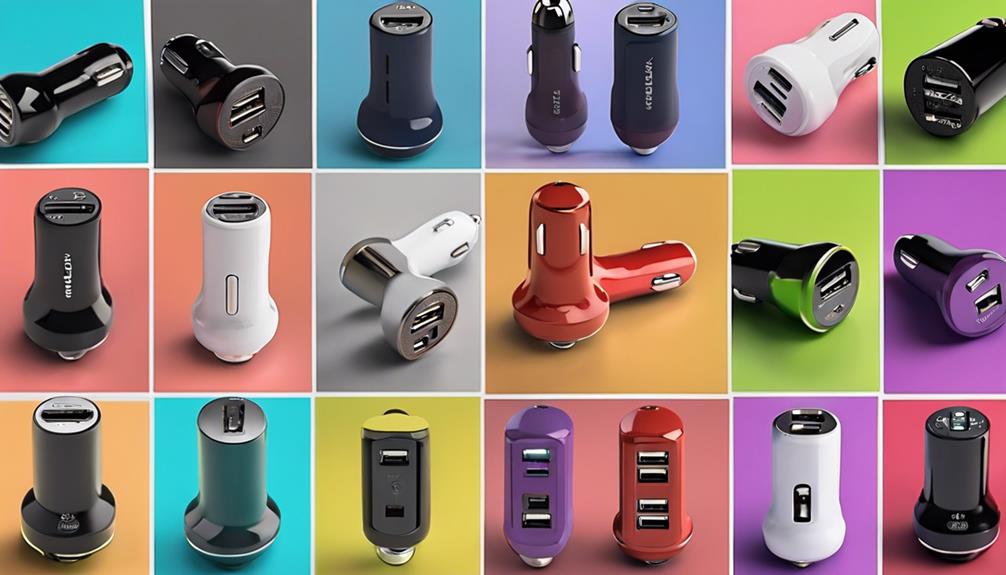

Car charger spy cameras with audio combine two functions in one small device: they can power a compatible device while recording video, and in some cases audio, from inside a vehicle. Their compact appearance may make them less conspicuous than a conventional dashboard camera, but discreet design should never replace responsible and lawful use.
Because the supplied product information does not identify specific models, the most useful way to compare the category is by examining the features that affect recording quality, reliability, installation, and privacy.
10 features to evaluate
1. Charger design and placement
A charger-style camera should fit securely in the vehicle’s power socket without blocking nearby controls or creating a distraction. Check its dimensions, connector position, and whether the design leaves enough room for another cable. The camera should not obstruct the driver’s view or interfere with safe vehicle operation.
2. Video resolution
Higher resolution can make recorded footage easier to inspect, particularly when identifying details such as signs, vehicle markings, or activity inside the frame. Resolution alone does not guarantee clear video, however. Image processing, lighting, lens quality, and compression also influence the final recording.
3. Audio recording controls
If audio is included, look for a clearly documented microphone and a setting that allows audio recording to be disabled. Audio can be subject to stricter privacy rules than video, especially when people are recorded without their knowledge. Before using this feature, check the laws that apply where the vehicle is located and obtain consent when required.
4. Field of view
A wide-angle lens can cover more of the cabin or surrounding area, but an extremely wide view may distort objects near the edges. Compare the stated viewing angle with the position where the charger will be installed. A camera aimed poorly may miss important areas even if its lens has a broad field of view.
5. Motion detection
Motion detection can start recording when movement is observed, reducing the amount of unused footage and helping conserve storage. Its usefulness depends on sensitivity and placement. Reflections, passing traffic, or changing light may trigger recordings, while movement outside the camera’s field of view will not be captured.
6. Loop recording and storage
Loop recording automatically replaces older files when available storage is full. This is useful for extended monitoring, but important clips may be overwritten if they are not copied elsewhere. Confirm which storage method the camera uses, how files are accessed, and whether the device supports the required capacity.
7. Low-light performance
Night vision or infrared illumination may improve footage in dark conditions. Performance can vary inside a reflective vehicle cabin, where glass and dashboard surfaces may create glare. If nighttime recording matters, consider how the camera performs in the actual position where it will be installed rather than relying only on a feature label.
8. Power and recording continuity
A charger camera normally depends on the vehicle’s power supply, so recording may stop when the vehicle is switched off unless the system supports another power arrangement. Check whether continuous operation is appropriate for your vehicle and whether it could affect the battery. A stable connection is also important for avoiding gaps in footage.
9. Remote viewing and alerts
Some devices may offer remote access, live viewing, or movement notifications through a phone application. These functions can be convenient, but they also create security responsibilities. Use strong, unique account credentials, keep software updated when updates are provided, and avoid exposing recordings or live feeds to unauthorised users.
10. Installation and device compatibility
A practical model should be straightforward to install and compatible with the phone, charging standard, and storage system you already use. Read the setup instructions before buying and check whether the device requires a particular application, wireless connection, or connector type. An intuitive interface makes it easier to change settings and preserve footage correctly.
Privacy and responsible use
A camera inside a vehicle can record passengers, pedestrians, conversations, or neighbouring property. Use it only for a legitimate purpose, position it carefully, and avoid recording private spaces unnecessarily. Tell passengers when recording is taking place when required by local law. Do not use a camera to harass, intimidate, stalk, or secretly monitor someone.
Also protect stored footage. Review who can access it, remove files that are no longer needed, and use password protection where available. If a recording may be needed as evidence, keep the original file unchanged and note when and how it was obtained.
How to choose
The best car charger camera is not necessarily the one with the longest feature list. Prioritise dependable power, clear video, manageable storage, suitable low-light performance, and controls that let you disable audio or remote access when appropriate. Confirm the legal requirements in your area before recording, then choose a model whose design and capabilities match the vehicle and the purpose of use.