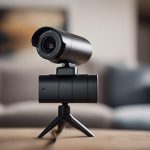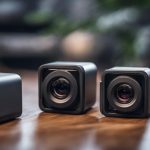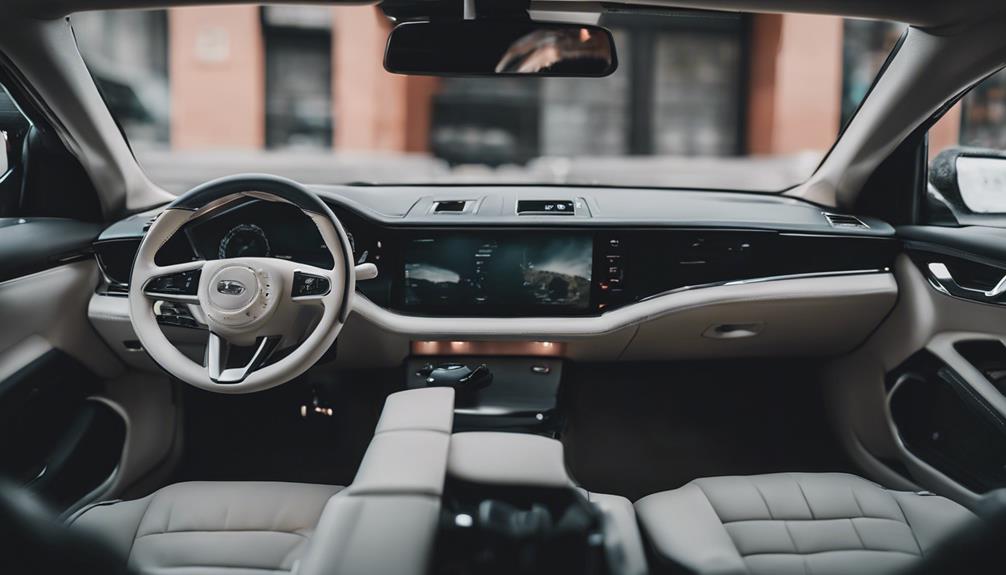

Car charger cameras combine a familiar USB charging accessory with a small video camera. Because they are designed to blend into a vehicle’s interior, they are often marketed for discreet monitoring, parking security, and documenting incidents. However, a hidden camera should never be used to invade someone’s privacy. Before recording inside a vehicle or capturing audio, check the laws that apply where you live and obtain consent whenever required.
What to Look for in a Car Charger Camera
The right choice depends less on appearance than on how and where you intend to use it. Consider the following features before buying:
- Video resolution: Higher-resolution recording can make signs, license plates, and other details easier to identify, although results also depend on lighting, lens quality, and storage.
- Field of view: A wide-angle lens can cover more of the cabin or roadway, but extreme wide-angle views may distort objects near the edges.
- Motion detection: This can start recording when movement is detected, helping reduce unnecessary footage when the vehicle is parked.
- Loop recording: Loop recording continuously replaces older files when storage is full. Save important clips promptly so they are not overwritten.
- Low-light capability: Night-vision or infrared features may improve visibility in darkness, but they do not guarantee clear footage in every environment.
- Power and storage: Check whether the camera records only while the engine is running, supports parking-mode operation, and requires a separate memory card or power source.
Common Car Charger Camera Designs
Mini USB car charger camera
A compact USB-style camera is intended to occupy very little space and fit naturally into a vehicle’s charging area. Its small form can be useful for documenting activity around a parked car, provided recording is lawful and appropriately disclosed. Confirm the camera’s viewing angle and whether its position can be adjusted after installation.
Dual-port charger camera
A dual-port design may allow one device to charge while another port remains available. This makes the accessory more practical for everyday use and can make it less visually conspicuous. Do not assume that both ports provide the same charging speed, and verify whether recording continues when multiple devices are connected.
Dash-cam-style charger camera
Some charger-shaped cameras are intended to record through the windshield rather than monitor the cabin. Look for features such as continuous recording, automatic file protection, and a suitable viewing angle. A dash-cam-style setup is generally more appropriate for documenting road incidents than for secretly recording passengers.
Motion-activated camera
Motion activation is useful for reducing empty recordings while a vehicle is unattended. Its performance can vary: passing lights, traffic, or changes in brightness may trigger recording, while very small movements may not. Review how long the camera records after activation and whether clips are saved separately.
Night-vision model
A night-vision camera can help in dim conditions, such as a dark parking area or an unlit cabin. Test the image at night before relying on it. Reflections from the windshield, tinted glass, and nearby lights can affect clarity, and infrared illumination may be visible depending on the design.
Wireless or remotely accessible camera
Wireless connectivity can make it easier to view or transfer recordings without removing the device. Some designs may also advertise location features such as GPS. These functions can increase convenience, but they may require a phone connection, an application, or an ongoing data service. Review privacy settings and secure any account associated with the camera.
Portable plug-and-play camera
A portable model can be moved between vehicles or used temporarily in another location. Plug-and-play operation is convenient, but verify that the camera starts recording automatically and that files can be retrieved without proprietary software or complicated setup.
360-degree monitoring device
A camera advertised as offering 360-degree coverage may use a very wide lens or multiple viewing directions. This can provide broader coverage, but the image may contain distortion and distant details may appear smaller. Check sample footage and confirm exactly which areas are visible from the intended mounting position.
Privacy and Legal Considerations
Recording laws differ by jurisdiction, especially for audio. Video captured in a vehicle may still involve passengers, workers, or members of the public who have privacy rights. Avoid placing a camera where it obstructs the driver’s view, and do not use GPS, remote access, or audio recording to monitor someone without a lawful reason and any required permission.
Final Buying Checklist
- Confirm the camera’s purpose: road recording, parking protection, or cabin monitoring.
- Check resolution, viewing angle, low-light performance, and storage requirements.
- Verify how the device receives power and whether parking recording is supported.
- Test motion detection and loop recording before depending on them.
- Secure wireless accounts and protect recorded footage from unauthorized access.
- Follow local rules and inform people when consent is required.
A car charger camera can be a practical recording tool when used transparently and lawfully. Focus on reliable footage, safe installation, and clear privacy boundaries rather than choosing a device solely because it is difficult to notice.