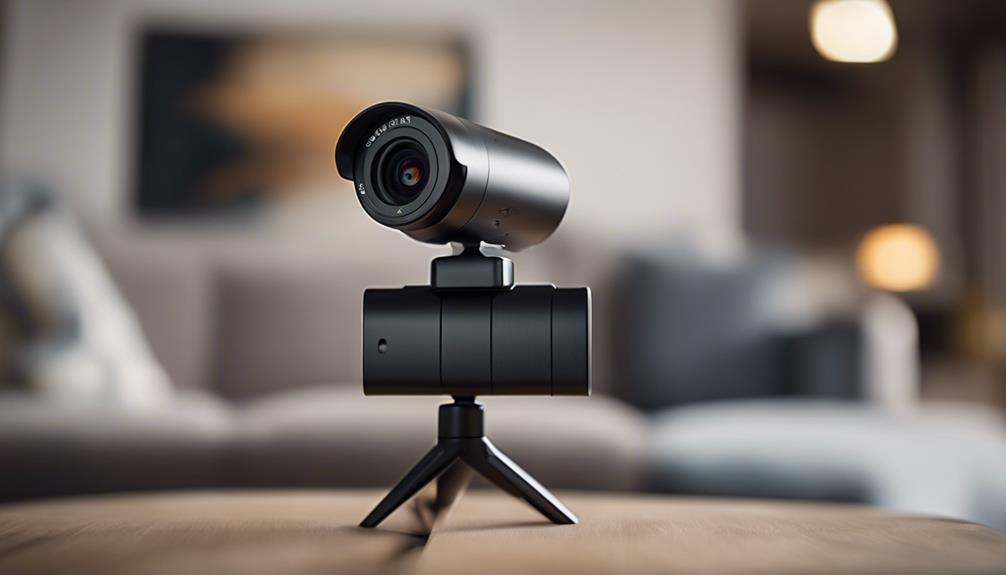

USB spy cameras with Wi‑Fi are small cameras designed for situations where a compact, easy-to-power device is useful. The term “spy camera” is often used for products intended to look inconspicuous, but discreet placement does not remove the need to follow privacy, workplace, housing, and recording laws. Use any camera only where you have permission or a legitimate legal basis, and avoid recording areas where people reasonably expect privacy.
There is no single best design for every situation. The right choice depends on whether you need remote viewing, motion-triggered recording, low-light performance, portability, or a camera that can remain connected to USB power. The following ten categories explain the main options described by this product group.
Ten USB and Wi‑Fi camera types to consider
1. Miniature USB camera
A miniature USB camera is built around a compact form factor and may be suitable for straightforward monitoring where a small device is helpful. Depending on the model, features can include motion detection, night vision, local recording, or access through a connected device. Check how the camera is powered and where recordings are stored before buying.
2. Motion-activated Wi‑Fi camera
Motion activation can reduce unnecessary recording by starting a clip when movement is detected. Some devices also send an alert to a phone or computer over Wi‑Fi. Detection zones, sensitivity controls, notification delays, and recording storage all affect how useful this feature will be in practice.
3. 4K USB camera
A 4K camera can capture more image detail than a lower-resolution model, which may help when reviewing footage or using digital zoom. Higher resolution can also require more storage and bandwidth, so confirm that the camera, memory system, app, and network can handle the selected video setting.
4. Wireless camera with night vision
Night-vision models use infrared illumination or other low-light technology to produce an image when visible light is limited. Performance varies with distance, surroundings, and the camera’s sensor. Review sample footage when available, and do not assume that a night-vision specification guarantees clear identification in complete darkness.
5. USB charger-style camera
A charger-style camera is designed to operate from a USB power source while blending into an everyday charging setup. This can be convenient for fixed, authorized monitoring, but its disguised appearance creates heightened privacy concerns. Use clear notice or obtain consent wherever required, and never place such a device in a private area.
6. Body-worn Wi‑Fi camera
Body-worn cameras are intended to travel with the user and may support live viewing or recording through a wireless connection. Before using one in public, at work, or around other people, check applicable rules on consent, audio recording, data handling, and disclosure.
7. USB flash-drive camera
A flash-drive-style camera combines a familiar USB appearance with recording functions. Its small size makes it portable, but portability should not be confused with permission to record. Pay particular attention to audio laws, since recording conversations can be regulated differently from recording video.
8. Panoramic Wi‑Fi camera
Panoramic or wide-angle cameras cover more of a room than a narrow lens and may reduce blind spots. Some designs provide a broad or 360-degree view, while others use a wide-angle image that still has limits at the edges. Remote access and motion alerts can add convenience, but they also increase the importance of account and network security.
9. Portable USB security camera
A portable USB camera is useful when the device needs to be moved between approved locations. Look for a practical mounting method, reliable power arrangement, and an app or recording system that is easy to manage. A small camera is not necessarily less visible or less subject to privacy requirements.
10. Clock-style Wi‑Fi camera
A clock camera is designed to fit naturally into a home or office setting while providing connected video features. Because it is disguised as an ordinary object, it should be used with particular care. Inform people when notice or consent is required, secure the live feed, and store recordings only for an appropriate purpose.
Features worth comparing
- Power: Determine whether the camera needs continuous USB power, a battery, or a separate adapter.
- Recording: Check whether footage is saved locally, remotely, or through an optional service.
- Connectivity: Confirm Wi‑Fi compatibility and whether remote viewing depends on an app or web portal.
- Alerts: Motion notifications are useful only when sensitivity and detection areas can be adjusted.
- Image quality: Resolution, lens coverage, lighting, and compression matter more than a headline number alone.
- Security: Use a unique password, update firmware when updates are provided, and secure access to stored footage.
Privacy and legal safeguards
Before installation, identify everyone who may be recorded and check the rules that apply in your location. Avoid bedrooms, bathrooms, changing areas, and other places where privacy is expected. If recording is for home, workplace, or security use, clear notice and consent may be required. Keep footage protected, limit access to authorized people, and delete it when it is no longer needed.
USB spy cameras with Wi‑Fi can offer compact monitoring, motion detection, remote access, and low-light recording. Comparing the ten designs above will help match the device to a legitimate use while keeping security, consent, and responsible data handling central to the decision.