
Defend by Tactacam plans are designed to connect compatible Tactacam security cameras to cellular service, cloud storage, and remote alerts. This makes them useful for locations where wired internet is unavailable or where checking footage from off-site is important. Before choosing a plan, consider the camera model, the type of monitoring you need, cellular coverage at the installation site, and how long you need to retain recorded clips. Defend By Tactacam Plans often deploy covert recording, so consider tactical concealment strategies across applications.
What Defend by Tactacam Plans Typically Include
A Defend plan may combine cellular data with cloud-based video storage and notifications. When a compatible camera detects motion, it can upload an event clip and send an alert to a connected mobile device. This allows you to review activity without visiting the camera or removing a local memory card.
Plan features can differ by device and subscription level, so review the specific offer associated with your camera. Important differences may include:
- The number of cameras supported
- Cloud storage capacity and clip-retention period
- Video quality or upload limits
- Event-based recording versus more frequent recording options
- Cellular data allowances
- Alert and activity-filtering features
If you need to preserve footage for longer than the included retention period, download important clips and store them in a separate archive.
Choosing a Compatible Tactacam Camera
The Defend range can include compact cameras intended for focused views as well as wider-coverage models such as a Defend 360 camera. A smaller Defend cam may suit an entryway, gate, driveway, property corner, or remote outbuilding. A 360-degree model may be more appropriate where one elevated camera needs to cover a broad area.
Not every Tactacam camera necessarily uses the same connectivity or subscription requirements. A cellular Defend camera may require a plan that supports cellular uploads, while a camera designed for local storage or Wi-Fi may operate differently. Before purchasing, confirm that:
- The exact camera model is supported by the plan
- The plan includes the required cellular service
- The camera can operate in the location where it will be installed
- The expected recording and alert features are available for that device
Where a Cellular Defend Camera Can Help
A cellular camera can be useful at rural properties, cabins, construction or job sites, storage areas, gates, and driveways where wired internet is impractical. It can also provide remote checks on a vacation property or deliver alerts when someone approaches a monitored area.
For discreet monitoring, place the camera in a location that protects it from accidental damage or tampering while still providing a clear, lawful view of the intended area. Discreet placement should not be used to record people in spaces where they reasonably expect privacy. Defend By Tactacam Plans can complement phone-connected monitoring when checking pets and property remotely.
Installation and Maintenance Tips
Good placement affects both video usefulness and battery life. Aim the camera toward the activity area, avoid obstructions, and reduce direct glare from the sun or nearby lighting. A Defend 360 camera generally benefits from a central, elevated position so its wider field of view is used effectively.
Check cellular reception before permanently mounting a cellular security camera. Weak service can delay alerts or prevent clips from uploading. If the camera is battery powered, event-based recording and conservative upload settings may help extend operating time. Build regular checks into your maintenance routine so you can confirm the battery, connection, lens, and mounting position are still working as expected.
Comparing Plan-Based and Local Recording
Cloud-connected plans provide off-site access and reduce the risk of losing all footage if the camera is damaged or removed. They also make remote monitoring simpler because alerts and clips can be accessed through the connected service.
Local recording, such as storage on an SD card or a network video recorder, may reduce recurring service costs and provide more direct control over archived footage. However, it may not offer the same off-site protection or remote accessibility. Compare the total cost, data limits, storage needs, camera count, and maintenance requirements before deciding.
Privacy and Legal Responsibilities
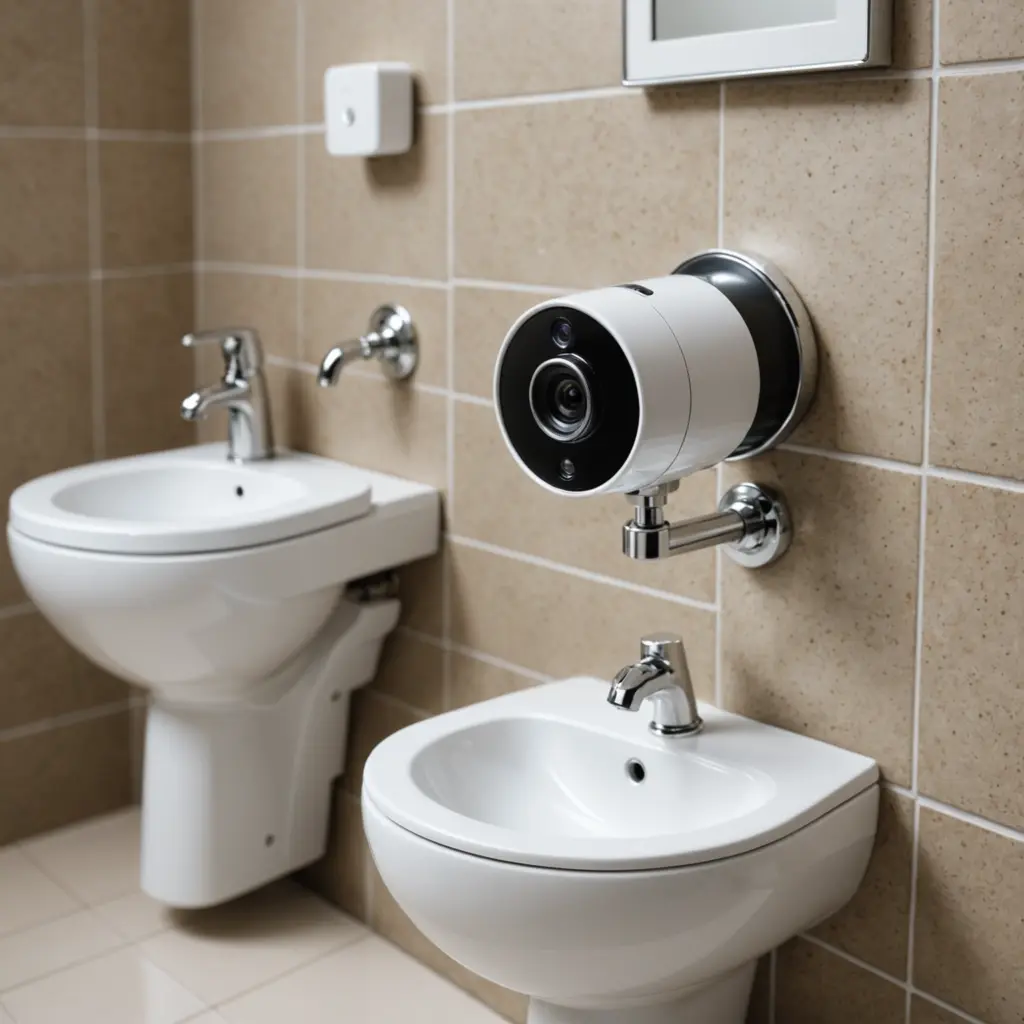
Camera use must comply with applicable privacy, property, and audio-recording laws. Do not place a camera in bathrooms, changing areas, bedrooms, or other private spaces without appropriate legal authority and consent. If monitoring a shared home, rental property, workplace, or business location, provide notice where required and handle recorded footage securely.
When you match the subscription to the camera, verify cellular coverage, plan for storage and battery maintenance, and use the system responsibly, Defend by Tactacam can provide a practical approach to remote property monitoring without relying entirely on on-site recording.