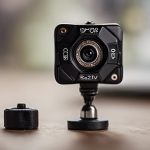

An indoor smart home camera can help you check on children, pets, older relatives, valuable belongings, or the general condition of your home while you are away. Wi-Fi connectivity, motion alerts, night vision, two-way audio, and local or cloud storage make these devices useful for more than simple live viewing. Many indoor smart home cameras can be adapted for discreet monitoring options in legitimate residential surveillance and privacy-conscious contexts.
However, indoor cameras also affect the privacy of everyone who enters your home. The best setup is not necessarily the smallest or most concealed camera. It is one that provides the coverage you need while being installed, secured, and used openly and lawfully.
What can an indoor smart home camera do?
Most indoor cameras combine a lens, microphone, motion detection, and a mobile app. Depending on the model, you may be able to view a live feed, receive activity notifications, speak through the camera, or save recordings for later review.
Common household uses include:
- Child and caregiver monitoring: Check that a sleeping child is safe or confirm that an agreed care routine is being followed.
- Pet monitoring: Observe feeding, activity, or signs of distress when a pet is left alone.
- Home security: Receive alerts about movement near entrances, storage areas, or other important parts of the home.
- Support for older relatives: With their knowledge and agreement, use a camera to help family members check in between visits.
- Service visits: Monitor work in shared or non-private areas when workers and contractors have been informed.
Features worth comparing
Video quality and viewing angle
Choose a resolution and field of view that suit the room rather than selecting specifications in isolation. A wide-angle lens can cover more of a small room, while a camera with adjustable positioning may be easier to aim accurately. Night vision is useful in bedrooms, hallways, and other areas that are often dim.
Motion alerts and activity zones
Motion detection can notify you when activity occurs, but overly sensitive settings may produce frequent alerts from pets, curtains, or changing light. Adjustable sensitivity and activity zones can help focus notifications on relevant areas.
Audio and two-way communication
A microphone and speaker can be useful for checking in or speaking to someone at home. Audio recording is also more legally sensitive than video in many locations, so confirm the rules that apply before enabling it. If audio is unnecessary, consider disabling the microphone.
Storage and connectivity
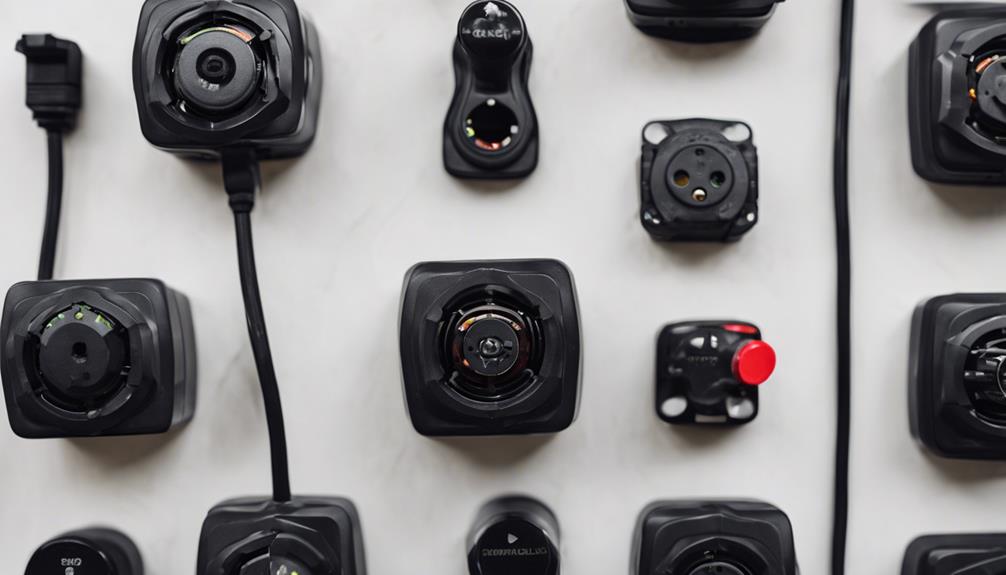
Cloud storage may make remote access and event history convenient, while local storage can reduce reliance on a subscription or external service. Review how recordings are retained, downloaded, deleted, and protected. A camera is only useful when its Wi-Fi connection is dependable, so test the intended location before relying on alerts. If one indoor view feels limited, expand indoor coverage with a wireless multi-camera setup for broader monitoring.
Placement and installation
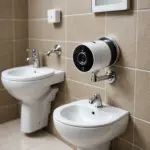
Place the camera where it covers the area you need without unnecessarily recording adjacent rooms, private spaces, or public areas. Corners and elevated shelves can provide a broad view, but avoid positioning the lens toward bathrooms, changing areas, or bedrooms used by guests or workers unless there is a clear, lawful, and informed reason.
Inform household members, visitors, caregivers, and service providers about cameras in accordance with local requirements. Do not use a hidden camera to record people who have a reasonable expectation of privacy. In rental or shared accommodation, also consider tenancy agreements and the rights of other occupants.
Protect the camera and its recordings
- Change the default password before connecting the camera to the internet.
- Use a strong, unique account password and enable two-factor authentication when available.
- Keep the camera app, firmware, and home network equipment updated.
- Limit account access to people who genuinely need it.
- Review shared links, connected devices, and login history periodically.
- Set a reasonable retention period and delete recordings that are no longer needed.
Lower-cost cameras may provide basic live viewing and motion alerts, but compare their security controls, update support, storage policies, and app permissions before buying. A low purchase price should not outweigh the risk of exposing private video or audio.
Check local law before recording
Rules concerning video surveillance, audio recording, consent, employees, tenants, and caregivers vary by jurisdiction. Permission to record activity in your own home does not automatically permit every type of recording or every placement. If recordings may be used in a dispute, preserve them securely and obtain legal advice about whether they were collected lawfully.
An indoor smart home camera works best when its purpose is clear, its placement is proportionate, and the people affected understand how it is being used. Responsible configuration protects your home without turning everyday living spaces into areas of unnecessary surveillance.