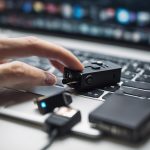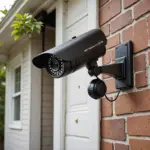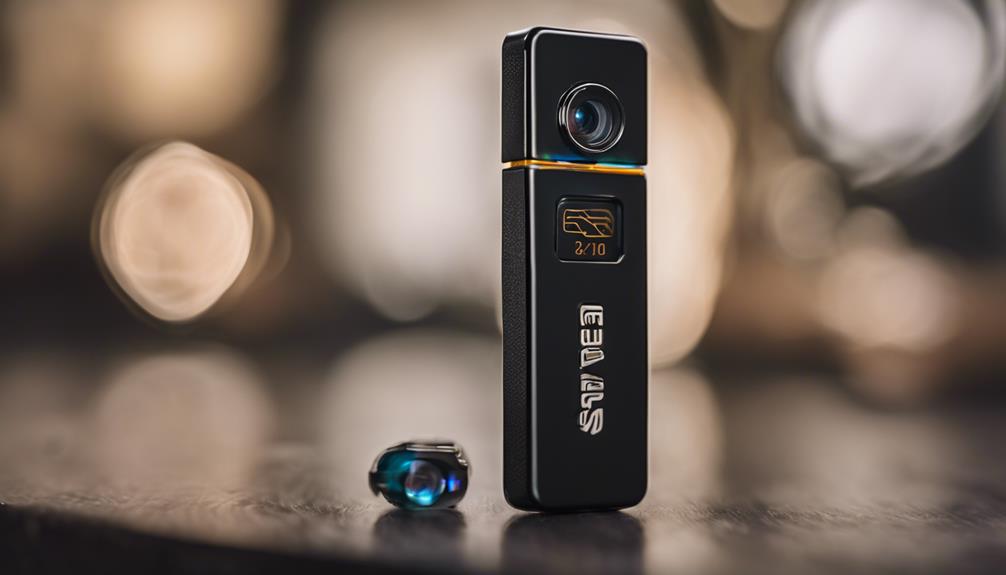

A hidden camera hookup should begin with a clear security purpose and a careful review of privacy requirements. Whether you are monitoring an entryway, protecting business property, or checking on a shared living area, the goal is to create a reliable system without recording places where people reasonably expect privacy. Explore discreet monitoring options for practical guidance on selecting and setting up unobtrusive surveillance equipment.
Start with a clear monitoring plan
Before selecting equipment, define what the camera needs to capture and why. Identify the area of concern, the best viewing angle, and the lighting conditions throughout the day. A camera intended to document activity at an entrance has different requirements from one used for general awareness in a living area.
Decide whether you need continuous recording, scheduled recording, or motion-triggered clips. Also consider the image detail required. A wide view may cover more space, while a narrower view can provide greater detail in a specific area. Test the proposed position before permanently mounting the device so that furniture, glare, shadows, and changing light do not create blind spots.
Choose power and network connections
The power source has a major effect on reliability and installation. Wired power is generally better suited to long-term monitoring because it avoids recharging and battery replacement. Power over Ethernet, or PoE, can combine network access and power through one cable, although routing the cable may require more installation work.
Battery-powered cameras are easier to move and may be suitable for temporary or low-traffic monitoring. Their operating time depends on factors such as recording frequency, video quality, motion activity, and wireless transmission. Plan for regular charging or replacement if continuous availability matters.
Wi-Fi can simplify remote viewing, but the camera should be installed where the wireless signal is dependable. A wired connection is often more consistent for fixed installations and high-volume video. Whichever connection you use, change the default password, use strong wireless encryption, and install firmware updates promptly. If your network supports it, placing cameras on a separate guest network or VLAN can help limit access to other devices.
Mount the camera responsibly
Discreet placement should not mean intrusive placement. Use a position that covers the intended area while avoiding private spaces such as bedrooms, bathrooms, changing areas, or other locations where recording would be inappropriate or unlawful. In workplaces, rental properties, and shared homes, provide any notices or disclosures required by applicable rules.
Keep the lens unobstructed. Materials placed over or in front of a lens can cause blur, reflections, color changes, or poor night performance. Test the image at different times of day, and confirm that the camera is not aimed at neighboring property or areas outside the legitimate security purpose. When planning a hidden camera hookup, discreet connectivity options can support reliable remote monitoring without drawing unnecessary attention.
For a permanent setup, use a stable mount and route cables so they are protected from damage and do not create a trip hazard. Temporary installations may use removable mounting methods, but check that the surface can support the equipment and that the camera cannot easily fall or be redirected.
Select recording and storage options
Video may be stored on a microSD card, a local network video recorder, or a cloud service. Local storage gives you direct control and may reduce ongoing service costs, but footage can be lost if the camera or storage device is damaged or taken. Cloud storage can support remote access and off-site copies, though it may involve subscription fees and requires careful account security.
Choose retention settings that match the actual purpose of the system. Keeping footage indefinitely increases privacy and security risks. Configure motion zones, recording schedules, and alert sensitivity to reduce unnecessary recordings and conserve storage. Enable encrypted connections and multi-factor authentication whenever those options are available.
Test and maintain the installation
After connecting the camera, verify the live view, recording, timestamps, notifications, and playback. Check the image at night or under the lighting conditions in which the camera will normally operate. If alerts are excessive, narrow the motion zone or reduce sensitivity. If footage is unclear, clean the lens, adjust the angle, and review the lighting.
Include the system in a regular maintenance routine. Check batteries, cables, storage capacity, account access, and firmware updates. Review who can view or download recordings, and remove access that is no longer needed. If footage is used to document an incident, handle and share it carefully rather than distributing it broadly.
Review legal and ethical requirements
Rules concerning audio and video recording vary by location and situation. Consent requirements may differ between private homes, workplaces, rental properties, and public-facing businesses. Before installation, confirm the requirements that apply where the camera will operate, especially if audio is recorded or footage may identify employees, tenants, guests, or visitors.
Use surveillance proportionately: record only what is necessary for a legitimate safety or security purpose, make disclosures where required or appropriate, and limit access and retention. A well-planned hidden camera hookup is not defined only by concealment. It should also provide dependable recording, strong digital security, and respect for the people who may appear in the footage.