
A home web camera can help you check on your property, family members, pets, or other important areas when you are away. Today’s cameras range from simple USB webcams to dedicated Wi-Fi and IP cameras with motion alerts, night vision, recording, and mobile access. Explore indoor monitoring uses to adapt your home web cam for discreet occupancy and safety checks.
The best choice depends on what you need to monitor, how much privacy you require, and whether you want a permanent installation or a camera that can be moved between rooms. A good setup should improve awareness without creating unnecessary risks for the people who live in or visit your home.
Practical uses for a home web camera
Home cameras are useful for more than security. They can provide a visual check when you are traveling or away from the house, help you see who is at the door, and let you check on pets during the day. Indoor monitoring may also support caregiving when used openly and with appropriate notice.
Common uses include:
- Monitoring entrances, hallways, and other shared areas
- Checking on a sleeping child or a pet
- Observing activity around a property while it is unattended
- Receiving alerts when movement is detected
- Using two-way audio to communicate with someone at home or near an entrance
A camera is only one part of a home security plan. It can provide useful information, but it should not replace sensible locks, lighting, alarms, or regular attention to household safety.
Types of home cameras and connections
USB webcams
A USB webcam is generally designed for use with a computer. It can work well for video calls or basic room monitoring when connected to a suitable device, but it may require additional software and a continuously running computer for remote viewing or recording.
Wi-Fi and IP cameras
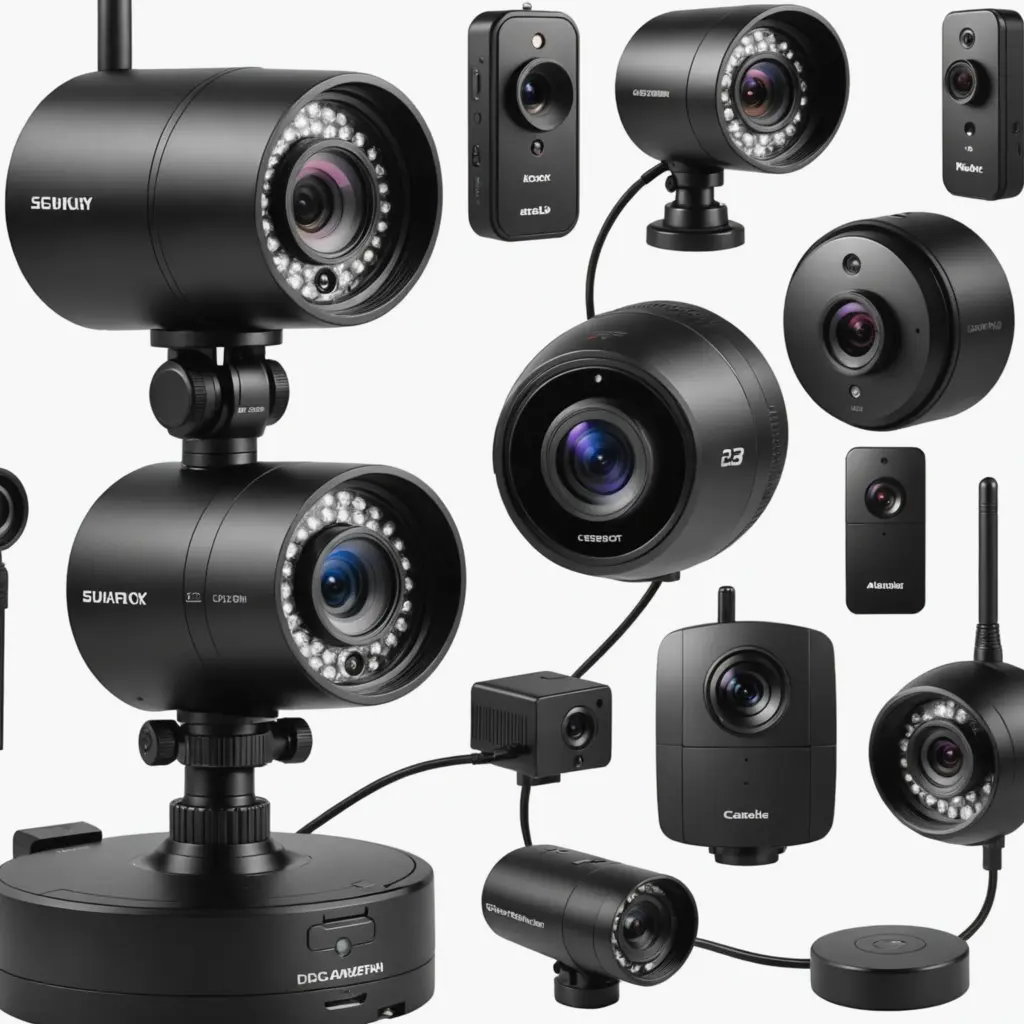
Wi-Fi cameras connect to a home network and often provide access through a mobile app or web interface. They are convenient to install and reposition, although their performance depends on a stable wireless signal. IP cameras may connect through Wi-Fi or wired Ethernet and can be a better fit for fixed locations where consistent connectivity matters.
Some models connect directly to a router, while others use a separate hub. Storage may be available through a memory card, a local recording device, or a manufacturer’s cloud service. Review the storage arrangements, subscription requirements, and account policies before buying.
Features worth comparing
Video resolution matters when you need to identify details, but image quality is affected by lighting, camera position, and network performance as well. Look for features that match the room and the purpose of the camera rather than choosing specifications in isolation. For broader webcam perspectives, explore webcam comparisons covering features, placement ideas, and practical home viewing options.
- Motion detection: Adjustable sensitivity and activity zones can help reduce unnecessary alerts.
- Night vision: Useful for dark rooms and outdoor areas, provided the camera is designed for those conditions.
- Two-way audio: Allows communication through the camera, but consider whether audio recording can be disabled.
- Local or cloud storage: Each option has different privacy, access, cost, and reliability considerations.
- Power options: Wired cameras avoid battery charging, while battery-powered models are easier to place but require monitoring and maintenance.
- Security controls: Account protection, firmware updates, encrypted connections, and user-access settings help reduce unauthorized access.
Placement and installation tips
Choose a position with a clear view of the area you actually need to monitor. Entryways, stairways, and shared living spaces may be useful locations. Mounting the camera high enough to reduce obstructions can improve coverage, but avoid pointing it toward bright windows or reflective surfaces that could make footage difficult to use.
Test the camera during both day and night. Check for blind spots, glare, motion-alert accuracy, and delays in live video. For a Wi-Fi model, test the connection at its final location rather than assuming that the signal will be strong enough. If the connection is unreliable, consider repositioning the router, improving the network, or choosing a wired installation.
Using discreet cameras responsibly
There may be legitimate reasons to monitor an area without placing a camera in plain sight, such as protecting an unattended property or checking activity in a shared household space. However, discreet monitoring requires particular care. Never place a camera in areas where people would reasonably expect privacy, including bathrooms, changing areas, or bedrooms used by guests or household members without appropriate consent.
Recording audio can create additional legal and privacy concerns. Rules differ by location and may depend on where the camera is placed, who is recorded, and whether consent was provided. Before using a hidden or audio-capable camera, check the requirements that apply in your area and provide notice or obtain consent when appropriate, especially for employees, caregivers, tenants, guests, and other household visitors.
Protecting footage and household privacy
Change default passwords, use a unique strong password for the camera account, and enable multi-factor authentication if it is available. Keep the camera, router, phone, and related applications updated. Limit access to people who genuinely need it, and review shared accounts and connected devices regularly.
Keep only the footage you need and understand how recordings are stored, downloaded, and deleted. A responsible home web camera setup balances useful monitoring with clear boundaries: choose the right device, install it carefully, secure the account, and respect the privacy of everyone who may be recorded.