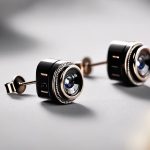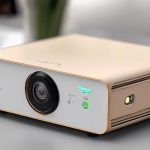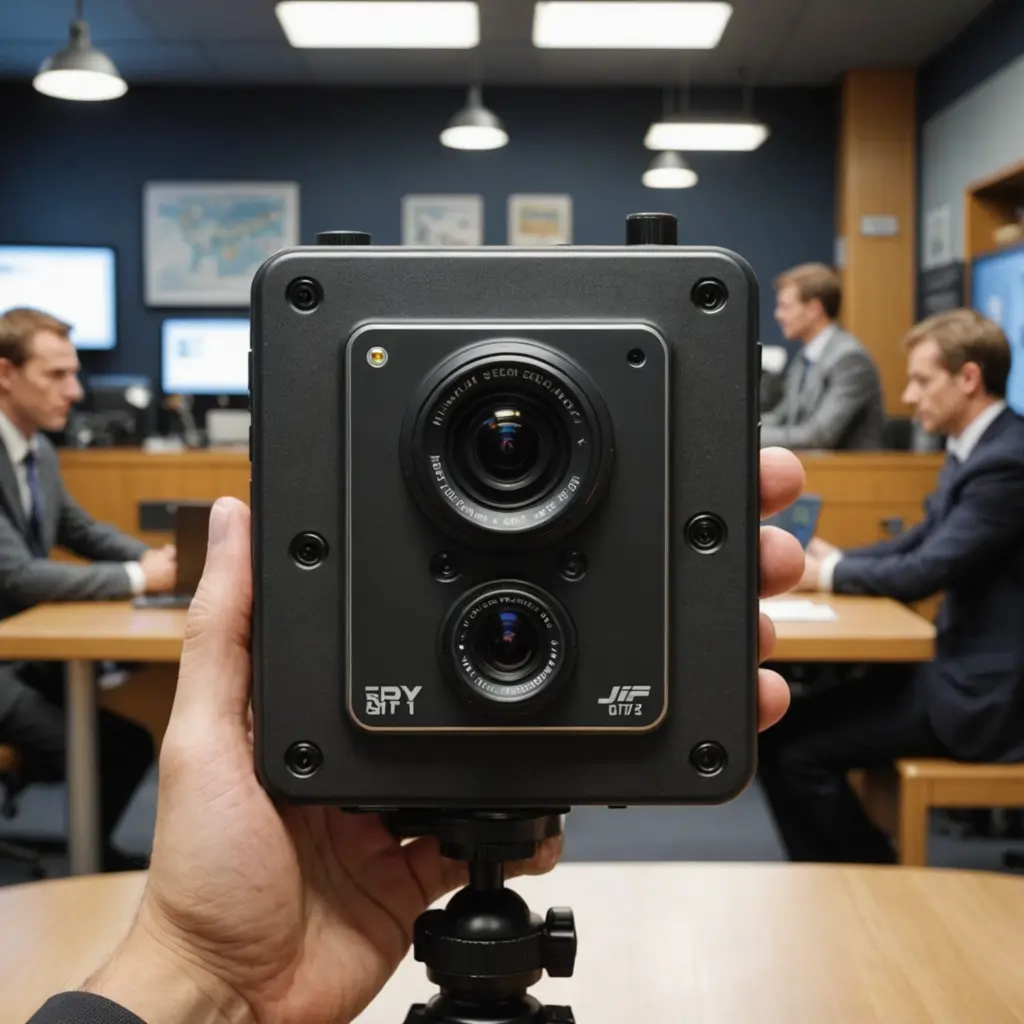

An indoor camera with audio combines video monitoring with a built-in microphone and, in many cases, a speaker for two-way communication. This added sound can provide important context that video alone may miss, such as a baby crying, an alarm sounding, a pet making unusual noise, or a conversation that needs attention. Indoor audio capabilities illuminate audio surveillance features critical to discreet monitoring technology and legal considerations.
Whether you are monitoring a home, nursery, pet area, or small workplace, an audio-enabled camera can make remote oversight more useful. The right choice depends on audio quality, connectivity, recording options, power requirements, and how responsibly the device can be used.
Why choose an indoor camera with audio?
Video shows what is happening in front of the lens, while audio can help explain why it is happening. Sound detection may alert you to events outside the camera’s view, including a smoke alarm, breaking glass, raised voices, or a child calling for help.
Many models also support two-way audio. Through a mobile app, you may be able to speak through the camera and listen for a reply. This can be useful for reassuring a child, giving a pet a command, communicating with someone in another room, or checking on a family member without being physically present.
Important features to compare
Microphone and speaker quality
Clear audio depends on more than microphone presence. Look for a model with suitable microphone sensitivity, a speaker that is easy to hear, and features such as noise reduction, audio filtering, and echo cancellation. These technologies can make speech easier to understand when the camera is near an HVAC system, television, or other source of background noise.
Sound detection and alerts
Some cameras provide sound-triggered notifications in addition to motion alerts. Depending on the device, you may be able to adjust sensitivity or receive alerts for specific sounds, such as a baby crying or an alarm. Customizable settings are useful because constant alerts from pets, appliances, or normal household activity can quickly become disruptive.
Connectivity and storage
A Wi-Fi camera with audio generally sends live video and sound through your home network to an app or online storage service. Other models support local recording to a microSD card, while some offer both local and cloud storage. Review the available storage options, subscription requirements, playback tools, and retention settings before choosing a device.
Security features also matter. Prefer products that use encrypted connections, strong account authentication, and regular firmware updates. A unique password and two-factor authentication can further reduce the risk of unauthorized access.
Power requirements
Plug-in cameras are often better suited to continuous monitoring in a fixed location, such as a nursery or entry area. Battery-powered wireless cameras are easier to move and install where outlets are inconvenient, but they may require regular charging and may limit continuous high-resolution recording to conserve power. If you enjoy documenting indoor moments, compact film cameras add a charming nostalgic touch to everyday photography.
Common uses at home and work
- Home security: Check activity in a living area, hallway, or entryway and hear sounds that may not be visible on screen.
- Child monitoring: Hear when a child needs attention and use two-way audio to communicate from another room.
- Pet care: Check on pets while away and provide reassurance or a simple verbal command.
- Elder care: Help caregivers hear calls for assistance and communicate with a resident remotely.
- Small businesses: Monitor selected areas, review interactions, or communicate with staff when appropriate and lawful.
In every setting, audio should serve a clearly defined purpose. Avoid placing cameras in locations where people reasonably expect private conversations, and do not use audio monitoring to secretly record others.
How to set up an indoor audio camera
Place the camera close enough to the area of interest for voices to be intelligible, while avoiding positions where loud sounds could distort the microphone. A distance of roughly six to ten feet may work as a starting point, but room size and device specifications vary. Keep the microphone away from air vents, fans, speakers, and appliances that produce constant noise.
For Wi-Fi models, select a location with a reliable wireless signal. If coverage is weak, repositioning the camera or improving network coverage may reduce dropped connections and audio delay. After installation, test live viewing, recording, sound alerts, and two-way communication from the app. Adjust motion and sound thresholds separately to reduce unnecessary notifications.
If the camera includes a physical privacy shutter, use it when monitoring is not needed. Otherwise, disable audio or recording through the device controls when appropriate.
Privacy and legal responsibilities
Audio recording can carry greater privacy and legal implications than video recording. Requirements vary by location, and some jurisdictions require notice or consent before conversations are recorded. Check the rules that apply where the camera is installed, particularly when employees, caregivers, guests, or shared household members may be captured.
Be transparent about the device’s purpose and avoid recording more space or sound than necessary. Secure the camera account, install firmware updates, review the provider’s privacy policy, and understand how cloud-stored recordings are protected and deleted.
Choosing the right camera
For permanent monitoring and dependable continuous operation, a plug-in Wi-Fi camera with clear audio is often the practical choice. For temporary or movable monitoring, a battery-powered wireless model offers greater placement flexibility but may involve more charging and limits on recording time.
The best indoor camera with audio is not simply the one with the most features. Choose a device that provides understandable sound, dependable connectivity, suitable storage, strong security controls, and privacy settings that match the space where it will be used.