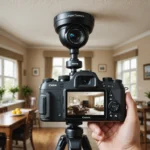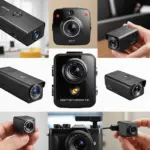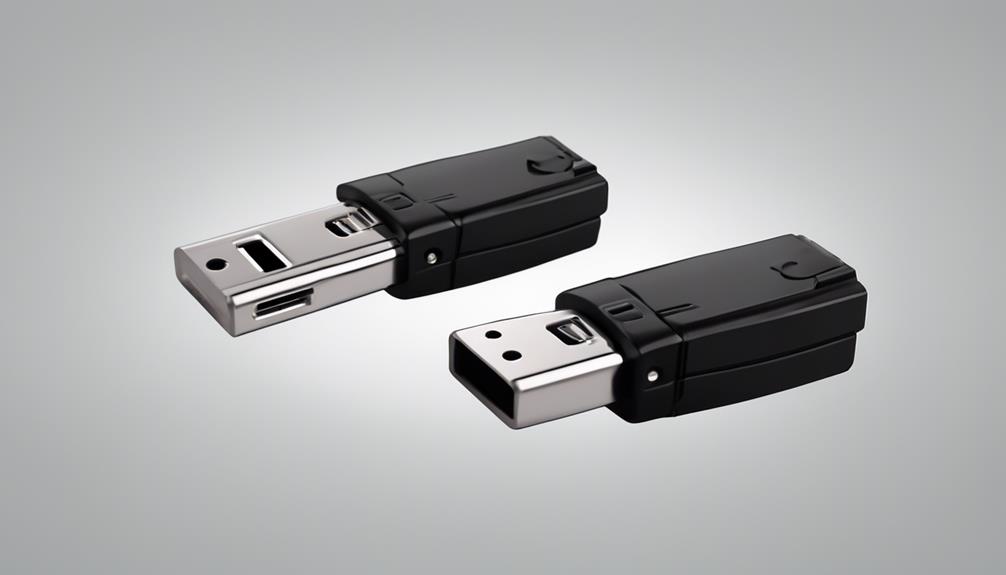

Installing cameras at home can improve awareness around your property, help document unusual activity, and make it easier to check on children, pets, deliveries, or vulnerable family members. The best system is not necessarily the most expensive one. It is the setup that matches your security concerns, provides useful coverage, and respects the privacy of everyone in the home. When you install a camera at home, consider discreet monitoring uses like nanny checks or asset protection.
Start with a clear security plan
Before buying equipment, decide what you want the cameras to accomplish. A system intended to deter intruders may rely mainly on visible cameras at exterior entry points. Monitoring a pet or checking activity inside the home may call for a different camera, storage option, and placement strategy.
Walk around the property and identify areas where useful footage would make a difference. Common locations include:
- Front and back doors
- Driveways, gates, and walkways
- Ground-level windows
- Garages, sheds, or other access points
- Interior common areas where monitoring is appropriate
Think about what each camera should see, rather than trying to record every part of the property. Check for walls, trees, roof overhangs, glare, and other obstructions. Consider how the view will change at night and whether headlights or direct sunlight could wash out the image.
Choose the right type of camera system
Wireless cameras
Wireless cameras are often simpler to install because they do not require video cables running through walls. They can be useful in rental properties, finished rooms, or locations where flexibility is important. Many models offer features such as battery power, mobile alerts, two-way audio, and cloud storage.
Wireless systems still depend on reliable network connectivity. A weak Wi-Fi signal can interrupt live viewing or recording, while battery-powered cameras require regular charging or battery replacement. Check the signal at each proposed camera location before finalising the installation, and confirm that your router can support the number of connected devices you plan to use.
Wired cameras
Wired systems provide a stable connection and continuous power, making them suitable for important exterior locations or areas that need consistent recording. Power over Ethernet systems can carry power and data through one network cable, although installing the cabling may require more work.
A wired setup may cost more or require professional help, but it can reduce concerns about battery life and wireless interference. Some households use a hybrid arrangement, with wired cameras covering critical outdoor areas and wireless cameras used indoors where convenience matters more.
Place cameras for useful, respectful coverage
Mount outdoor cameras high enough to make tampering more difficult, but not so high that faces and activity become difficult to identify. Angling a camera slightly downward can help reduce blind spots. Test the view from the camera’s actual mounting position instead of relying only on its appearance in the mobile app. When planning a home camera installation, consider subscription-free pet monitoring for convenient check-ins without recurring fees.
For night coverage, review recorded footage in low-light conditions. Night vision may not show the same level of detail as daytime footage, and nearby lighting can affect the result. Adjust the camera, add suitable lighting where appropriate, or choose another mounting location if the image is unclear.
Inside the home, use cameras only in places where monitoring is appropriate. Avoid areas where people reasonably expect strong privacy, such as bathrooms and changing areas. Inform household members, guests, caregivers, or tenants when required by local law or appropriate for the situation.
Understand privacy and hidden-camera restrictions
Hidden cameras can be considered for discreet monitoring of restricted areas, caregiving concerns, or suspected unauthorised access. However, covert recording raises significant legal and ethical issues. Rules differ by jurisdiction and may depend on the location, the people being recorded, and whether audio is captured.
Before using a hidden camera, research the applicable laws and consider whether a visible camera, a conversation, or another security measure would achieve the same purpose with less intrusion. Never assume that recording inside your own home automatically permits monitoring everyone who enters it. Secure any footage carefully, and avoid collecting more information than you genuinely need.
Plan storage, access, and cybersecurity
Decide how footage will be stored before installing the cameras. Cloud storage can make remote access convenient but may involve recurring fees. Local options, such as a memory card or network video recorder, can provide more direct control over recordings. Consider how long footage needs to be retained and what happens when storage is full.
Protect the system as carefully as you would any other internet-connected device:
- Use strong, unique passwords for camera accounts.
- Enable two-factor authentication when it is available.
- Keep camera, recorder, and app software updated.
- Limit account access to people who need it.
- Secure local recordings so they cannot be easily removed or viewed by others.
Test the installation before relying on it
After mounting the cameras, check daytime and nighttime footage from each location. Confirm that entry points are visible, notifications arrive as expected, and recordings can be retrieved. Test the microphone and speaker only if those features are necessary and legally appropriate. Label each camera in the monitoring app so you can identify its location quickly during an incident.
If the installation involves difficult wiring, multiple buildings, or integration with alarms and other smart-home equipment, a reputable professional installer may be useful. Whether you choose wireless, wired, or hybrid equipment, careful planning and responsible use will make your home camera system more effective while protecting personal privacy.