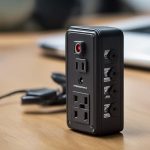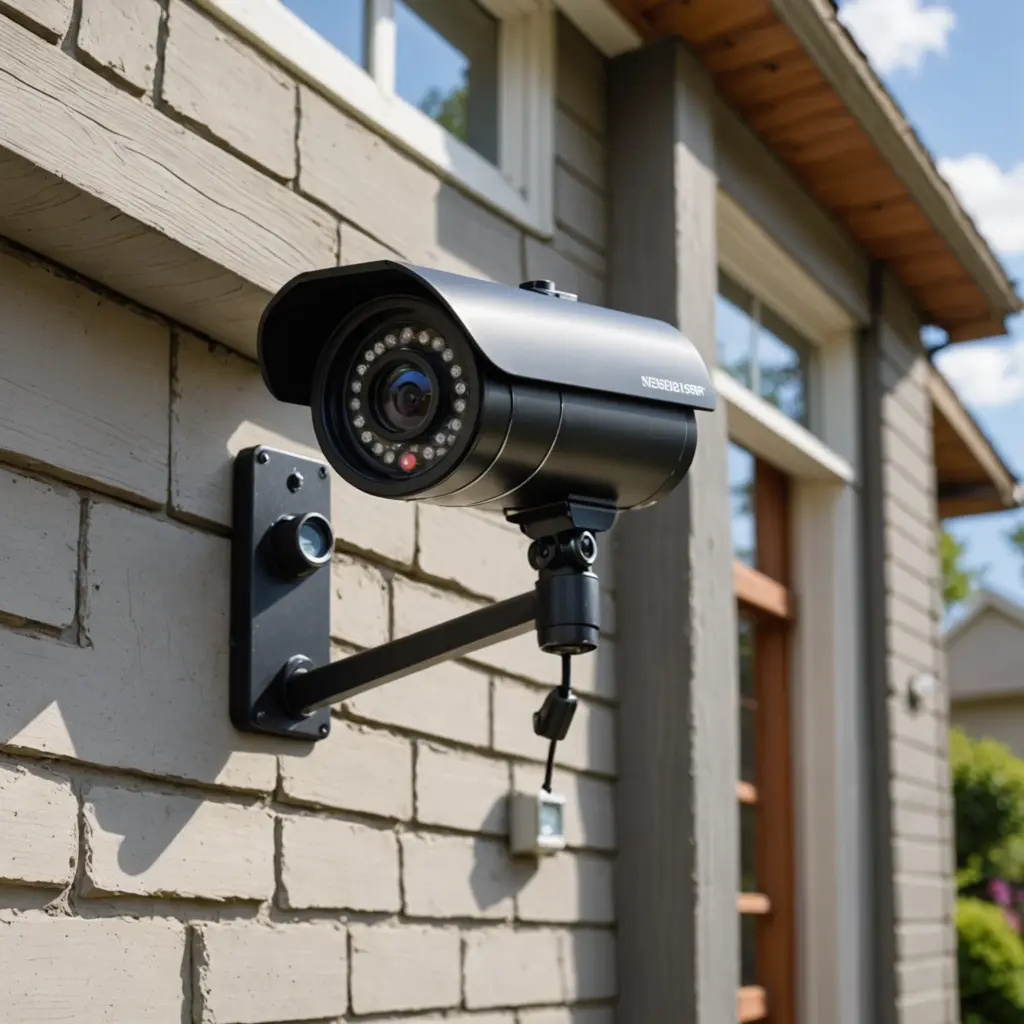

Link Cameras combine a compact camera with wireless connectivity and an app for viewing, recording, and managing alerts. They are used for home security, business monitoring, pet care, baby monitoring, and projects that benefit from a small, remotely accessible camera. Although models vary, the most useful devices balance clear video, dependable connectivity, practical detection features, and strong privacy controls. Explore wireless link technologies to understand how covert recording devices transmit high-quality footage reliably and discreetly.
How Link Cameras Work
A Link Camera captures video through an image sensor, processes the footage, and sends it over a wireless network to a smartphone app or storage service. Most models connect through Wi-Fi, allowing users to view a live feed, review recorded events, and adjust settings remotely. Some cameras process motion events on the device, while others rely more heavily on cloud services or the companion application.
Image quality ranges from basic HD video to higher-resolution formats such as 1080p or 2K. Resolution is important when you need to identify details, but it is only one part of the picture. A wide viewing angle can cover more space, while wide dynamic range and HDR-style processing can help preserve detail in scenes with bright windows and darker interior areas. Infrared night vision or a capable low-light sensor is useful for monitoring after dark.
Power and mounting options
Battery-powered cameras are easy to place and do not require a cable for everyday operation, but they must be recharged or have their batteries replaced. Wired models are better suited to continuous monitoring. Depending on the design, mounting may involve a magnetic base, adhesive backing, a bracket, or a compact housing. Choose a position that provides a clear view without placing the camera where it could be easily damaged or tampered with.
Features Worth Comparing
Before choosing a Link Camera, consider how it will be used and which capabilities support that purpose. Useful features may include:
- Motion detection: Alerts you when activity occurs within a selected area.
- Person or vehicle detection: Helps reduce notifications caused by pets, moving branches, or other background activity.
- Two-way audio: Allows communication through the camera, provided the microphone and speaker are suitable for the environment.
- Pan, tilt, or zoom: Adds flexibility when one fixed viewing angle is not enough.
- Custom motion zones: Focuses alerts on entrances, walkways, or other important areas.
- Local and cloud storage: Gives you a choice between storing footage on a memory card, using online storage, or maintaining both where supported.
- Privacy controls: May include recording schedules, privacy modes, and visible activity indicators.
Storage deserves particular attention. Cloud storage can make footage accessible from different locations, while local storage gives you more direct control over recordings. Check how event clips are retained, how they can be exported, and whether the camera continues recording if the internet connection is interrupted.
Setting Up the Companion App
The companion app generally handles initial pairing, Wi-Fi configuration, live viewing, playback, alerts, and camera settings. A typical setup involves creating an account, connecting the camera to the network, naming the device, and positioning it for the desired coverage. Complete a test recording and check the live image at different times of day before relying on the camera.
Start with conservative motion sensitivity and narrowly defined activity zones. A camera aimed at a busy road, swaying vegetation, or a frequently used hallway may generate unnecessary alerts. Adjust notifications after observing real-world performance. If the app supports scheduled recording or alert-free periods, use those controls to limit monitoring when it is not needed. Link cameras with local storage options to record footage reliably without depending entirely on cloud services.
Security and Account Protection
Video from a connected camera can reveal sensitive information about a home, workplace, or family. Protect the camera as carefully as you would any other internet-connected device.
- Use a strong, unique password for the camera account.
- Enable two-factor authentication when the service provides it.
- Install firmware and app updates promptly.
- Use a secure Wi-Fi password and consider placing smart-home devices on a separate network or VLAN.
- Review account access and remove users who no longer need it.
- Disable unnecessary network features that could expose the device.
- Export important recordings to a secure backup rather than relying on a single storage location.
Look for clear information about encryption during transmission and storage, account recovery, data retention, and how recordings are shared. The convenience of an app cannot compensate for weak access controls or unclear handling of personal footage.
Common Uses
At home, Link Cameras can monitor doors, driveways, common areas, and other locations where activity needs to be verified. Two-way audio can support remote communication with household members or help check on a pet. In small offices and businesses, cameras may assist with monitoring entrances, stock areas, and safety concerns.
Compact cameras can also support non-security projects such as time-lapse recording, wildlife observation, or creative installations. In every case, position the device to capture only the area necessary for the intended purpose.
Privacy and Legal Responsibilities
Camera use must respect the people who may be recorded. Rules differ by jurisdiction, particularly for audio, workplaces, shared housing, and public-facing areas. Recording in places where people reasonably expect privacy, such as bathrooms or changing areas, may be prohibited. Audio recording can also require consent, and employee monitoring may involve disclosure obligations.
Tell household members, guests, employees, or other affected people about monitoring when appropriate. Use visible indicators, recording schedules, and privacy modes to limit unnecessary collection. Review footage access regularly and delete recordings that are no longer needed.
With suitable placement, secure configuration, and transparent use, a Link Camera can provide useful remote visibility without becoming an uncontrolled source of surveillance. Compare the hardware, app features, storage arrangements, security protections, and privacy options before deciding which setup fits your needs.