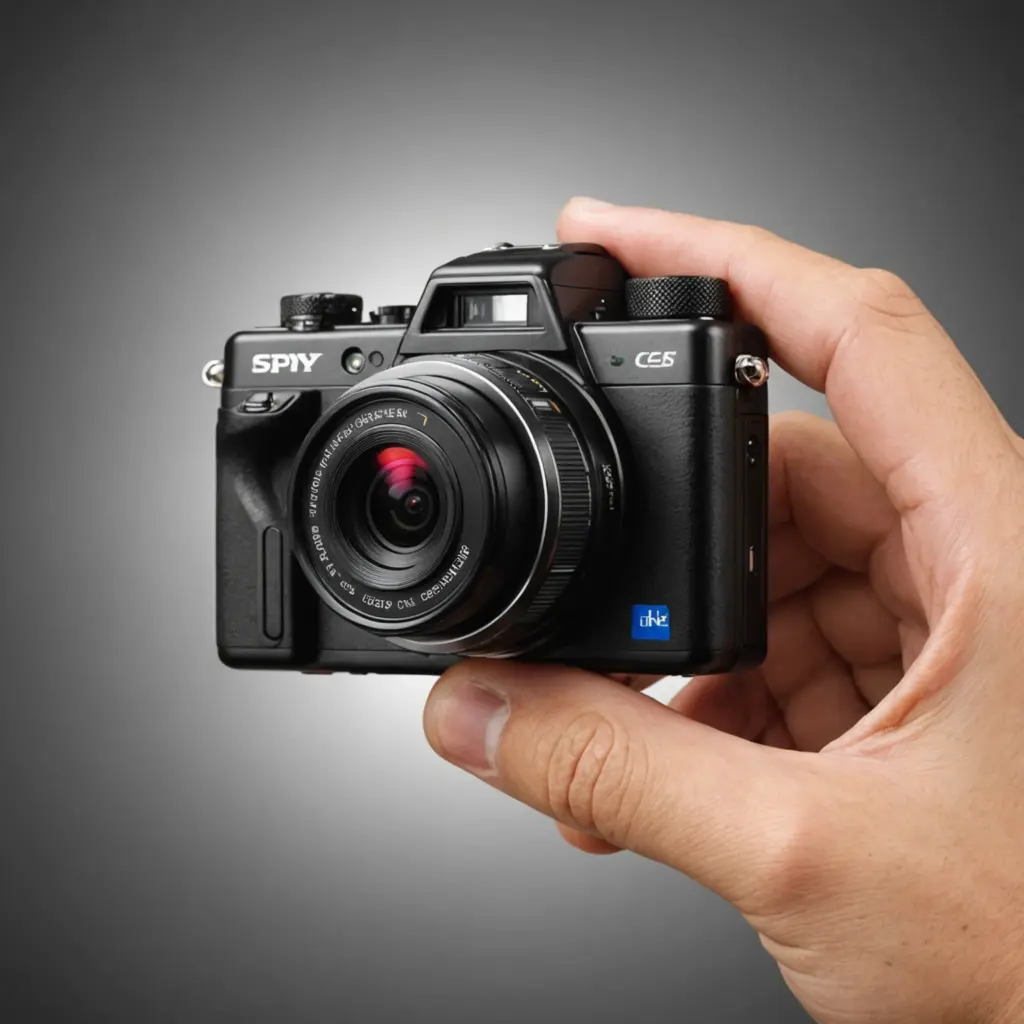

Mini HD camera recorders combine a small physical footprint with the ability to capture video, and sometimes audio, for security, observation, or creative projects. Their compact design makes them useful where a full-size camera would be inconvenient, but choosing the right device requires more than looking at resolution alone. Battery life, storage, lighting performance, connectivity, and privacy obligations all affect whether a recorder is suitable for a particular job. Mini HD recorders often include discreet recording features that mirror advanced spy camera technologies for covert use.
How a mini HD camera recorder works
A compact recorder uses the same basic components found in larger digital cameras: a lens, image sensor, processor, storage, and power system. The sensor converts light into an image, while the processor encodes the footage into a manageable video file. Many models use H.264 or H.265 compression so that recordings take less space on a microSD card.
Depending on the model, the device may also include a built-in microphone, motion detection, loop recording, night-vision support, or wireless connectivity. Wi-Fi and a companion mobile app can provide features such as live viewing, file transfers, and alerts, although wireless functions may increase battery consumption.
Features worth comparing
The best specification depends on how and where the recorder will be used. Consider these features before buying:
- Resolution and frame rate: 1080p at 30 frames per second is a practical baseline for general recording. Some models offer 2K or 4K, but higher resolution can create larger files and may require more storage and processing power.
- Low-light performance: Sensor sensitivity, lens design, and night-vision modes determine how well the camera performs in dim conditions. Test or review performance in the actual lighting where possible.
- Storage options: Check the supported microSD capacity and whether the recorder uses loop recording. Loop recording can overwrite older clips when the card becomes full, so important footage should be copied promptly.
- Battery and power: A small body usually means limited internal battery capacity. For longer recording sessions, look for replaceable batteries or an option to operate from an external power source.
- Audio: If sound is required and lawful, confirm that the model has a microphone and check whether its placement produces clear audio. A housing or mounting surface can muffle sound.
- Connectivity and security: Wireless preview and app controls are convenient, but change default passwords and protect the network connection from unauthorized access.
- Mounting and controls: A secure mount, accessible buttons, and clear status indicators make the device easier to position and operate reliably.
Suitable uses for a compact video recorder
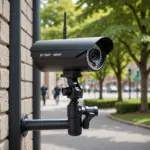
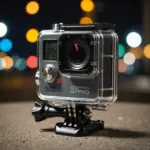
Mini recorders can support home-security monitoring, observation of a pet while you are away, and documentation of hobbies such as cycling or other activities where a lightweight camera is useful. They may also help a small business review an authorized area, investigate equipment problems, or deter theft when their use complies with workplace rules and local law.
For everyday security, a visible camera is often preferable because it makes the recording purpose clear. A compact camera can be useful when space is limited, but it should not be treated as a way to avoid consent or privacy requirements. Recording people in private areas, including bathrooms or changing rooms, can be illegal, and audio recording may be subject to additional restrictions. For discreet setups, compare offline recording options when choosing a compact HD recorder without wireless connectivity.
Placement and recording quality
Position the camera so that it has a clear line of sight and captures only the area necessary for the stated purpose. An elevated position can provide a broader view, while a stable mount helps prevent blurred or shaky footage. Avoid pointing the lens toward bright windows or strong lights, which can reduce detail in the rest of the scene.
Before relying on the recorder, make a test recording in representative lighting. Check the viewing angle, focus, audio clarity, timestamps, and whether the device remains powered for the intended period. Leave enough access to recharge the unit, remove the memory card, or reset it when required.
Setup, maintenance, and privacy
Initial setup generally involves charging the device, inserting a compatible memory card, selecting the recording mode, and configuring motion detection or loop recording if available. If the recorder connects to an app, replace default login details with a strong, unique password and install firmware updates supplied for the device.
Review recordings regularly, transfer necessary clips to secure storage, and delete footage that no longer has a legitimate purpose. Limit access to recordings and avoid sharing them casually, since video and audio may contain personal information.
Finally, check the laws and policies that apply where the camera will operate. Requirements can differ for video surveillance, workplace monitoring, audio capture, and recording guests or service providers. When consent or notification is required, provide it clearly. Used with a defined purpose and appropriate safeguards, a mini HD camera recorder can be a practical tool without compromising other people’s privacy.