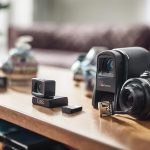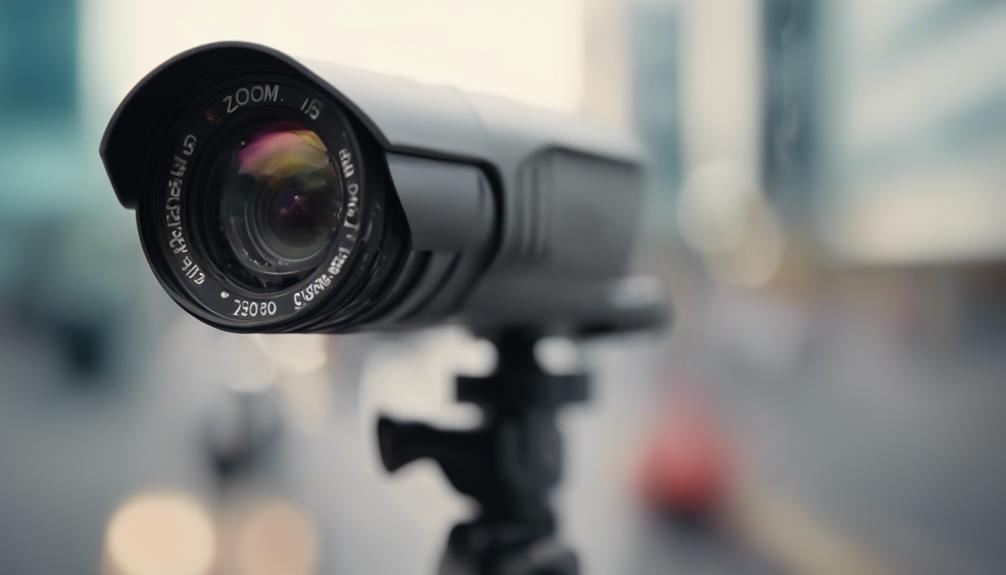

A mini clip-on camera is a compact recording device designed to attach to clothing, bags, shelves, or other nearby objects. Its small size and integrated clip make it useful when a larger camera would be inconvenient, distracting, or difficult to position. Depending on the model, it may serve as a wearable camera, a hands-free video recorder, or a temporary monitoring option. For more detail, see our overview comparing clip-on models with other covert surveillance devices.
Choosing the right device starts with understanding how you plan to use it. A camera for outdoor footage has different priorities from one intended for occasional indoor monitoring, and no compact model can provide every feature at once. Video quality, battery capacity, storage, attachment stability, and privacy requirements should all be considered together.
What to Look for in a Mini Clip-On Camera
Video quality and low-light performance
Resolution is only one part of image quality. A 1080p camera may offer a practical balance between clear footage, storage use, and battery demand, while higher-resolution models can capture more detail at the cost of larger files. If the camera will be used indoors or after dark, check whether it includes low-light enhancement or night vision.
Also consider the lens angle and image stability. A wide-angle lens can cover more of a room or capture a broader first-person view, but it may introduce distortion at the edges. Stabilization is useful for walking or movement-based recording, although it may vary considerably between models.
Battery and storage
Small cameras generally have limited space for batteries, so recording time should be checked carefully rather than assumed. Motion-activated recording can reduce unnecessary footage and conserve power. If you need extended recording, look for support for external power, replaceable batteries, or a practical way to recharge the device between uses.
Storage may be provided through internal memory or a microSD card. Confirm the supported card capacity and review how the camera handles full storage. Loop recording can overwrite older files automatically, which is convenient for ongoing monitoring but may remove footage that has not been backed up.
Controls and connectivity
Some clip-on cameras operate with simple physical buttons and save files locally. Others connect to a smartphone over Wi-Fi or Bluetooth for setup, playback, or remote control. Wireless features can be useful, but they may increase battery consumption and add another point of failure. Choose a straightforward control system if reliability matters more than remote access.
Common Uses
- Hands-free recording: A camera clipped to clothing or a bag can capture a first-person perspective during travel, field work, interviews, or outdoor activities.
- Temporary indoor monitoring: A device can be attached to a fixed object to observe an entryway or another defined area when a permanent installation is not practical.
- Workplace documentation: Where permitted and properly disclosed, a wearable camera may help document customer interactions, safety events, or operational activity.
- Personal and recreational footage: Its compact form can be convenient for cycling, hiking, demonstrations, and other situations where a larger action camera is cumbersome.
These uses are not interchangeable. A camera suited to moving footage may have limited runtime, while a device intended for stationary recording may lack stabilization or a secure wearable clip. For broader coverage beyond a mini clip-on model, explore unobtrusive outdoor options suited to discreet placement.
Placement and Setup Tips
Before recording, make a short test clip and review the framing, focus, sound, and exposure. When wearing the camera, secure the clip firmly and position the lens so that clothing or straps do not block the view. For stationary use, attach it to a stable object at a height that provides the required field of view without relying on an unstable surface.
Keep the lens clean and check that the camera has enough battery and storage before each session. Transfer important files regularly, particularly if loop recording is enabled. If the device uses a companion app, keep the camera and phone close during initial setup and confirm that recordings are actually being saved where expected.
Privacy, Legal, and Ethical Responsibilities
A small camera should not be treated as permission to record people without their knowledge. Rules concerning video, audio, private spaces, workplace monitoring, and consent vary by location. Audio can be subject to different requirements from video, so review the relevant local rules before recording conversations or using the device around other people.
Do not place a camera where people reasonably expect privacy, and obtain consent or provide clear notice whenever it is required or appropriate. Businesses should establish a transparent recording policy and limit access to footage. Individuals should also protect stored files, since recordings may contain personal or sensitive information.
How to Choose
Start with the main task, then rank the features that support it. For wearable use, prioritize a secure clip, compact design, stable footage, and controls that can be operated easily. For stationary monitoring, battery options, motion detection, low-light performance, and storage management may matter more. For occasional recreational recording, simple operation and portability may be sufficient.
Finally, assess the complete workflow: how the camera is mounted, how long it records, where files are stored, and how footage will be reviewed or backed up. A mini clip-on camera is most useful when its limitations are understood and its deployment respects the privacy and consent of everyone who may be recorded.