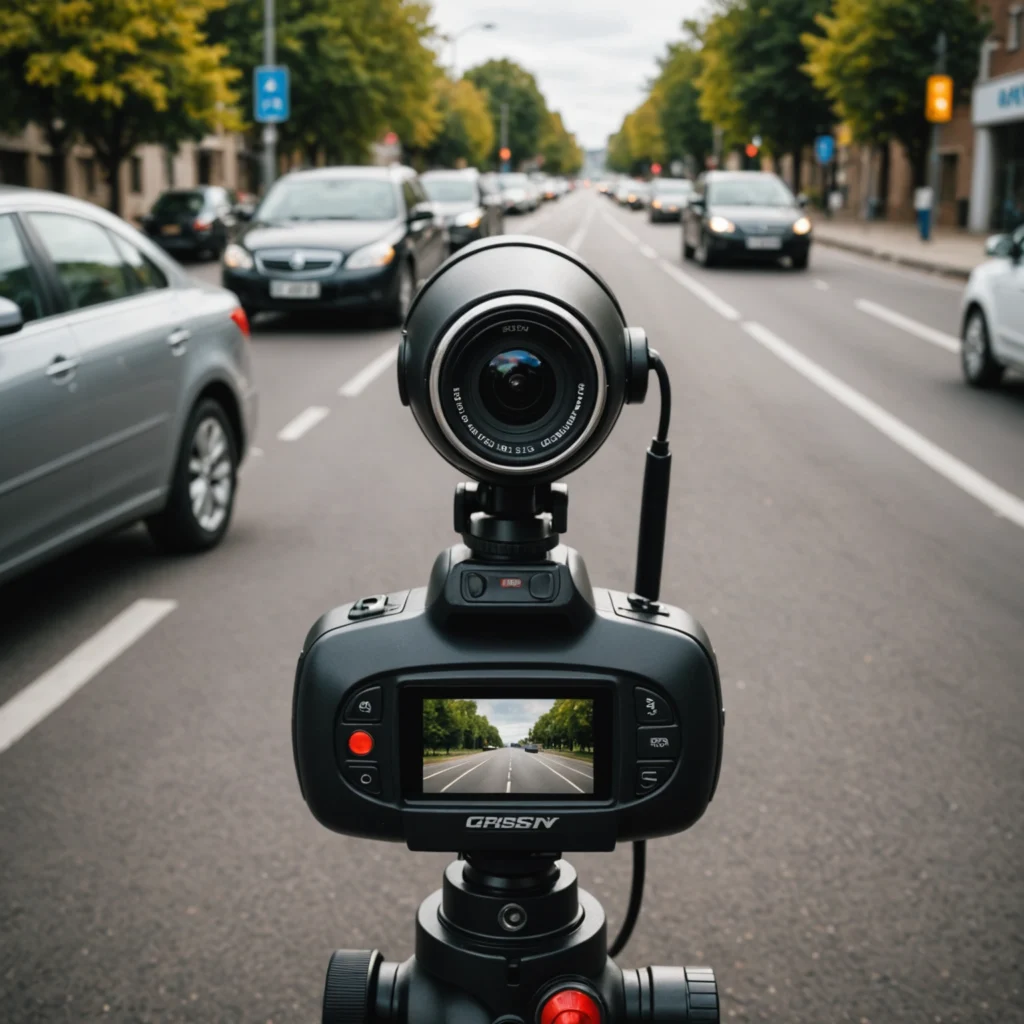

A mini IP camera is a compact network camera designed to send video—and sometimes audio—over a Wi-Fi or wired network. Its small size makes it easier to install in homes, offices, shops, and other locations where a large conventional camera would be impractical. Depending on the model, footage may be viewed through a phone, computer, local network, memory card, or cloud service. Explore discreet IP camera options to compare compact designs, placements, and features across specialized surveillance devices.
Although these cameras are often associated with discreet surveillance, their most responsible uses are ordinary security and monitoring tasks. Before choosing or installing one, consider its power requirements, network security, storage options, image quality, and the privacy rights of anyone who may be recorded.
What Is a Mini IP Camera?
Unlike older analog cameras that require a dedicated recording system, an IP camera processes and transmits digital video across a network. A mini version uses the same basic approach in a smaller enclosure. Some models connect through Wi-Fi, while others use Ethernet. Wired models may also support Power over Ethernet (PoE), allowing data and power to travel through one network cable.
Small dimensions can make installation more flexible, but they do not automatically indicate better performance. A compact camera may have a narrower viewing angle, a smaller battery, or fewer controls than a larger model. Check the specifications rather than judging the device by size alone.
Features to Compare
Mini IP cameras vary considerably, so it helps to separate essential functions from optional conveniences. Common features include:
- Video resolution and low-light performance: These affect how clearly faces, packages, entrances, or other details can be seen.
- Motion detection: Alerts can be triggered when movement is detected, although sensitivity may need adjustment to limit false notifications.
- Night vision: Infrared illumination can help the camera operate in low light. Check whether night footage is black and white and how far the illumination reaches.
- Audio: Some cameras include a microphone, speaker, or two-way communication. Audio recording may be subject to stricter privacy rules than video.
- Storage: Local microSD storage keeps recordings at the camera, while cloud storage can make remote access easier. Each option has different privacy, cost, and reliability implications.
- Power source: Battery operation is convenient for temporary placement, but continuous monitoring usually requires a dependable outlet or wired power connection.
- Weather resistance: Outdoor installation requires a housing designed for exposure to rain, dust, and temperature changes.
- Mounting options: Magnetic bases, brackets, and adhesive mounts can simplify placement, provided the camera remains secure and has a clear view.
Legitimate Uses
A mini IP camera can be useful for monitoring an entryway, checking on a pet, observing a nursery, or viewing a room while away. Small businesses may use compact network cameras to monitor a stockroom, service counter, or storefront. Families may also use them to support the safety of an older relative, but anyone being monitored should be informed when consent is required.
These devices should not be treated as a way to record people secretly in private settings. A small form factor is useful for flexible installation, but concealing a camera can create serious ethical and legal problems.
Installation and Network Security
Start by choosing a position with a clear sightline and, for wireless models, a dependable signal. Avoid pointing the camera at areas that do not need monitoring, such as a neighbor’s property or a public space beyond the intended security area. Test the image during both daytime and nighttime conditions before finalizing the mount. Explore cellular monitoring options when a mini IP camera needs remote connectivity beyond local Wi-Fi.
During setup, replace any default username or password with a strong, unique password. Use the strongest available Wi-Fi security, enable multi-factor authentication if the camera service offers it, and install firmware updates provided by the manufacturer. Disable remote access features that are not needed, and review which accounts or phones can view the camera.
For motion alerts, begin with moderate settings and adjust the detection area or schedule to match the purpose of the camera. This can reduce alerts caused by passing vehicles, changing light, pets, or routine activity. Check recordings periodically to confirm that storage is working and that the camera has not been moved or disconnected.
Privacy and Legal Responsibilities
Surveillance laws differ by country, state, and local jurisdiction. Rules may restrict recording in places where people reasonably expect privacy, including bathrooms, changing areas, and bedrooms used by guests. Audio can be regulated more strictly than video, particularly when conversations are recorded without permission. Workplace monitoring may also require notice, a defined purpose, and compliance with employment and privacy regulations.
Before installation, identify who may appear in the camera’s view and whether their consent is required. Inform household members, employees, visitors, caregivers, or contractors when appropriate. Do not use a camera to record intimate activity, private conversations, or areas where people have not agreed to surveillance. When the legal position is unclear, obtain consent and seek advice from a qualified local professional.
How to Choose a Mini IP Camera
Match the camera to the task rather than choosing solely on size or price. For temporary monitoring, a battery-powered wireless model may be practical. For continuous recording, prioritize stable power, dependable network connectivity, and a suitable storage plan. If identifying detail matters, compare image quality and viewing angle. If communication is required, verify the microphone and speaker functions separately.
A mini IP camera can provide convenient monitoring without bulky equipment, but responsible use is as important as technical performance. Careful placement, secure configuration, appropriate storage, and respect for consent will help the device serve its intended purpose while reducing unnecessary privacy and security risks.