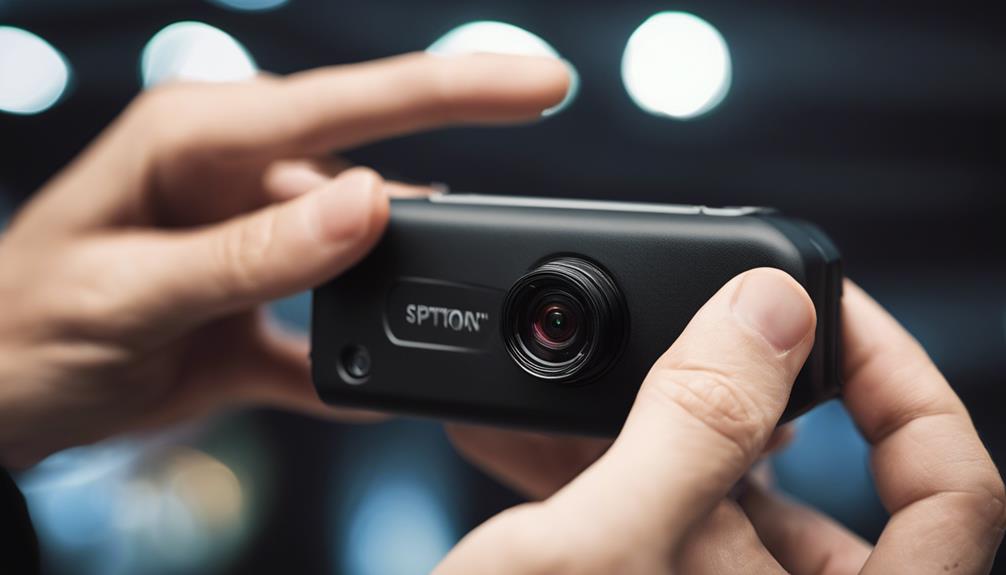

Motion-activated spy cameras can help monitor a room, entrance, office, or other property without recording continuously. Instead of capturing hours of empty footage, the camera starts recording when movement is detected. This can conserve battery power and storage while making important events easier to review.
The best choice depends on where the camera will be installed, how often it needs to operate, and how footage will be stored. The following seven features are especially important when comparing motion-activated cameras.
1. Reliable motion detection
Motion detection is the foundation of this type of camera. Look for adjustable sensitivity settings so the device can distinguish meaningful movement from minor activity, such as curtains moving, changing light, or small pets passing through the area.
A useful camera should also allow you to define detection zones. Restricting monitoring to a doorway, hallway, or storage area can reduce unnecessary recordings and alerts. A short test period after installation can help you find the right sensitivity level for the location.
2. Remote viewing and real-time alerts
Remote access allows you to check a live feed or review recordings through a connected device when you are away. Real-time notifications can also alert you when motion is detected, which is useful when immediate awareness matters more than reviewing footage later.
Before relying on remote monitoring, check the camera’s connection requirements and app controls. A stable network connection may be necessary for live viewing, while some cameras can continue recording locally if the connection is interrupted.
3. Clear video in different lighting
Video quality should match the camera’s intended location. A camera positioned near an entrance may need enough detail to show activity clearly, while a small indoor camera may prioritize compact size and low power consumption.
Night vision is important for areas that are dark or poorly lit. Infrared night vision can help the camera record after dark, but performance varies with distance, room size, and nearby surfaces. Test the image at night rather than judging the camera solely by its daytime footage.
4. Discreet, practical placement
Compact designs can make a camera easier to position, but discreet should not mean hidden in a way that violates another person’s reasonable expectation of privacy. Choose a location that provides a useful viewing angle without obstructing the lens or creating unnecessary privacy concerns.
Consider the camera’s power source, mounting method, and visibility of status lights. A device that is difficult to access may be inconvenient to recharge, change settings, or remove when it is no longer needed.
5. Battery life and storage options
Motion-triggered recording generally uses less power than continuous recording, but battery life still depends on detection frequency, video quality, night vision, and network activity. Efficient power management is particularly valuable for cameras installed where regular charging is difficult.
Storage is equally important. Local memory cards can provide direct control over recordings, while cloud storage may make footage easier to access remotely. Review storage limits, automatic deletion policies, recording duration, and whether the camera continues recording when storage becomes full.
6. Security and privacy controls
A connected camera can create privacy and security risks if its account or footage is not properly protected. Use a strong, unique password and enable multi-factor authentication when available. Keep the camera’s firmware and companion app updated to receive security improvements supplied by the manufacturer.
It is also worth checking whether recordings are encrypted during transmission and storage, who can access the account, and how footage can be deleted. Avoid placing cameras in private areas such as bedrooms or bathrooms, and follow applicable laws and building or workplace policies. When other people may be recorded, provide notice or obtain consent where required.
7. Simple setup and useful controls
A straightforward setup process makes it easier to position the camera correctly and maintain it over time. Look for an app or control panel that clearly presents live viewing, recorded clips, motion sensitivity, detection zones, alert schedules, and recording settings.
Customizable schedules can prevent unnecessary alerts during predictable periods of activity. The ability to pause recording, disable audio, or adjust notification settings can also help balance security needs with personal privacy.
How to compare your options
- Identify the area to monitor and the lighting conditions.
- Decide whether local storage, cloud storage, or both are appropriate.
- Compare battery expectations with how accessible the installation location is.
- Check motion sensitivity, detection zones, and alert scheduling.
- Review account security, encryption information, and update support.
- Read customer feedback for reports about false alerts, app reliability, and image quality.
A motion-activated spy camera is most useful when its detection range, power source, storage method, and privacy controls suit the environment. Rather than choosing solely on appearance or resolution, evaluate how the camera will operate day and night, how footage will be protected, and whether its use is lawful and respectful of the people who may be recorded.