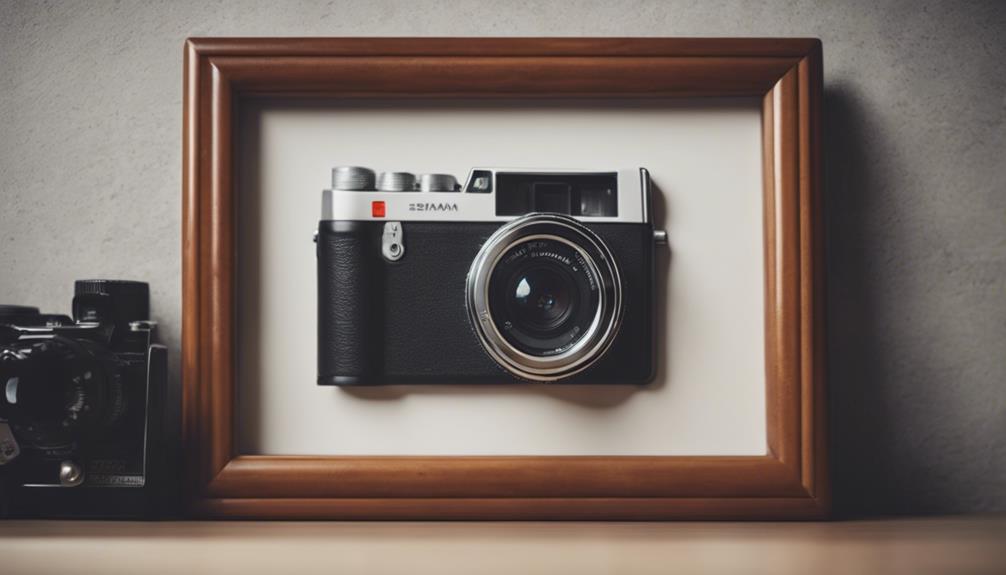

Photo-frame cameras combine an everyday decorative object with a compact security camera. Their main appeal is discreet placement: the frame can sit on a shelf, desk, or wall while monitoring an area without the visual presence of a conventional camera. However, a camera that blends into its surroundings must be used responsibly. Always follow local surveillance and privacy laws, obtain consent where required, and never place one in areas where people reasonably expect privacy.
What to Look for in a Photo-Frame Camera
The best choice depends on where the camera will be used, how often it needs to record, and whether you need remote access. Rather than focusing on a long feature list, compare the practical capabilities below.
Frame design and placement
A well-designed photo-frame camera should look like ordinary home or office decor. Consider the frame’s size, finish, viewing angle, and power requirements before buying. A frame that must remain close to a wall outlet may be less flexible than one with a rechargeable battery, while a larger frame may provide more room for the camera hardware and storage.
Placement matters as much as appearance. Position the frame so its lens has a clear, useful view, and avoid aiming it toward private spaces, neighboring property, or areas where visitors, employees, tenants, or family members have not agreed to be recorded.
Video quality
High-definition recording can make faces, clothing, and activity easier to identify, but resolution alone does not guarantee useful footage. Look at the camera’s field of view, low-light performance, image stability, and storage method. A wide viewing angle can cover more of a room, while a narrower angle may provide greater detail at a specific distance.
Some devices advertise 1080p or higher recording, but actual results can vary with lighting, lens quality, compression, and available storage. If the camera will operate at night, check whether it has an appropriate low-light mode and whether that mode is suitable for the intended environment.
Motion detection and recording controls
Motion detection can help reduce unnecessary recordings and conserve storage or battery power. Look for adjustable sensitivity, activity zones, and recording duration if those controls are important to your setup. Without adjustment, movement from curtains, pets, changing light, or nearby traffic may trigger unwanted alerts.
Choose a device that clearly explains how recordings are stored and deleted. Automatic overwriting can be convenient, but it may remove older footage sooner than expected. Review retention settings regularly and keep only material that you have a legitimate reason to retain.
Wireless access and remote viewing
Wi-Fi connectivity may allow live viewing, alerts, and playback through a phone or computer. This is useful when you need to check a property while away, but it also creates security responsibilities. Use a strong, unique password, enable two-factor authentication when available, keep the camera’s software updated, and secure the home network to reduce the risk of unauthorized access.
Before relying on remote viewing, verify whether the device requires a subscription, stores video in the cloud, or supports local storage. Read the provider’s privacy information so you understand where recordings and account data are processed.
Installation and Power Considerations
Simple installation is one of the advantages of a photo-frame design. A model may be ready to use after inserting a memory card, connecting power, or completing setup in a mobile application. Follow the manufacturer’s instructions and test the viewing angle, date and time settings, motion alerts, and recording playback before using the camera for an important purpose.
Battery-powered models offer more flexibility, but battery life depends on resolution, Wi-Fi activity, motion frequency, temperature, and alert settings. If continuous monitoring is required, a reliable power connection may be more practical than depending on a battery. Rechargeable systems can reduce disposable-battery waste, although they still require regular charging and maintenance.
Privacy and Legal Use
A photo-frame camera should not be treated as a way to secretly monitor people. Laws vary by location and may regulate audio recording, workplace surveillance, rental properties, shared homes, and remote access to footage. Audio can be especially sensitive, so check whether it can be disabled and whether recording it is lawful.
- Use the camera only on property or in spaces you are authorized to monitor.
- Tell affected people about recording when consent or notice is required.
- Avoid bedrooms, bathrooms, changing areas, and other private locations.
- Protect stored footage and delete it when it is no longer needed.
- Do not share recordings publicly or use them to harass, track, or intimidate anyone.
Final Buying Checklist
Before choosing a photo-frame camera, confirm its image quality, viewing angle, motion settings, storage options, battery or power requirements, app security, update policy, and total cost. A discreet appearance may be useful for reducing visual clutter, but responsible placement and strong privacy practices are more important than any single technical feature. Select a model that meets your legitimate security need without compromising the rights and expectations of the people who may be recorded.