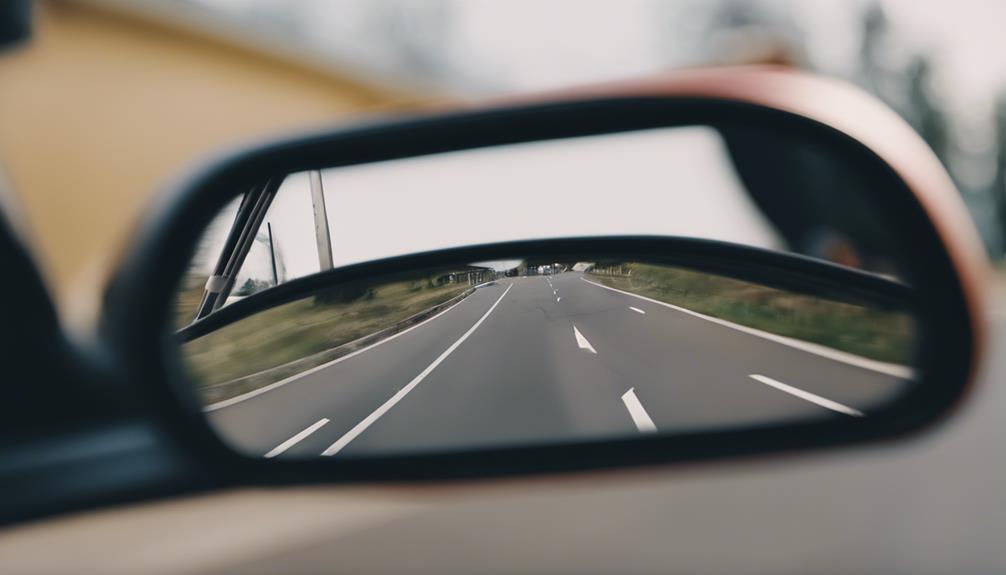

A rear-view mirror camera can combine everyday driving assistance with discreet security recording. Depending on the design, it may record the road ahead, monitor the area behind your vehicle, detect impacts, and save evidence when unusual movement occurs. The best choice depends less on appearance alone and more on how the camera handles video quality, storage, installation, and privacy.
Use the following ten-point checklist to compare rear-view mirror spy cameras before choosing one for your vehicle.
1. Mirror-mounted design
These cameras are designed to sit on or replace the existing rear-view mirror, helping them blend into the vehicle’s interior. A discreet design can reduce visual clutter and avoid drawing unnecessary attention, but it should never compromise the driver’s view. Check the dimensions, mounting method, and mirror adjustment range before purchase.
2. Video resolution
Higher-resolution recording generally produces clearer details, which can be useful when reviewing a traffic incident or checking activity around a parked car. Look for footage that remains readable in ordinary driving conditions, and consider how resolution affects file size and storage requirements. A camera with impressive specifications is only useful if its recordings are consistently clear.
3. Wide viewing angle
A wide-angle lens can capture more of the road and reduce areas that fall outside the frame. Many wide-angle systems advertise coverage in the approximate range of 140 to 170 degrees, although the actual image may vary by model. Review sample footage when possible, since an extremely wide view can introduce distortion near the edges.
4. Front and rear coverage
A dual-camera system records the area ahead of the vehicle and the space behind it. This broader coverage can help document rear-end collisions, parking-lot incidents, and activity near the vehicle. Before installing a rear camera, confirm that the cable is long enough for your vehicle and that the display can switch between front and rear views easily.
5. Low-light and night recording
Security footage is often most valuable when lighting is poor. Night-vision support, including infrared illumination on some models, can help the camera record in dark or dim surroundings. Pay attention to how the system handles headlights, streetlights, glare, and reflections rather than assuming that a night-vision label guarantees perfectly detailed footage.
6. Motion detection
Motion detection can begin recording or send an alert when movement is detected near the vehicle. This may be useful in a driveway or parking area, but sensitivity needs to be adjustable. Otherwise, passing vehicles, pedestrians, shadows, or changing light may trigger unnecessary recordings and quickly fill the memory card.
7. Loop recording
Loop recording allows the camera to continue recording by replacing older, unlocked files when storage is full. This is convenient for routine driving, but important clips should be protected before they are overwritten. Check how the camera separates normal recordings from incident files and whether the storage card is easy to remove for backup.
8. Impact detection with a G-sensor
A G-sensor detects sudden changes in movement, such as hard braking, an impact, or another sharp jolt. When triggered, it can lock the relevant footage so the file is not removed during loop recording. Sensitivity settings matter: a setting that is too high may protect files after ordinary bumps, while a setting that is too low may fail to respond as expected.
9. Storage and remote access
Some systems rely on local removable storage, while others offer cloud backup or remote viewing through a mobile application. Local storage can reduce recurring costs, whereas cloud access may make it easier to check the vehicle when you are away from it. Compare storage limits, subscription charges, connection requirements, encryption, and account security before enabling remote access.
10. Installation and power requirements
Installation may involve attaching the mirror unit, routing a rear-camera cable, and connecting the system to the vehicle’s power supply. A clean installation should keep wires away from pedals, airbags, and the driver’s line of sight. Confirm whether the camera supports continuous parking-mode operation and whether that feature could place a demand on the vehicle battery.
Privacy, safety, and legal considerations
A discreet camera should be used responsibly. Recording rules differ by location, particularly when audio or people in public spaces are captured. Check applicable regulations before using continuous surveillance, and disable audio if it is not needed. Protect recordings with strong account credentials, keep firmware updated when updates are provided, and avoid sharing footage that contains unnecessary personal information.
How to choose the right system
Start by deciding whether your priority is evidence during driving, protection while parked, front-and-rear coverage, or remote monitoring. Then verify the camera’s field of view, low-light performance, storage method, power design, and installation compatibility. A well-chosen rear-view mirror camera should provide dependable footage without obstructing visibility or creating difficult maintenance demands.