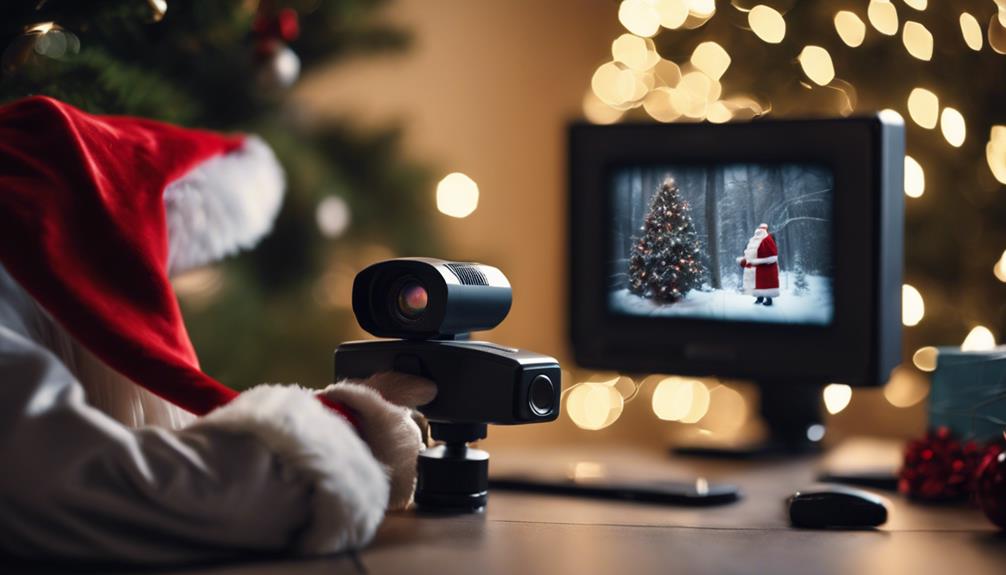

A Santa camera can add a fun surprise to Christmas morning, but the best setup balances clear footage with privacy and practicality. Choose a camera suited to a dim room, place it where it can see the intended area, and use recording features that avoid hours of unnecessary video.
Choose a Camera for Low-Light Conditions
Nighttime recording places different demands on a camera than ordinary daytime use. Look for a model with clear video resolution; 1080p is a useful baseline, while higher resolution can capture more detail if the device and storage support it.
Night vision is equally important. Infrared night vision can help the camera record in a dark living room, hallway, or other permitted area. Check the stated night-vision range and compare it with the distance between the camera and the Christmas tree, fireplace, or another scene you want to capture. Color night vision may be available on some cameras, but it is not essential for every setup.
Plan the Camera Position
Start by identifying the single area you want to record rather than trying to cover the entire home. A position facing the Christmas tree or gift area may provide a more useful view than a camera aimed at a doorway from too far away.
- Choose a stable location on a shelf or in a corner.
- Place the camera high enough to provide a broad view without pointing directly into bright lights.
- Keep the lens clear of decorations, branches, and other objects that could block the image.
- Test the view at night, when the camera will actually be used.
- Check that the camera has a reliable wireless signal if it depends on Wi-Fi.
Review the framing before Christmas Eve. A short test recording can reveal glare, blind spots, weak night vision, or a view that is too wide to show useful detail.
Use Subtle, Not Deceptive, Placement
If you want the camera to blend into the room, choose a location that looks natural and does not require disguising the device inside a personal or sensitive object. Placing it on an ordinary shelf or near other decorations can keep the setup unobtrusive while making its purpose easier to manage responsibly.
Do not position a camera in bedrooms, bathrooms, changing areas, or anywhere people reasonably expect privacy. Avoid recording visitors or family members without considering their privacy and the rules that apply where you live. A playful Santa recording should never come at the expense of someone’s dignity or consent.
Configure Recording and Remote Access
Wireless connectivity can make it possible to check a live view or review recordings remotely, provided the camera is positioned where it can maintain a dependable connection. Keep the device within suitable range of the router and test remote access before relying on it.
Motion-activated recording is useful for a brief overnight event because it can reduce empty footage and make later review easier. Adjust the motion sensitivity so that minor changes in lighting or moving decorations do not trigger constant recordings. If the camera uses a battery, charge it fully beforehand and confirm how long it is expected to operate. A nearby power source may be preferable when it can be used safely without creating a trip hazard.
Protect the Recording
Use a strong, unique password for the camera account and restrict access to the people who need it. If audio recording is enabled, consider turning it off unless it is genuinely necessary and lawful. Video and audio rules can differ, so check local requirements before recording anyone in your home.
Decide how long the footage needs to be kept. Download only the clips you want to save for the Christmas surprise and remove unnecessary recordings afterward. This limits the amount of personal footage stored or shared.
Check Privacy and Consent Rules
Camera laws vary by location, particularly when audio is captured or when people outside your household may be recorded. Tell household members and guests about surveillance where required, and avoid aiming the camera toward neighboring property or shared spaces. If children will appear in the recording, take extra care with access, storage, and sharing.
Final Setup Checklist
- Confirm the camera’s resolution and low-light performance.
- Test the angle, focus, night vision, and wireless signal.
- Keep the camera out of private areas.
- Charge the battery or secure the power cable safely.
- Enable motion recording if it suits the scene.
- Review audio, privacy, and consent settings.
- Secure the account and limit who can view the footage.
With thoughtful placement and privacy-conscious settings, a Santa camera can capture a memorable Christmas moment without turning the rest of the home into a surveillance zone.