
The right camera can add a more strategic layer to a stealth game, whether you are building a prop-based challenge, recording gameplay scenarios, observing wildlife, or setting up a consent-based security exercise. Instead of choosing a camera solely because it is small, compare the features that affect visibility, recording reliability, battery use, and ease of setup.
Here are five camera types and feature combinations worth considering for stealth-themed gameplay. Always use recording equipment lawfully, respect privacy, and get permission before filming people or entering private spaces.
1. Night-Vision Spy Cam
A night-vision camera is useful when a game scenario takes place in dim rooms, outdoors after dark, or other low-light settings. Infrared illumination can help the camera capture footage when ordinary visible light is limited, while keeping the scene relatively dark to the naked eye.
When evaluating a night-vision model, consider:
- How well it performs in near-dark conditions
- Whether infrared illumination may be visible to nearby players or animals
- The viewing range and field of view
- How night use affects battery life
Night vision is especially useful for recording a nighttime challenge or monitoring a permitted outdoor game area. Test the camera before play, since darkness, reflective surfaces, and obstructions can affect the final footage.
2. Motion-Detection Camera
A motion-detection camera begins recording when movement is detected within its coverage area. This can reduce unnecessary footage and help conserve storage compared with continuous recording.
Motion detection works best when the camera is positioned to observe a clear route or objective. Before the game begins, check the detection zone and adjust the sensitivity if that option is available. A setting that is too sensitive may trigger recording because of foliage, changing light, or small animals; a setting that is too low may miss the action.
For stealth gameplay, motion activation can create useful clues about when a player passed through an area. It can also make reviewing recordings easier because the camera is more likely to capture activity rather than long periods of inactivity.
3. Miniature Stealth Camera
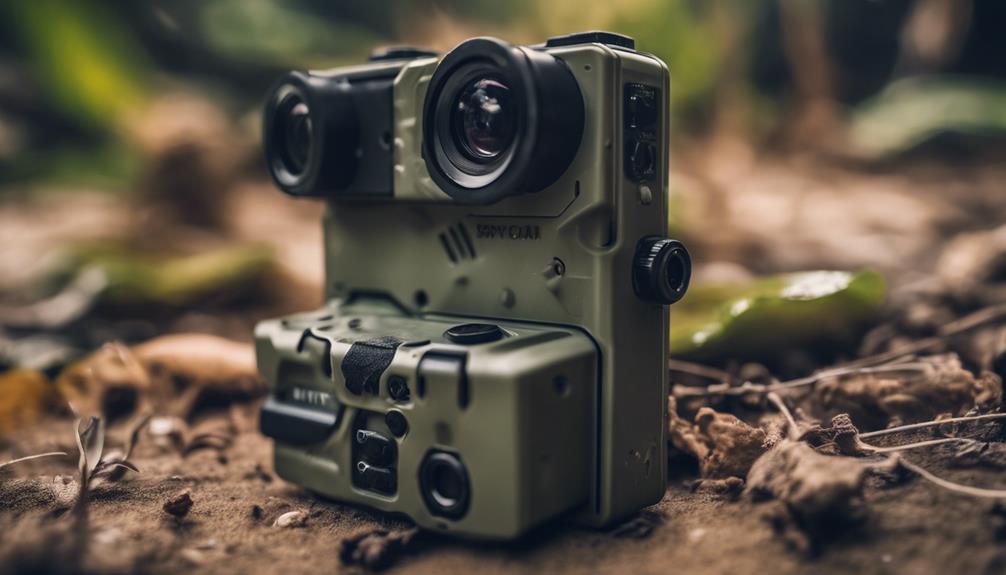
A compact camera is easier to place discreetly as part of a game prop or a clearly authorised observation setup. Its small size can help it blend into a permitted environment, but a smaller body may also mean compromises in battery capacity, controls, or heat management.
Look for a practical balance between size and usability. The camera should still be easy to position, start, check, and remove. A wide-angle lens may cover more of a room, while a narrower view can provide greater focus on a specific doorway, object, or game objective.
Do not place a hidden camera in private areas or use one to record people without their knowledge where consent or disclosure is required. For group gameplay, explain the recording setup in advance and keep the equipment limited to the agreed play area.
4. Wireless Surveillance Device
A wireless camera can make it easier to check a live feed or retrieve recordings without repeatedly disturbing the setup. This is useful for a staged mission in which the organiser needs to monitor several points from a control position.
Wireless performance depends on distance, walls, interference, and the network being used. Test the connection at the exact placement location rather than assuming it will work because the camera connects successfully nearby. Also consider whether remote viewing increases battery drain or requires a stable internet connection.
For a reliable game setup, keep a local recording option or backup plan when possible. A dropped connection should not automatically mean that the entire session is lost.
5. High-Resolution Hidden Camera
Higher resolution can make recorded footage easier to review, particularly when players need to identify an item, confirm an objective, or examine a small part of the scene. It does not automatically guarantee better results, however. Lighting, focus, lens quality, camera position, and storage capacity also matter.
Choose a resolution that suits the intended viewing method. Recording at the highest available setting may create larger files and use more battery or storage. If the camera will remain in place for a long session, recording efficiency may be more valuable than maximum detail.
How to Choose the Best Option
Start with the conditions of your scenario. Choose night vision for dark environments, motion detection for unattended points, a miniature design where placement space is limited, wireless connectivity for remote checking, and higher resolution when detailed review is important. In many cases, the best setup combines two or more of these features rather than relying on one headline specification.
Before starting, test the camera’s angle, audio and video settings, power supply, storage, and recording triggers. A short trial run can reveal blind spots and prevent technical problems from overshadowing the gameplay.