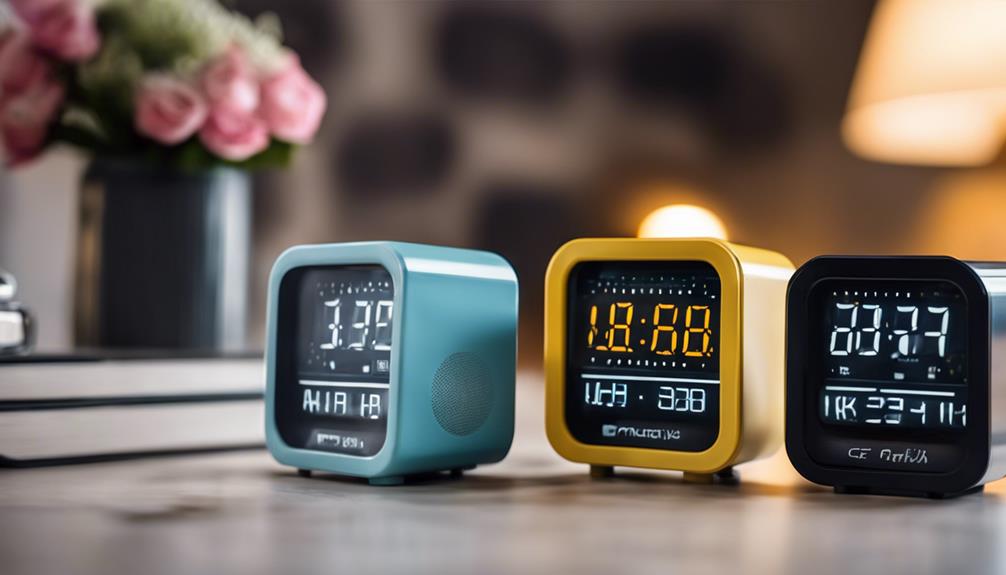

Spy camera alarm clocks combine an everyday bedside device with a small video camera. Their clock-like appearance can make them less visually intrusive than a traditional security camera, while features such as motion detection, night vision, and remote access may support monitoring in appropriate settings.
These devices should be used responsibly. Recording people without their knowledge may violate privacy expectations or local laws, especially when audio is captured. Before installing one, consider who may enter the room, whether everyone who could be recorded has given appropriate consent, and whether a visible security camera would be a more transparent choice.
What to Look for in a Spy Camera Alarm Clock
Video quality and viewing angle
Clear footage is more useful than a long list of extra features. When comparing models, check the advertised resolution, image quality in low light, and whether the camera produces usable detail across the entire frame. A wide-angle lens can cover more of a room and reduce blind spots, but it may also create edge distortion.
- Choose a resolution appropriate for the area being monitored; 1080p is a common benchmark to consider.
- Check whether the camera records still images, video, or both.
- Review sample footage when available rather than relying only on specifications.
- Position the clock so the lens is not blocked by bedding, ornaments, or glare.
Motion detection and recording modes
Motion-activated recording can help conserve storage and make important events easier to find. Adjustable sensitivity is useful because overly sensitive detection may record curtains, pets, changing light, or other irrelevant movement. Depending on the device, recording may also be continuous or scheduled.
Look for clear controls for sensitivity, recording length, and storage limits. If alerts are supported, the ability to pause notifications or define monitoring times can reduce unnecessary interruptions.
Night vision
Infrared night vision can allow a camera to record in dim conditions or darkness. Its effectiveness depends on the device, room layout, and available infrared illumination. Check whether night vision is automatic or manually controlled, and remember that reflective surfaces can produce glare.
Wireless access and data security
Wi-Fi-enabled models may provide live viewing, alerts, and remote control through an app or web interface. Bluetooth can assist with local setup, but it generally does not provide the same remote access as an internet connection.
Remote access introduces security responsibilities. Change any default password, use a strong unique password, enable two-factor authentication when available, and keep the device and mobile app updated. Secure your home network and avoid sharing the camera account unnecessarily. If recordings are stored in the cloud, review the provider’s storage, deletion, and account-access settings before enabling the service.
Power, Storage, and Everyday Use
Some alarm clocks run continuously from a wall outlet, while others include a battery for backup or portable use. A battery-powered camera may not record for as long as advertised if motion detection, night vision, or wireless streaming remains active. Check charging options, standby behavior, and whether recording continues during a power interruption.
Storage may use a memory card, internal memory, or a cloud service. Confirm the maximum supported capacity, file-management process, and whether older recordings are automatically overwritten. Regularly review and delete footage that is no longer needed.
Setup Checklist
- Read the manual and update the device before connecting it to your network.
- Set the correct time, date, recording mode, and motion sensitivity.
- Place the clock in a suitable location with a clear view and reliable power.
- Limit the frame to areas that genuinely require monitoring; avoid bathrooms, changing areas, and other private spaces.
- Test daytime recording, night vision, alerts, audio settings, and remote viewing.
- Restrict account access and confirm that recordings are being stored where expected.
Audio and Privacy Considerations
Audio recording is more legally sensitive than video in many places. A device may record sound even when you are focused only on its camera function. Disable the microphone unless it is necessary and lawful, and obtain informed consent where required. Do not use a disguised camera to monitor guests, workers, tenants, or family members in situations where they reasonably expect privacy.
Are These Devices Right for You?
A spy camera alarm clock may suit someone who wants a compact device for monitoring a permitted area, checking on property, or reviewing motion near a doorway or shared room. It is less suitable when transparent surveillance, strong tamper resistance, professional installation, or comprehensive whole-home coverage is required. Compare it with visible indoor cameras, door sensors, and alarms, which may offer clearer privacy expectations and more dependable security coverage.
The best choice is not simply the model with the most features. Prioritize dependable image quality, secure access, appropriate placement, manageable storage, and lawful, respectful use.