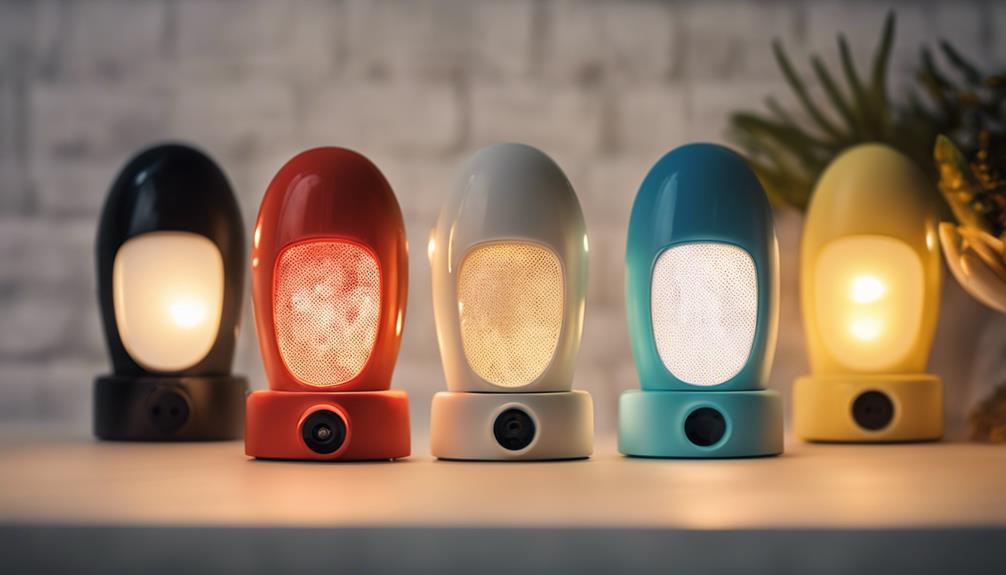

Plug-in night-light cameras combine a familiar household accessory with basic video-monitoring features. Because they fit into a standard electrical outlet and are designed to blend into a room, they may be useful for monitoring an entryway, nursery, hallway, office, or other permitted area. The best choice depends less on appearance alone and more on how well the camera handles image quality, movement alerts, remote access, and everyday setup.
Rather than choosing a device based only on the phrase “spy camera,” compare these three important feature groups before buying or installing one.
1. Clear video in ordinary and low-light conditions
A camera is only useful when its footage is clear enough to review. Look for a model that provides high-definition video and produces a reasonably sharp image across the area you intend to monitor. Consider the camera’s viewing angle as well: a narrow field of view may leave parts of a room uncovered, while a wider view can capture more of the surrounding space.
Night-time performance also matters because a night-light camera may be used in hallways, bedrooms, or entrances after dark. Before installation, check whether the device is intended to provide usable low-light footage or simply illuminate the area. Position the camera so that bright windows, lamps, or reflective surfaces do not interfere with the image.
- Choose the clearest video quality available within your budget.
- Check whether the viewing angle covers the intended area.
- Test the image during both daytime and nighttime conditions.
- Keep the lens unobstructed and clean.
2. Motion detection and remote viewing
Motion detection can help reduce the amount of footage you need to review. When movement is identified, the camera may begin recording or send an alert, depending on its design and connected software. Adjustable sensitivity is useful because excessive sensitivity can produce alerts from passing shadows, changing light, or normal household activity.
Remote monitoring provides access to a live camera feed through a phone or computer when the device supports a network connection. This can be convenient when you are away from the property, but it also makes account security important. Use a strong, unique password, install software updates when available, and review the device’s access settings.
Before relying on alerts, test them in the location where the camera will operate. Walk through the monitored area at different distances and confirm that notifications arrive as expected. Also determine how recordings are stored and how long they remain available, since those details affect how useful the system will be after an event.
3. Simple installation and dependable controls
The main advantage of a plug-in design is convenience. Installation generally involves connecting the camera to a suitable outlet, configuring it through the supplied instructions, and positioning it toward the area you are allowed to monitor. A user-friendly interface should make it straightforward to view live footage, change motion settings, manage notifications, and adjust recording options.
Practical setup checklist
- Read the manufacturer’s instructions before connecting the camera.
- Place it where the outlet and camera lens are not blocked by furniture.
- Confirm that the device has a stable connection if remote access is required.
- Test live viewing, motion alerts, and recording before leaving it unattended.
- Keep the instructions available in case troubleshooting is needed.
Use cameras responsibly
Discreet placement does not remove privacy responsibilities. Use a plug-in camera only in areas where monitoring is lawful and appropriate, and avoid private spaces such as bathrooms or areas where people reasonably expect privacy. If other adults may be recorded, provide notice or obtain consent when required. Follow applicable laws and the rules of your home, workplace, rental property, or building.
A plug-in night-light camera can be a practical monitoring tool when it offers clear video, useful motion detection, secure remote access, and simple controls. Compare those capabilities with your intended location, test the system after installation, and use it transparently and lawfully.