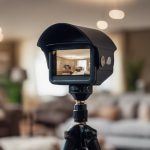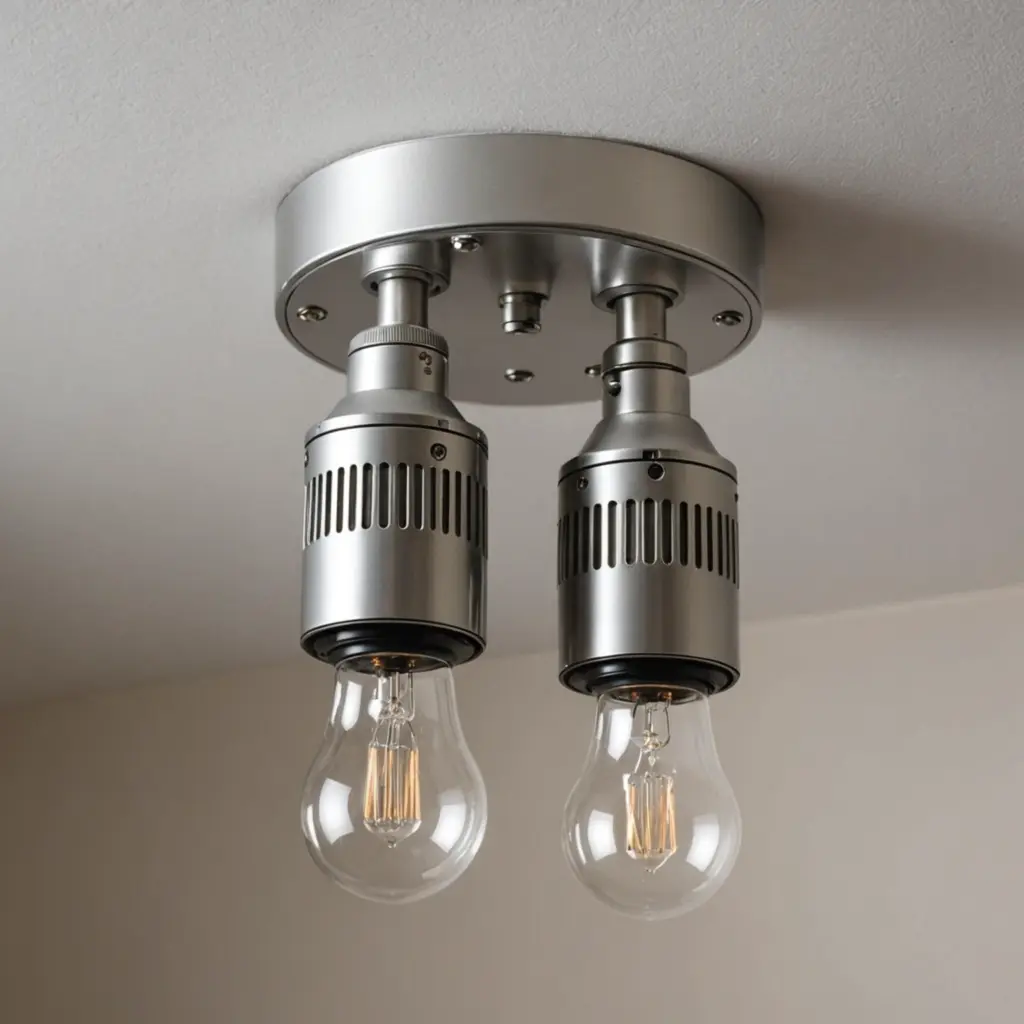

Spy camera bulb holders combine a light socket with a small camera, making them an unobtrusive option for security monitoring. Their appearance can help them blend into a room, but discreet design does not remove the need for responsible use. Before installing one, make sure your monitoring complies with local law and that people being recorded have been informed or have provided consent where required.
What to Look for in a Spy Camera Bulb Holder
Features vary between models, so choosing the right device depends on the area you want to monitor, the type of footage you need, and how you plan to access recordings. The following capabilities are commonly associated with this category.
1. Light-socket installation
A bulb-holder design can simplify placement because the unit fits into a compatible light socket rather than requiring a separate mounting bracket. Check the socket type, available clearance, and whether the camera’s position will provide a useful view. Installation should be secure and should not interfere with the light fixture or electrical safety.
2. Wireless network access
Wi-Fi connectivity can allow the camera to communicate with a phone, tablet, or computer without a separate video cable. Wireless performance depends on the strength of the network at the installation location. Use a strong, unique account password and secure your home network before connecting the device.
3. High-resolution recording
Higher-resolution video can make recorded details easier to review, although image quality also depends on lighting, lens quality, storage, and camera placement. Look for footage that remains clear across the area you need to observe rather than focusing on resolution alone.
4. Remote viewing
Remote viewing may provide access to a live feed or stored recordings when you are away from the monitored property. This can be useful for checking a home or permitted workplace area, but remote access also increases the importance of account security. Enable available security controls and avoid sharing login details.
5. Motion alerts
Motion detection can trigger recording or send an alert when movement is detected. Sensitivity controls are useful for reducing unnecessary notifications caused by pets, changing light, or normal activity. Test the detection area after installation so that the camera responds to relevant movement without covering spaces that should remain private.
6. Wide-angle coverage
A wide-angle lens can cover more of a room from a single position and may reduce blind spots. However, a broader view also makes careful positioning more important. Aim the camera only at areas you are permitted to monitor, and avoid capturing neighboring properties, public changing areas, bedrooms, bathrooms, or other locations where privacy is expected.
7. Night vision
Night vision can help the camera record in dim conditions, typically by using infrared illumination. Performance varies with distance, reflective surfaces, and available ambient light. Confirm that the nighttime image is usable from the intended mounting position instead of assuming that the feature will provide clear results in every environment.
8. Smartphone app support
An accompanying app may provide live viewing, notifications, playback, and camera settings. Review the permissions requested by the app and install updates from the manufacturer when available. If the device supports separate user accounts, use them instead of sharing one administrator password.
9. Storage options
Before choosing a model, determine how footage is stored. Options may include removable storage, local recording, or a connected online service. Understand how long recordings are retained, who can access them, and whether deleting footage removes all copies. Store recordings only for as long as there is a legitimate reason to keep them.
10. Data protection
Security features are especially important for an internet-connected camera. Look for encrypted connections, protected accounts, firmware updates, and clear information about data handling. Change default credentials immediately, disable unused remote-access features, and use multi-factor authentication if the device or associated service supports it.
Installation and Responsible Use
Choose a position that provides the required view without invading private areas. Follow the manufacturer’s installation instructions, keep the lens clean, and check the live image during both daytime and nighttime conditions. Test motion alerts and remote access before relying on the system for security monitoring.
Do not use a bulb-holder camera to record people secretly in places where they reasonably expect privacy. In shared homes, rental properties, workplaces, or customer-facing spaces, explain the monitoring purpose and follow applicable notice, consent, and recording rules. A visible, clearly communicated security camera may be more appropriate when transparency is required.
Final Buying Checklist
- Confirm socket compatibility and safe installation requirements.
- Compare field of view, low-light performance, and recording quality.
- Check whether storage is local, removable, or cloud-based.
- Review app permissions, account security, and update support.
- Position the camera only where monitoring is lawful and appropriate.
- Use strong credentials and protect recorded footage from unauthorized access.
The best spy camera bulb holder is not simply the one with the longest feature list. It is the option that provides suitable coverage, dependable access, and reasonable data protection while being used transparently and within the law.