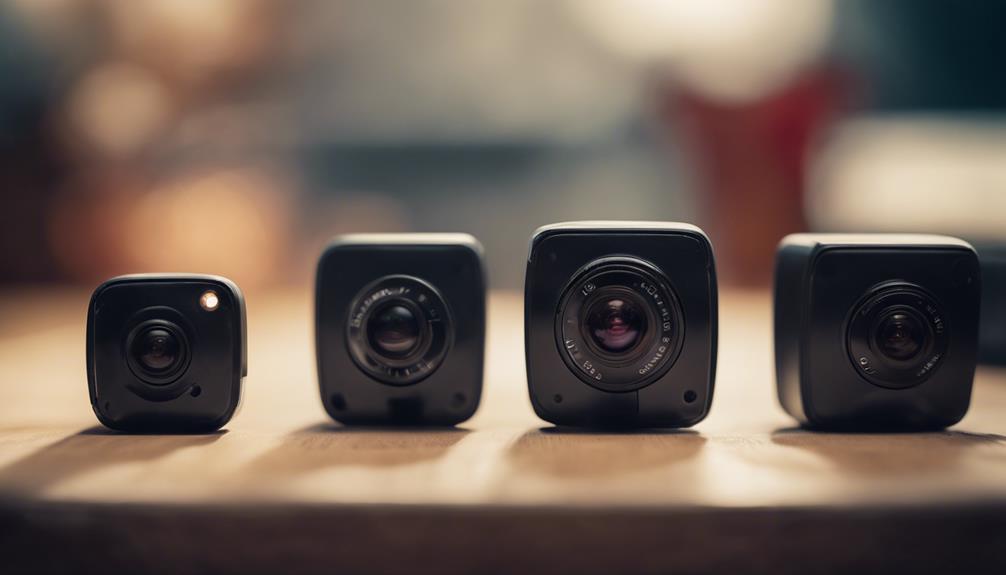

Wireless screw-style cameras are designed to resemble ordinary hardware while providing a compact way to monitor a space. Their small form factor can be useful for authorized security installations where a conventional camera would be impractical, but their discreet appearance also creates important privacy and legal considerations. Use any camera only where you have permission, follow applicable recording laws, and never use one to secretly monitor people in private areas.
What to Look for in a Wireless Screw Camera
The most useful features depend on whether you need occasional checks, continuous recording, or alerts when movement occurs. Before choosing a device, compare the following specifications rather than relying only on its appearance.
- Video quality: Clear resolution and good low-light performance make recorded footage more useful for identifying activity.
- Motion detection: Adjustable detection zones and sensitivity can reduce unnecessary alerts and recordings.
- Viewing angle: A wider lens can cover more of a room or entryway, although very wide lenses may introduce distortion.
- Wireless connection: Wi-Fi access may allow live viewing through a phone or computer, but signal strength and network security affect reliability.
- Power source: Battery-powered models are easier to install but require charging. Wired power may be more dependable for long-term monitoring.
- Storage: Check whether recordings are saved to internal memory, a removable card, cloud storage, or a combination of options.
- Night recording: Infrared or other low-light features can help in dark conditions, but performance varies significantly between models.
Comparing the Main Priorities
There is no single “best” wireless screw-style camera for every installation. A model praised for image quality may not have the longest battery life, while a compact camera may sacrifice viewing angle or storage capacity.
For detailed footage, prioritize video quality, low-light performance, and stable recording. For temporary or hard-to-reach installations, battery capacity and low-power motion recording may matter more. If you need to check a property while away, look for dependable mobile access and clear information about how alerts and remote viewing work.
Also consider the practical limits of wireless equipment. Thick walls, interference, a weak router signal, or an unreliable internet connection can interrupt live viewing. A camera that works well near a router may perform poorly after installation, so test the intended location before depending on it for security.
Installation and Testing Tips
Install cameras only in areas where monitoring is lawful and expected. For a home or business security system, visible placement is often the clearest and most respectful approach. Avoid bedrooms, bathrooms, changing areas, and any location where people reasonably expect privacy. If audio recording is available, review local rules before enabling it; audio laws can be stricter than video rules.
Before relying on the camera, carry out a complete test:
- Confirm that the camera has a clear, useful view without pointing into a neighbor’s property or a private area.
- Check daytime and nighttime footage for clarity, glare, and blind spots.
- Test motion alerts from different directions and distances.
- Verify that recordings are saved correctly and that timestamps are accurate.
- Check battery status, charging access, and notification behavior.
- Secure the camera account with a strong, unique password and available account protections.
Privacy and Responsible Monitoring
Discreet equipment should not be treated as permission to record people without their knowledge. Use wireless cameras for legitimate purposes such as monitoring your own property, checking an authorized workspace, or observing equipment with the owner’s consent. Inform household members, employees, guests, or other affected people when required, and keep recordings protected from unnecessary access.
For many situations, a conventional visible security camera is the better choice because it provides a deterrent and makes the purpose of recording clear. A small screw-style design may be convenient, but responsible installation, secure data handling, and respect for privacy are more important than concealment.
Choosing the Right Option
Start with the monitoring goal, then weigh image quality, motion detection, battery life, connectivity, storage, and viewing angle. Compare those specifications with the conditions at the installation site and test the complete setup before depending on it. A well-chosen camera should provide reliable, authorized security monitoring without creating avoidable privacy or safety concerns.