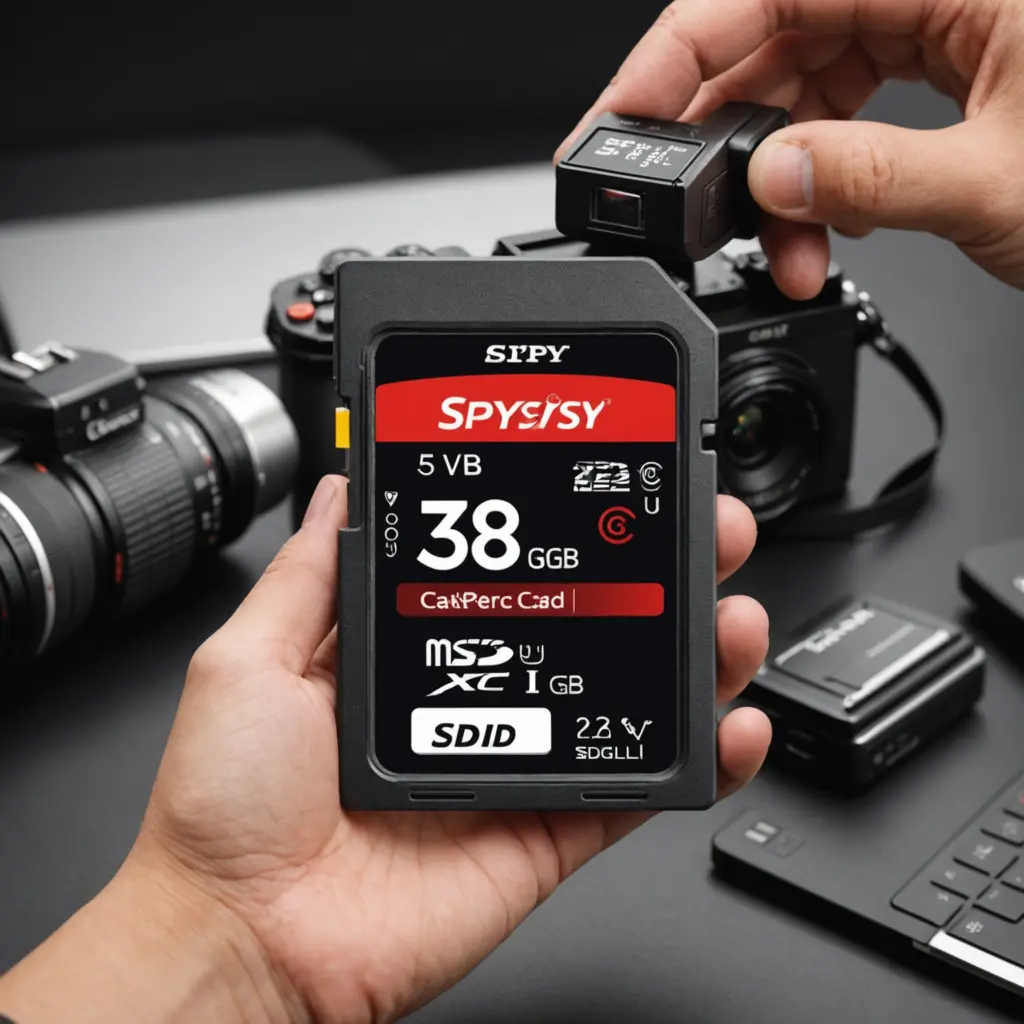

The right SD memory card can make the difference between dependable footage and recordings interrupted by dropped frames, full storage, or card errors. When choosing a card for a spy camera, focus on four practical factors: sustained write speed, storage capacity, durability, and compatibility with the camera.
Start with the camera’s requirements
Before buying a card, check the spy camera’s manual or product specifications. Confirm the supported card type, maximum capacity, required speed rating, and whether the camera accepts a standard-size SD card or a microSD card with an adapter. A card with impressive specifications may still be unsuitable if the camera cannot use its format or capacity.
Compatibility also includes the camera’s recording mode. Continuous surveillance, motion-triggered recording, high-resolution video, and higher frame rates place different demands on the card. If the camera records constantly or writes many short clips throughout the day, reliability and sustained write performance matter more than headline read-speed figures.
Understand SD speed classes
An SD speed class indicates the card’s minimum sustained write performance. This is important because video recording requires data to be written continuously. If the card cannot keep up with the camera, recordings may stutter, stop, or become corrupted.
Choose a card that meets or exceeds the camera manufacturer’s recommended speed class. A higher-rated card can be useful for demanding recording settings, but it does not automatically improve video quality. The camera determines the available resolution and frame rate; the card’s job is to store the resulting data consistently.
Do not choose a card solely because it advertises a high transfer speed. Some advertised speeds describe ideal read or burst performance rather than the sustained write performance needed for surveillance recording. The card and camera must also support the same bus or interface features for higher speeds to be useful.
Choose enough storage capacity
Storage requirements depend on resolution, frame rate, compression settings, recording length, and whether the camera records continuously or only when motion is detected. Higher-quality video generally produces larger files and fills a card sooner.
SD, SDHC, and SDXC cards are different capacity categories. Select a category and capacity supported by the camera rather than assuming that the largest available card will work. It is also worth considering how often you can remove footage from the card. A smaller card may be sufficient if recordings are regularly transferred, while extended unattended operation calls for more capacity.
- Estimate how much footage the camera creates during a typical day.
- Allow additional space for unexpected activity or longer recording periods.
- Plan a routine for transferring important files and freeing card space.
- Format replacement cards in the camera when the manufacturer recommends doing so.
Prioritise reliability and durability
For a camera used in a vehicle, outdoor location, or frequently moved setup, look for a card designed to tolerate the conditions it will encounter. Useful durability features may include resistance to moisture, shock, vibration, and temperature changes. These features are especially relevant when the camera is not installed in a controlled indoor environment.
For continuous recording, choose a card intended for frequent write and rewrite cycles when such a model is available and supported by the camera. Regardless of the card type, important footage should be copied to another location. An SD card should not be treated as the only archive for evidence or valuable recordings.
Check security and camera compatibility
A memory card normally provides storage; it does not automatically add encryption to the camera or its recordings. If the camera supports encrypted files, password protection, or another security feature, confirm that the selected card works with that system. Also check whether removing the card affects access to protected footage.
After installation, test the complete setup rather than relying only on the packaging. Record video at the intended settings, leave the camera running for a realistic period, and review several files. Check for gaps, playback problems, error messages, and correct operation after the camera restarts.
Making the final choice
The best SD memory card for a spy camera is not necessarily the fastest or most expensive option. It is a card that the camera officially supports, meets its sustained write requirement, provides enough capacity for the intended recording schedule, and has suitable durability for the installation environment.
Buy from a trustworthy source, avoid suspiciously low-priced cards, and keep a replacement available if the camera is used for important monitoring. Finally, use any recording device lawfully and respect people’s privacy, particularly in homes, workplaces, and other areas where recording may require permission.