
When a camera needs to record for long periods, battery life can matter just as much as image quality or size. A camera that requires frequent charging may miss important activity, while an energy-efficient model can reduce interruptions and maintenance.
The best option depends on where the camera will be used, whether motion-triggered recording is sufficient, and whether a continuous power source is available. The following ten camera types represent common designs for extended monitoring. Always use recording equipment lawfully, respect privacy, and follow applicable consent and surveillance rules.
1. Compact Mini Camera
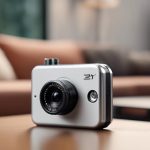
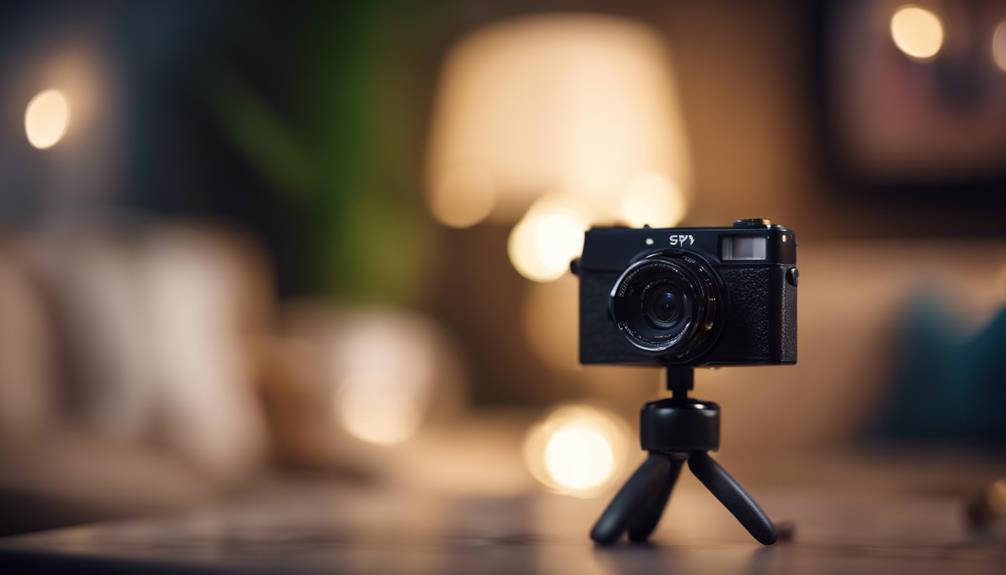
A mini camera is useful when portability and a small footprint are priorities. Its compact form makes it easier to position in a room, vehicle, or other permitted monitoring area without taking up much space. When comparing models, check battery capacity, expected recording time, charging time, and whether power-saving settings are available.
2. Motion-Activated Camera
Motion activation can extend operating time by keeping the camera in standby until movement is detected. Instead of recording continuously during quiet periods, the camera focuses on events that trigger its sensor. This design is especially practical where activity is occasional and full-time recording is unnecessary.
3. Portable Pen Camera
A pen-style camera is designed for mobility and discreet placement among ordinary personal items. It may suit situations where a compact recording device needs to be carried from one location to another. Because battery capacity varies considerably in small devices, review the expected recording duration and charging method before choosing one.
4. Wireless Charger Camera
A camera built into a wireless charger can combine a familiar household form with access to a nearby power source. This arrangement may reduce reliance on its internal battery when the charger remains connected. Placement should be transparent and lawful, particularly in shared workplaces, homes, or guest areas.
5. Clock Camera
A clock camera uses a familiar object as its housing and can be suitable for stationary indoor monitoring. Its larger enclosure may provide more room for a battery than some ultra-small designs, although actual runtime still depends on resolution, recording mode, and other settings. A clock-style device should never be used to record people in spaces where they reasonably expect privacy.
6. USB Charger Camera
A USB charger camera offers flexible power options. Depending on its design, it may be connected to a wall adapter, computer, or power bank. This can be helpful when extended operation is more important than completely cordless use. Confirm that the USB connection supplies stable power and that the device can record while charging if that feature is required.
7. Everyday-Object Hidden Camera
Some cameras are concealed inside objects such as alarm clocks, picture frames, pens, or chargers. Their main appeal is discreet placement, but concealment does not make recording automatically legal or appropriate. Use these devices only for legitimate, authorized monitoring and avoid bedrooms, bathrooms, changing areas, and other private spaces.
8. Outdoor Security Camera
Outdoor monitoring places additional demands on a camera. Look for a design intended to handle the relevant weather conditions, along with a battery suitable for the expected recording schedule. Motion detection, lower-power settings, and a nearby charging solution may help reduce the need for frequent battery changes. Position the camera so it covers your property without unnecessarily capturing neighboring private areas.
9. Night Vision Camera
Night vision is important when monitoring must continue in dim conditions. Infrared-assisted cameras can capture activity where visible light is limited, but night-mode operation may affect power consumption and image detail. Check the camera’s night-vision range and test its performance in the actual area before relying on it for overnight recording.
10. High-Resolution Battery Camera
High resolution can reveal more detail, but recording at a higher setting may use more storage and power. If image clarity is essential, balance resolution against the desired runtime. A camera with adjustable quality, frame-rate, or recording settings may provide a practical way to preserve detail without exhausting its battery too quickly.
How to Compare Long-Battery-Life Cameras
- Recording mode: Determine whether the camera records continuously, on motion, or according to a schedule.
- Power options: Consider removable batteries, USB charging, power banks, or operation while connected to mains power.
- Charging time: A long runtime is less useful if the camera takes an inconvenient amount of time to recharge.
- Image settings: Resolution, frame rate, night vision, and audio may all influence battery consumption.
- Placement: Make sure the camera can be positioned safely and legally with a clear view of the intended area.
- Storage: Extended recording requires enough local or connected storage for the footage being captured.
Choosing the Right Type
For occasional activity, a motion-activated camera may provide the best balance between coverage and battery use. For fixed indoor placement, a clock-style or USB-powered design may be more practical. Outdoor and overnight use calls for weather-appropriate construction and dependable low-light performance. Whichever type you select, treat battery-life figures as estimates: recording settings, temperature, signal strength, and use of night vision can all change real-world performance.