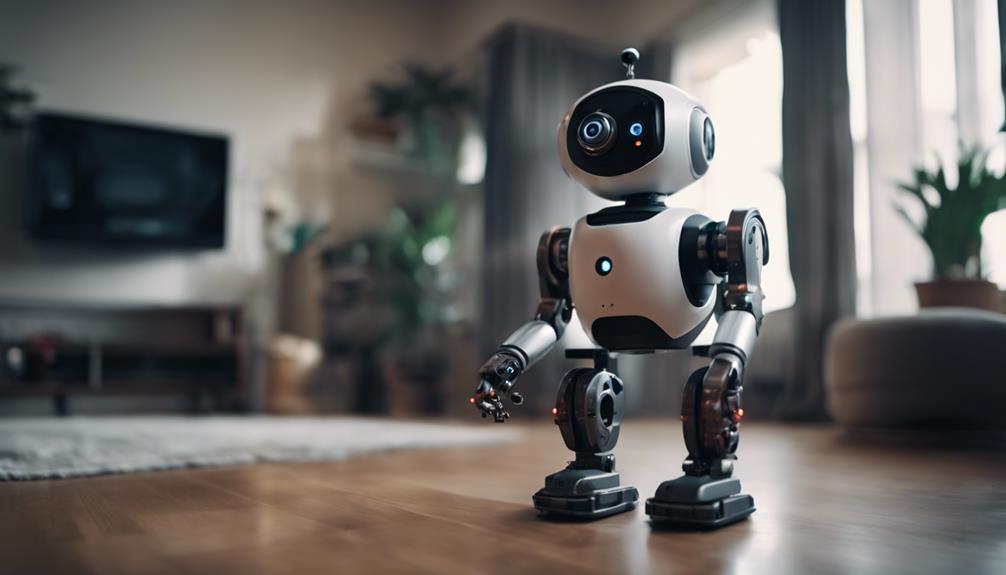

A camera-equipped spy robot can add mobility to a home security setup. Unlike a fixed camera, a remotely controlled robot can move between rooms or other areas, send a live video feed, and help you check locations that are not covered by stationary surveillance equipment.
These devices should be treated as one part of a wider security plan rather than a complete replacement for locks, lighting, alarms, or fixed cameras. Their usefulness depends on the model, your home’s layout, network quality, battery life, and the way the robot is operated.
What a Home Security Spy Robot Does
A spy robot is a small mobile surveillance device fitted with a camera and, depending on the model, additional sensors. It is generally controlled through a remote, an app, or another connected interface. Moving the robot allows you to inspect different areas without physically entering them.
Common capabilities may include:
- Live video: View the camera feed remotely while the robot is operating.
- Remote movement: Drive the robot toward a particular room or viewing position.
- Low-light viewing: Some models use night vision or infrared technology to produce images in darker conditions.
- Motion detection: Sensors may identify movement and send an alert, although sensitivity and accuracy vary.
- Two-way communication: Certain devices may include audio features, if supported by the model.
Review the manufacturer’s specifications carefully. Features such as video quality, night vision, recording, obstacle handling, wireless connectivity, and alert options are not identical across all robots.
Planning the Robot’s Position and Routes
Before using the robot, identify the areas you want to check. A clear route through hallways and rooms will make remote operation easier. Remove or secure loose cables, small objects, and other obstacles that could interfere with the wheels or tracks.
Choose a starting position with a reliable Wi-Fi signal if the robot depends on wireless connectivity. Avoid placing it where pets or children could easily knock it over, and keep the camera lens clear of dust and fingerprints. If the robot is intended for occasional checks, store it somewhere accessible so it can be used quickly when needed.
Installation and Setup
Follow the supplied instructions when charging, connecting, and configuring the device. A practical setup process usually includes these steps:
- Charge the robot fully or connect it to its specified power source.
- Install the required control app or pair the supplied remote.
- Connect the robot to the home network if wireless access is required.
- Adjust the camera angle and test the live video feed.
- Check movement in each area you plan to monitor.
- Enable motion alerts or other notifications only after testing their settings.
- Apply available firmware updates according to the manufacturer’s guidance.
If the connection drops, move the robot closer to the router or check the network signal in the area where it is being used. A blurry image may result from a dirty lens, poor lighting, or a weak connection. Clean the lens with a soft, suitable cloth and retest the feed before changing other settings.
Using Live Monitoring Effectively
Remote viewing is most useful when it supports a clear response plan. For example, you might use the robot to check an unexpected sound, inspect a doorway, or view a room before entering it. Move slowly when approaching an area so the camera has time to provide a stable view.
Motion detection can reduce the need to watch the video feed continuously, but it may also produce unwanted alerts caused by pets, changing light, or ordinary household activity. Adjust the sensitivity and monitored areas where possible, and test notifications at different times of day.
Keep the robot’s battery charged and periodically confirm that the camera, controls, alerts, and network connection still work. A security device is less useful if it has not been tested for a long period.
Privacy and Responsible Use
A mobile camera can enter spaces that are not visible from a fixed camera, so privacy deserves particular attention. Tell household members and visitors when surveillance is in use, and avoid directing the camera toward private areas where monitoring is not appropriate.
Check the laws and rules that apply to recording video or audio in your location. If the robot stores footage or sends it through an online service, use strong account credentials and review the device’s privacy and sharing settings. Delete recordings that are no longer needed, and limit access to the people who genuinely require it.
Combine the Robot With Basic Security Measures
A spy robot works best alongside simple, reliable precautions:
- Use strong locks on doors and windows.
- Keep entrances and dark areas well lit.
- Trim vegetation that could conceal an intruder.
- Keep valuable items away from easily visible windows.
- Test alarms, cameras, and notification systems regularly.
- Secure the home network used by connected security devices.
Used thoughtfully, a camera-equipped spy robot can provide flexible remote checking and an additional view of your property. The best results come from careful placement, regular testing, sensible alert settings, and respect for the privacy of everyone who may be recorded.