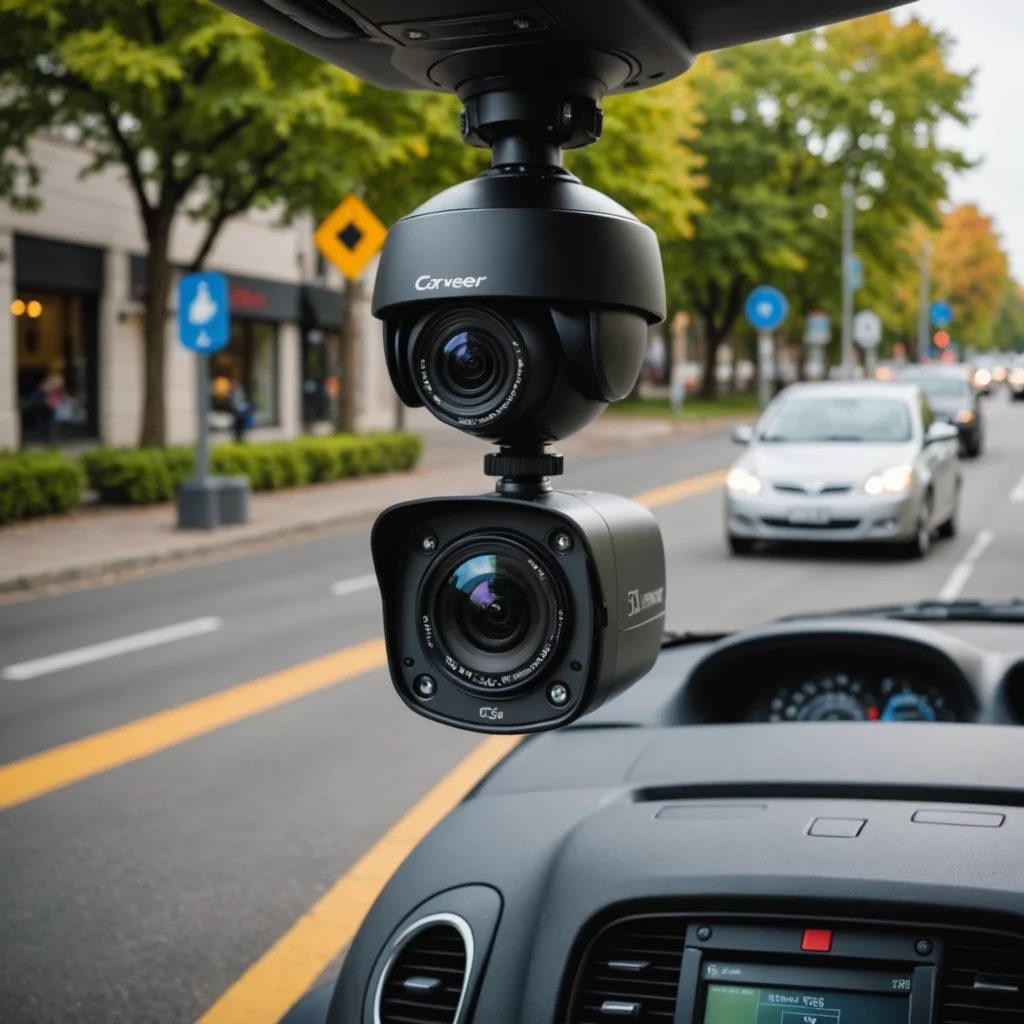

A stand-alone surveillance camera is a self-contained monitoring device designed to work without the wiring and central recorder required by a larger security system. Depending on the model, it may use battery power, solar charging, local storage, Wi-Fi, or a cellular connection. This makes it useful for homes, rentals, small businesses, outdoor locations, and other places where permanent installation is difficult. Explore standalone surveillance models to learn how they compare with various covert device types.
Although these cameras are often quick to install, the best choice depends on where the camera will be placed, how often it must operate, how footage will be stored, and whether remote access is important.
What Makes a Camera Stand-Alone?
A stand-alone unit combines the camera, control electronics, and essential operating features in one device. Many models can function without a dedicated network video recorder, while some still require Wi-Fi or cellular service for remote viewing and alerts.
Common operating options include:
- Battery power: Suitable for locations without a nearby outlet, but requires regular charging or battery replacement.
- Solar charging: Helpful for outdoor cameras where sunlight is available and a longer operating period is needed.
- Local storage: A microSD card or similar storage method can keep recordings on the device rather than relying entirely on cloud storage.
- Wireless connectivity: Wi-Fi or cellular communication may allow live viewing, notifications, and remote control.
Features Worth Comparing
Image quality and night performance
Choose a camera that produces usable images in the lighting conditions where it will operate. Resolution matters, but placement, field of view, and low-light performance also affect whether faces, entrances, vehicles, or other important details can be identified.
Motion detection and alerts
Motion detection can trigger recording or send an alert when activity is detected. Adjustable sensitivity is useful in areas where pets, traffic, trees, or changing light could otherwise create unnecessary notifications. Some smart models offer person detection or other forms of activity classification.
Power and maintenance
Consider how often the camera can be accessed for charging. A device installed high on a wall or at a remote property may be inconvenient to remove frequently. Check the expected battery performance under the intended conditions and determine whether solar charging is practical.
Storage and access
Local storage can provide a direct way to retain recordings and may be preferable when reducing dependence on online services. Wireless models may also support cloud storage, live viewing, and push notifications. Review how footage is accessed and how long recordings can be retained before choosing a storage method.
Stand-Alone Versus Concealed Cameras
Stand-alone surveillance cameras generally prioritise practical coverage, straightforward installation, and features such as motion alerts, night vision, and remote access. They are often visible and are suited to monitoring entrances, driveways, yards, rooms, or work areas. For legitimate security needs, discreet bathroom monitoring demands consent, careful placement, and a standalone camera with secure storage.
Concealed devices, including cameras built into small objects, are intended for discreet monitoring. Their compact design may make them useful for particular situations, but it can also limit battery capacity, image quality, storage, or connectivity. Choose between the two based on the legitimate monitoring purpose, the required coverage, and applicable privacy rules rather than choosing concealment by default.
Where These Cameras Can Be Used
- Homes: Monitor front doors, driveways, backyards, and other areas around the property.
- Rental properties: Portable units can be moved when the occupant changes residence, subject to the landlord’s and local rules.
- Small businesses: Cover entrances, stock areas, or other approved locations during closed hours.
- Remote sites: Outdoor units may be useful at construction areas, cabins, or properties without convenient power access.
- Care situations: A camera can support remote check-ins when everyone being monitored understands and agrees to its use.
Installation and Placement Advice
Test the camera’s view before permanently mounting it. Aim to capture the area of interest without pointing directly through glass or toward strong sunlight, since reflections and glare can reduce image quality and trigger false motion alerts.
For entrances, place the camera where a person’s face is visible rather than relying only on a high overhead angle. Outdoor installations should use weather-resistant equipment, a secure mounting method, and a position that makes tampering more difficult. Wireless models also need a dependable Wi-Fi signal; where Wi-Fi is unavailable or unreliable, a cellular-capable camera may be more suitable if coverage exists.
Privacy and Legal Responsibilities
Surveillance laws differ by location, so confirm the rules that apply before recording. Audio can be subject to stricter consent requirements than video, and cameras should not be placed in spaces such as bathrooms or other areas where people reasonably expect privacy.
When recording shared areas, visitors, tenants, customers, or employees, clear communication and appropriate signage can help prevent misunderstandings. If footage may be used as evidence, keep device timestamps accurate and use a storage process that preserves the original recordings and documents how they were handled.
Final Considerations
The right stand-alone surveillance camera balances coverage, power, storage, connectivity, and privacy. Start with the location and monitoring goal, then compare image performance, motion detection, charging requirements, weather protection, and access to recorded footage. A carefully selected and properly positioned unit can provide flexible monitoring without the complexity of a complete multi-camera system.