
Two-way audio video surveillance combines live video monitoring with the ability to listen and speak through the camera. Instead of only recording activity, these systems let an authorized user respond to visitors, check on family members, communicate with staff, or address a potential security issue remotely. Understanding two-way audio features helps evaluate spy camera designs, connectivity, and recording trade-offs for discreet surveillance.
A two-way camera can be useful in homes, small businesses, caregiving environments, and controlled access areas. Its value depends on more than image quality, however. Audio performance, network reliability, storage, placement, security settings, and privacy practices all affect how well the system works.
How two-way audio video surveillance works
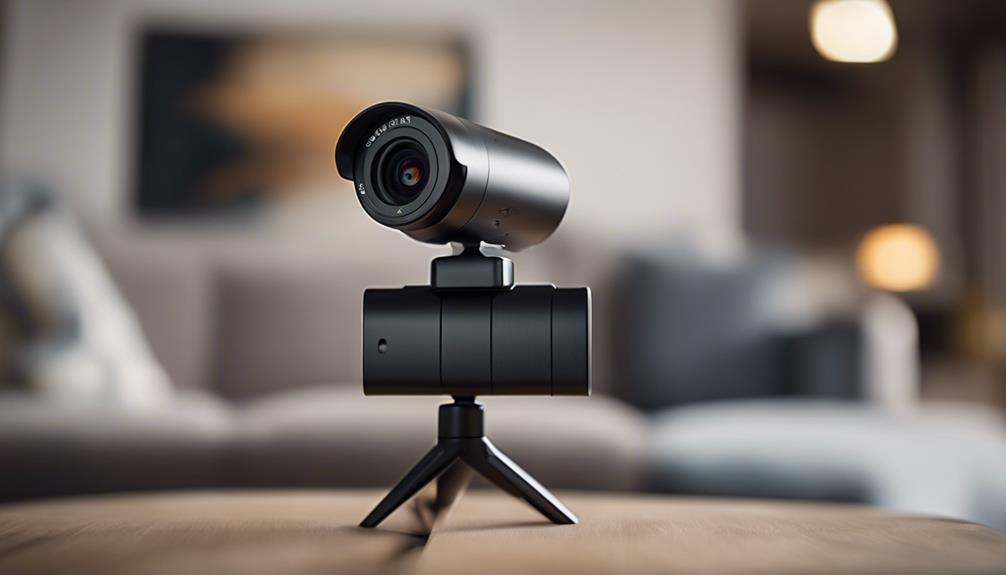
A camera with two-way audio includes a video sensor, microphone, and speaker. The camera sends live or recorded video to a phone, tablet, computer, monitor, or recording system. The microphone captures sound near the camera, while the remote user’s voice is transmitted back through the built-in speaker.
Some devices support full-duplex communication, allowing both people to speak and hear at the same time. Others use half-duplex communication, requiring users to press a button or take turns speaking. Delays can occur when the camera, network, or remote device is handling high-resolution video and audio at the same time. Bandwidth, compression, and signal strength therefore have a direct effect on how natural a conversation feels.
Wireless cameras commonly use Wi-Fi or a cellular connection. Wired cameras may connect to a local network and, in some installations, to a network video recorder (NVR). Storage may be provided through a local memory card, an NVR, or a cloud service, depending on the equipment and configuration.
Common uses for two-way camera systems
- Front doors and gates: Speak with visitors, provide delivery instructions, or respond without opening the door.
- Outdoor security: A weather-resistant camera with two-way audio can support remote communication and may help discourage unwanted activity.
- Child and elder care: Family members or caregivers can check in and offer reassurance without being physically present.
- Small businesses: Staff can greet customers, communicate at entrances, or respond to an alert from another area of the premises.
- Access-controlled locations: Operators can communicate with people at a door, gate, or reception point before granting access.
These systems are most effective when communication is part of a wider security or care procedure. A speaker should not be treated as a replacement for emergency services, on-site staff, alarms, or other appropriate safeguards.
Features to consider before buying
Audio quality
Look for a microphone that captures speech clearly and a speaker that is loud enough for the intended location. Noise reduction and echo cancellation can improve conversations, especially near roads, heating and cooling equipment, or other sources of background noise. Check whether the system offers full- or half-duplex communication.
Location and durability
Outdoor installations require an enclosure designed to withstand the conditions at the mounting location. Night vision, a suitable field of view, and protection against easy tampering may also be important. Indoor cameras may prioritize compact size, clear audio, and flexible positioning. For smoother surveillance footage, compare GoPro frame rates when evaluating motion clarity and two-way audio video systems.
Power and connectivity
A wireless camera with two-way audio can simplify installation, but battery-powered models require attention to battery life and charging. Continuous video and frequent audio use may increase power consumption. Before installation, confirm that the camera receives a reliable Wi-Fi signal where it will be mounted and that the network can handle the combined audio and video traffic.
Recording and access
Decide whether you need cloud storage, local memory, an NVR, or no recording at all. Also review how remote access is protected. Strong, unique passwords, encryption where available, current firmware, and limited user permissions reduce the risk of unauthorized viewing or listening.
Installation and setup guidance
Place the camera where it has a clear view and avoid pointing the microphone toward loud equipment. For outdoor use, mount it high enough to reduce casual tampering while preserving a useful view of faces and visitors. Keep the microphone and speaker positioned to reduce feedback, and enable built-in echo cancellation if the device provides it.
After installation, test live video, two-way conversation, notifications, recording, and remote access from each device that authorized users will operate. Test at different times and from the locations where the system will normally be used. Firmware updates should be applied according to the manufacturer’s instructions because they may address security or performance problems.
Privacy and responsible use
Audio surveillance can be subject to stricter rules than video surveillance, and requirements vary by location. Some jurisdictions require consent from people whose conversations are recorded. Before enabling recording, determine which rules apply to the property, workplace, or other location involved.
Covert camera or “spy camera” features require particular caution. Hidden audio recording can create serious legal and ethical concerns, especially where people reasonably expect privacy. Do not place cameras in private areas, and consider clear notice for household members, employees, customers, and visitors when monitoring is present.
Limit access to people who need it, establish sensible recording schedules, and periodically review accounts and stored footage. Used transparently and securely, two-way audio video surveillance can provide active communication and faster responses without sacrificing privacy or trust.