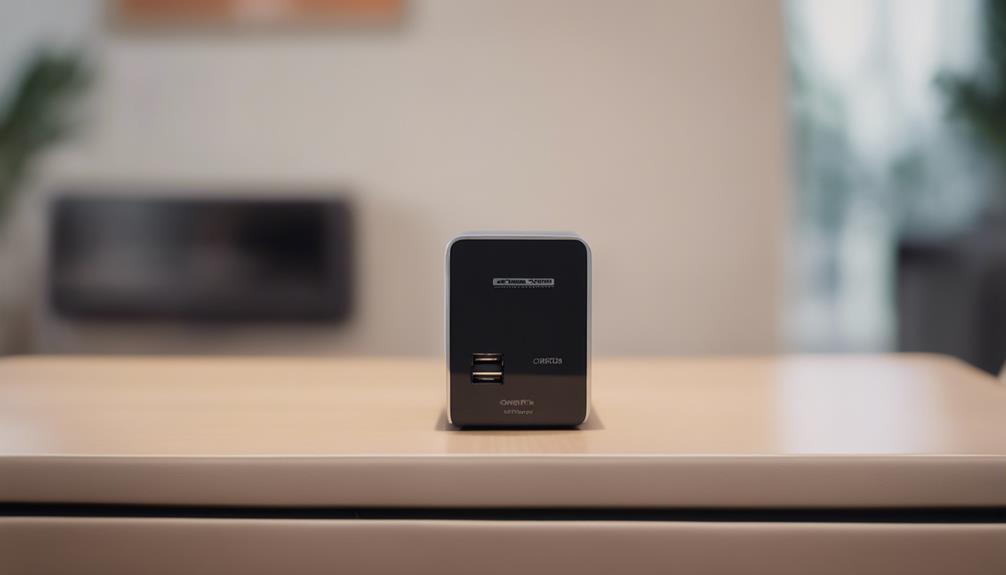

A USB charger camera with audio combines an everyday charging accessory with video and sound recording features. Because these devices are designed to be unobtrusive, they require more careful consideration than an ordinary security camera. The right choice depends not only on image quality and convenience, but also on whether the intended use respects privacy, consent, and applicable recording laws.
Start With a Lawful, Transparent Use
Before buying or installing any camera that records audio, confirm that its use is permitted where you live and work. Audio recording can be subject to stricter rules than video, particularly when people are recorded without their knowledge. Do not use a concealed camera in private areas such as bedrooms, bathrooms, changing areas, or similar spaces. In shared homes, workplaces, rental properties, and childcare settings, clearly inform affected people and obtain any required consent.
For many situations, a visible indoor security camera or a standard webcam is a safer and more transparent alternative. A USB charger-style camera should be considered only for a clearly defined, legitimate purpose and placed where recording is expected and allowed.
Features Worth Comparing
Once the intended use is clear, compare the camera’s practical capabilities rather than relying on appearance alone. Important features include:
- Video resolution: Higher resolution can make faces, documents, and other details easier to identify, although results also depend on lighting, lens quality, and camera placement.
- Motion detection: Motion-triggered recording can reduce unnecessary footage and make important events easier to locate. Check whether sensitivity and detection zones can be adjusted.
- Low-light performance: Night vision or infrared support may help in dim conditions. Ask whether the feature produces usable images or only detects general movement.
- Audio quality: A microphone should capture speech clearly enough for the intended, consent-based use. Background noise, distance, walls, and the device’s placement can significantly affect results.
- Storage: Determine whether recordings are saved to removable storage, internal memory, or a connected app. Review retention settings and delete footage that is no longer needed.
- Power behavior: Some charger-style devices are designed to operate while connected to power, but this does not guarantee uninterrupted recording. Check whether recording continues after a power interruption.
Audio Recording Needs Extra Attention
Clear audio can be useful for authorized monitoring, but it also creates additional privacy and security responsibilities. A microphone placed near a conversation may capture people who were not part of the intended recording. If audio is not essential, consider disabling it and using video only.
When audio is necessary and permitted, test the device in its planned location before relying on it. Listen for electrical hum, echo, excessive background noise, or speech that becomes unintelligible at a distance. Avoid assuming that a specification describing “high-resolution audio” guarantees professional-quality recordings.
Wireless Connectivity and Remote Viewing
Wi-Fi connectivity may allow authorized users to view a live feed, receive motion alerts, or manage recordings remotely. These features can be convenient, but they also introduce account and network risks. Use a strong, unique password, enable two-factor authentication when available, keep the device firmware and companion app updated, and avoid exposing the camera directly to the public internet.
Review what data the app collects, where recordings are stored, and who can access the account. If remote viewing is unnecessary, a locally stored recording system may reduce exposure of sensitive footage.
Placement and Everyday Operation
Place the device where it has a clear, lawful view and where its charging function remains practical. Avoid pointing it toward areas where people reasonably expect privacy. Test the field of view, glare, shadows, motion sensitivity, and audio levels during both daytime and nighttime conditions.
Use visible notices or direct communication where appropriate, maintain a simple record of who is authorized to access footage, and set an automatic deletion period. These steps help prevent recordings from being kept indefinitely or viewed by people who do not need them.
Making a Sensible Choice
The most suitable USB charger camera with audio is not necessarily the one with the most features. Prioritize lawful placement, reliable video, adequate low-light performance, controllable motion detection, secure storage, and audio that is used only when justified and permitted. A conventional visible camera may offer a better balance of transparency, security, and privacy for many households and workplaces.