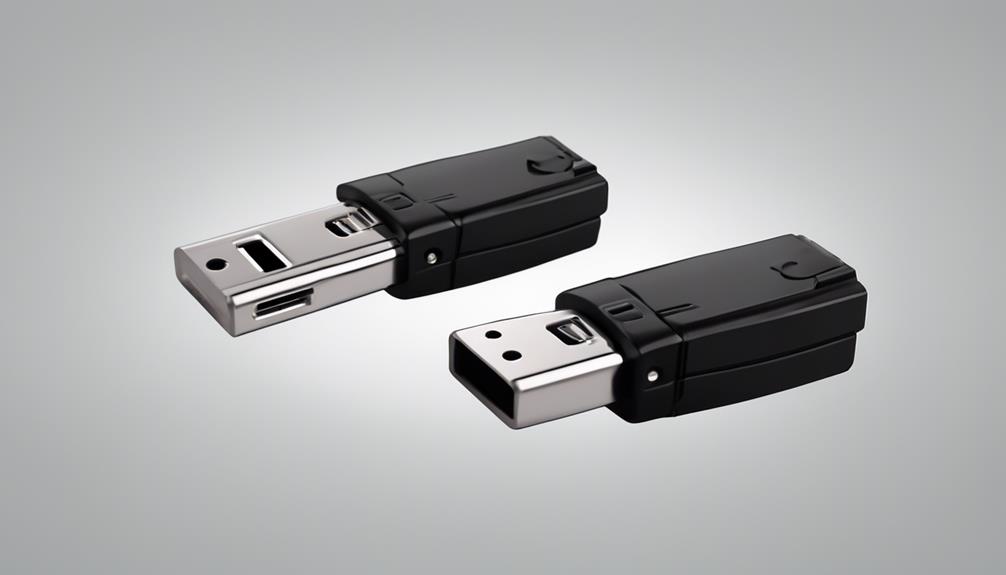

Voice-activated recording devices are designed to begin capturing audio when they detect sound above a selected threshold. Instead of recording continuously, they remain in a monitoring or standby state until speech or another sound triggers the recording function. This can reduce unnecessary files, conserve storage, and extend battery life compared with continuous recording. Learn how voice activation triggers enhance covert surveillance capabilities and integrate with modern spy camera technology.
These devices may be used for interviews, lectures, personal reminders, workplace documentation, security systems, or other lawful and consent-based purposes. Some standalone recorders also form part of camera and monitoring systems, where audio and video are captured together.
How voice activation works
A voice-activated recorder continuously samples the surrounding sound and compares its volume with a preset sensitivity level. When the sound reaches that level, the device starts saving an audio file. Recording may stop after the environment becomes quiet for a specified period.
Basic models rely mainly on volume detection. More advanced devices may include adjustable sensitivity, noise reduction, or filtering intended to reduce false triggers from background hums and brief incidental noises. In practice, the best setting depends on the environment: a quiet room requires a more sensitive threshold than a busy office or outdoor location.
Features worth comparing
Choosing a suitable device involves more than checking whether it has voice activation. Consider how and where the recorder will be used, how often files will be reviewed, and whether it needs to work independently or alongside another system.
- Adjustable sensitivity: Multiple threshold settings make it easier to distinguish relevant speech from ambient noise.
- Standby and recording battery life: Voice activation can reduce unnecessary recording, but actual runtime still depends on battery capacity, microphone use, storage activity, and connectivity features.
- Storage capacity: Internal memory may be sufficient for occasional use, while removable storage can be useful for longer recording periods and file archiving.
- File formats: Common formats such as WAV and MP3 are generally convenient for playback, transfer, and editing on computers and phones.
- Microphone quality: A clear microphone is important when speech intelligibility matters. Placement and surrounding noise can affect results as much as the recorder itself.
- Connectivity: Some devices can transfer files through a cable, Bluetooth, or Wi-Fi. Wireless features may add convenience but can also increase power consumption and require careful security settings.
- Timestamps and file protection: Reliable time information, secure exports, and safeguards against accidental deletion are useful when recordings must be organised or preserved.
Common legitimate uses
Students and journalists can use voice activation to capture interviews, discussions, or lectures without creating long recordings filled with silence. Personal users may use a compact digital recorder for spoken notes, reminders, or dictated ideas. In each case, it is sensible to test the sensitivity level before an important session and confirm that speech is being captured clearly.
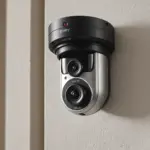
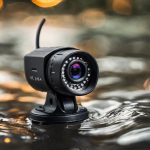
Voice activation can also be used in security and monitoring equipment, particularly when audio needs to be associated with a specific event rather than stored continuously. A camera system may use sound detection alongside motion detection, allowing the system to save footage when either a visual or audio event occurs. Some setups use a separate microphone or recorder when the built-in camera microphone does not provide adequate audio quality. For hands-free monitoring, discreet in-car recording options can complement voice-activated devices with audio capabilities.
Using recorders with cameras and phone apps
Combined audio and video systems can make incident review easier when their recordings use matching timestamps or coordinated triggers. However, separate devices may start at slightly different times, so testing and synchronisation are important before relying on the recordings.
Phone recording applications can offer convenient hands-free capture, but their capabilities vary. A phone may need to remain unlocked, connected, or sufficiently charged, and its microphone performance depends on the device and surroundings. If an app is used to trigger audio or video recording, review its permissions and understand where files are stored.
Privacy, consent, and responsible use
Voice activation does not remove the legal or ethical responsibilities associated with recording people. Rules differ by jurisdiction and may depend on whether the conversation is private, whether the recorder is visible, and whether one or all participants must consent. Recording someone without the required permission can create serious legal and personal consequences.
Use these devices only for lawful purposes and provide clear notice or obtain consent when required. Avoid placing recorders in areas where people reasonably expect privacy. For workplace, household, or security use, establish who may access recordings, how long files will be retained, and how they will be protected from unauthorised viewing or copying.
Making the right choice
A voice-activated recording device is most useful when its trigger settings, microphone, storage, and power options match the recording environment. Test it under realistic conditions, listen for missed words or false starts, and check how recordings are transferred and labelled. For systems involving cameras, phones, or remote access, confirm that the devices work together before deployment. Careful configuration and responsible handling matter as much as the activation feature itself.