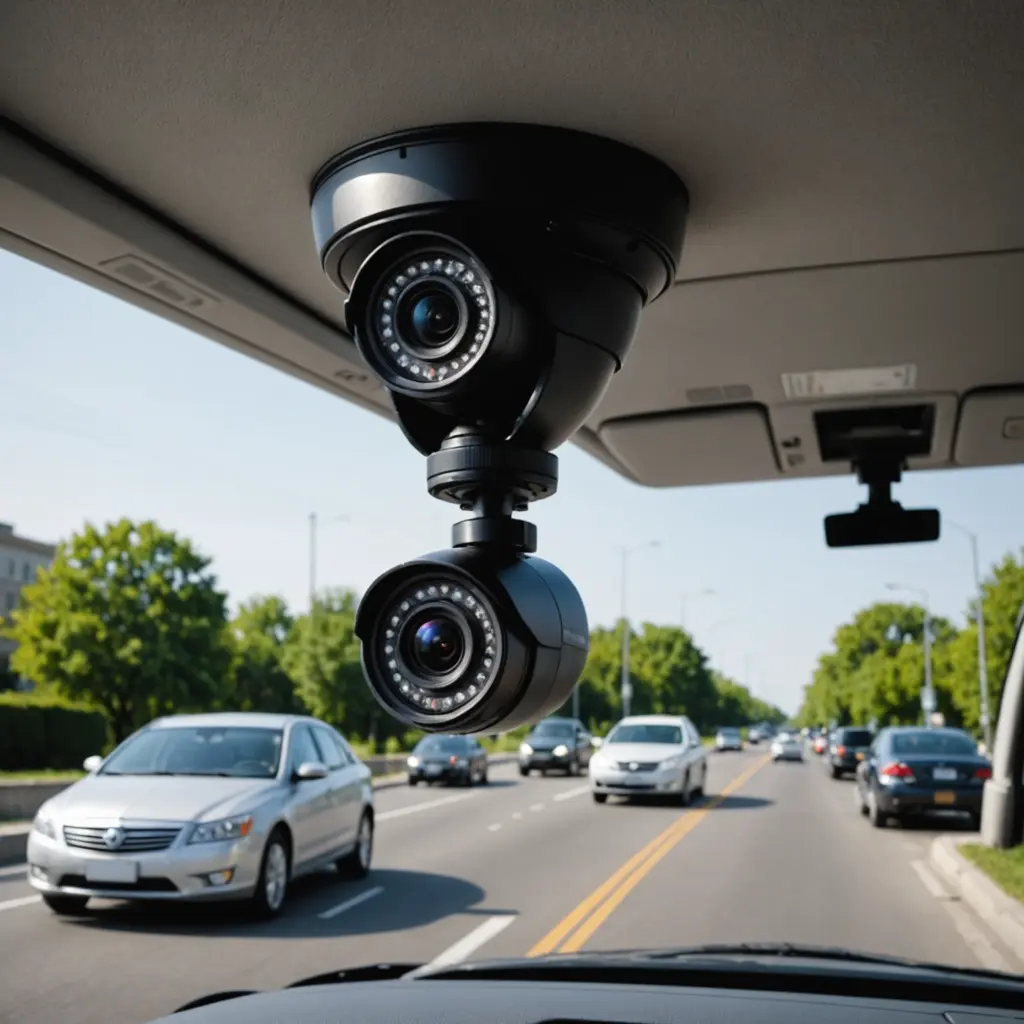

A hidden car camera with audio can document activity inside or around a vehicle when a conventional, highly visible camera is not suitable. These devices may be used for personal vehicle security, rideshare safety, fleet oversight, parking incidents, or accident documentation. Because audio recording creates additional privacy and legal concerns, choosing the right system involves more than comparing camera size and video resolution. Compare audio recording features in in-car concealment devices to modern covert device technologies.
What a hidden car camera with audio can record
Video can show what happened, while audio may provide additional context about conversations, warnings, instructions, or sounds associated with an incident. In some situations, that context can help clarify a disagreement or explain events that are difficult to interpret from images alone.
Audio is not automatically useful simply because it is available. Road noise, ventilation fans, music, and passengers speaking at a distance can affect intelligibility. A well-designed microphone placement and suitable noise-reduction features may matter as much as the camera’s advertised resolution.
Features worth comparing
Video and audio quality
- Video resolution: Full HD can provide clearer detail than lower-resolution recording, particularly when reviewing faces, vehicle damage, or license plates.
- Low-light performance: Night recording and effective low-light imaging are important for incidents in garages, driveways, and poorly lit parking areas.
- Microphone performance: Check how and where the microphone is positioned, and whether the device includes noise reduction or adjustable audio settings.
- Viewing angle: A wider lens covers more of the cabin or surrounding area, but excessive wide-angle distortion can make details harder to judge.
Recording and alert functions
- Motion detection: The camera can begin recording when movement is detected, which helps conserve storage and power.
- Parking mode: This is useful for monitoring a parked vehicle, although some systems require a continuous power connection or a separate power-management installation.
- Loop recording: Older files are overwritten when storage is full, allowing the camera to keep recording without manual file management.
- Impact or g-force detection: A sensor may protect footage associated with a collision from being overwritten.
- Remote access: Wi-Fi or cellular connectivity can support alerts or remote viewing, but cellular models may involve data charges and additional setup.
Power, storage, and installation
Battery-powered cameras are generally easier to place and move between vehicles, but their operating time is limited and they require regular charging. Hardwired systems are better suited to vehicles that need continuous monitoring, such as fleet, delivery, or rideshare vehicles. Professional installation can help prevent wiring problems and reduce the risk of draining the vehicle battery.
Look for support for removable memory cards, clear storage-capacity limits, and straightforward file transfer. Cloud backup can provide an off-site copy, but it may require an account, a subscription, or an internet connection. Before relying on any system, test how quickly recordings can be located, exported, and played on another device.
Placement affects both privacy and recording quality. The lens should have an unobstructed view, while the microphone should not be covered by upholstery, trim, or other material. Avoid positioning the device where it blocks the driver’s view, interferes with airbags, or creates a hazard during a collision.
Common vehicle uses
A camera may help document damage or suspicious activity around a parked vehicle. Drivers and passengers may also consider recording systems for safety documentation during rideshare or other passenger trips. Fleet operators can use vehicle cameras to review incidents, delivery disputes, or driving events, subject to appropriate notice and workplace policies. Parents may consider them for oversight of a teen driver, but should discuss the device’s purpose and recording practices clearly. For broader audio-enabled concealment options beyond vehicles, explore discreet recording setups designed for different environments.
Covert recording for investigations, journalism, or monitoring another person carries greater privacy and ethical risks. Concealment does not remove the need to follow applicable law or obtain permission where required.
Audio recording and privacy laws
Audio rules vary by country, state, and sometimes by the circumstances of the recording. Some jurisdictions permit recording when one participant consents, while others require the consent of everyone whose private conversation is captured. Workplace monitoring, rideshare recording, and recordings made outside the vehicle may involve additional requirements.
Before installing an audio-enabled camera, check the rules that apply where the vehicle is located and where the recorded people are located. Consider disabling audio when it is not necessary, posting a notice, or obtaining clear consent. Keep recordings secure, limit access, and delete them when they are no longer needed. Legal compliance can affect whether footage is usable in a dispute, but no device can guarantee that a recording will be accepted as evidence.
How to select the right system
Start with the situation you need to document. For occasional parking incidents, a compact camera with motion detection, night recording, and dependable local storage may be sufficient. For frequent driving or fleet use, prioritize continuous power, impact protection, easy file retrieval, and a mounting method that will remain stable. If audio is essential, test spoken-word clarity rather than relying only on a specification sheet.
Compare the total cost, including memory cards, installation, replacement batteries, cellular service, and cloud storage. Choose a product with understandable instructions, a clear warranty, and a secure way to access recorded files. The best hidden car camera with audio is one that records clearly, operates reliably, can be installed safely, and is used with appropriate notice and legal awareness.