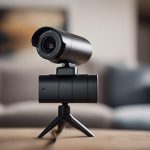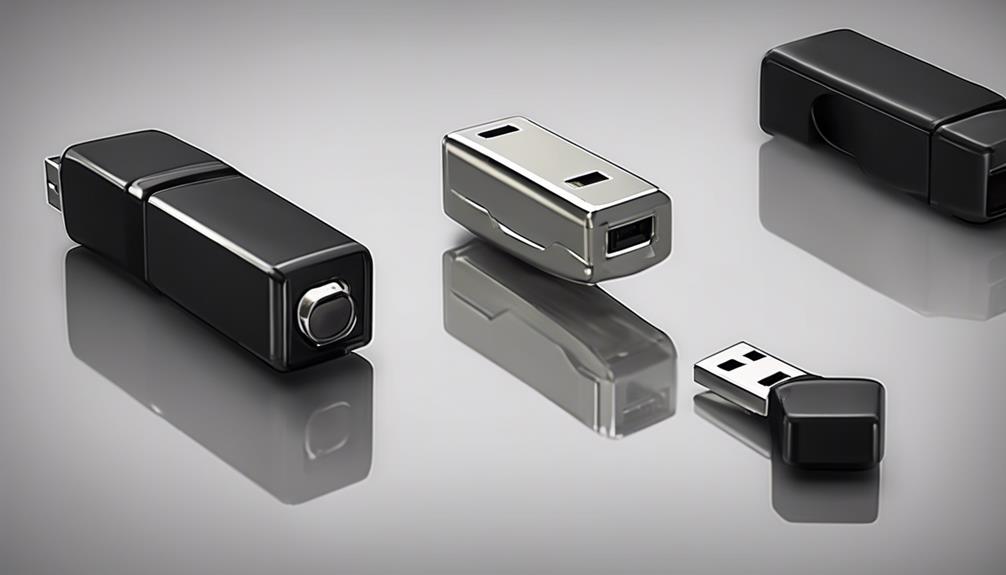

A WiFi mini camera with night vision can provide flexible monitoring without the size of a conventional security camera. Compact models are useful for checking entrances, rooms, pets, equipment, or other areas where a smaller camera is more practical. Before choosing one, look beyond headline features such as “HD” or “wireless” and compare image quality, night performance, power options, storage, connectivity, and privacy controls. Explore how mini night vision features improve discreet surveillance performance in modern spy camera technology.
How mini night vision cameras work
Night vision depends on the camera’s image sensor and the way it handles limited light. Many small cameras use infrared LEDs to illuminate a scene with light that is generally not visible to the human eye. Others rely on sensors designed to capture more detail in very low light, sometimes producing a more natural-looking image when some ambient light is available.
Infrared performance is not determined by resolution alone. The camera’s lens, sensor, infrared illumination, and image processing all affect how clearly it records after dark. Nearby walls or windows can reflect infrared light back into the lens, creating glare or a washed-out image, so placement matters as much as the specification sheet.
Features worth comparing
Resolution and image quality
A 1080p mini WiFi camera can provide more usable detail than a lower-resolution model, particularly when viewing recorded footage or identifying activity within the camera’s field of view. Higher resolution does not guarantee better results at night, however. Check whether the camera maintains clear images in darkness rather than relying only on its daytime video rating.
Motion detection and alerts
Motion detection allows the camera to record or send a notification when movement occurs instead of recording continuously. Adjustable sensitivity and activity zones can help limit alerts caused by curtains, foliage, changing shadows, or pets. Some models offer person-detection features, but performance can vary, so testing the camera in its intended location is useful.
Event-based recording can also reduce storage use and conserve battery power. If you need a complete record of everything that happens, continuous recording may be more appropriate, but it usually requires a reliable power source and greater storage capacity.
WiFi connection and remote viewing
WiFi enables a mini camera to send live video and alerts to a phone or companion app. A strong signal is important, especially when the camera is installed far from the router or behind several walls. A camera that works well near the router may become unreliable at its final mounting position.
Review how the app handles live viewing, recorded clips, notifications, and account security. Cloud recording can provide off-site access, while local microSD storage may avoid recurring service costs. Local storage can still be vulnerable if the camera or card is removed, so consider whether you need both local and remote copies. For discreet wearable options, compare compact night-vision devices with body-worn models suited to unobtrusive recording.
Power, mounting, and everyday practicality
Mini cameras may run from a rechargeable battery, USB power, or a permanent mains connection. Battery operation is convenient for temporary placement, but runtime depends on factors such as motion activity, WiFi use, night vision, and recording settings. For continuous monitoring, USB or mains power is generally more practical if a cable can be routed safely.
Compact housings may support magnetic mounts, adhesive bases, or other flexible installation methods. Choose a stable position with an unobstructed view and avoid placing the lens directly toward bright lights or reflective surfaces. Test both daytime and nighttime footage before finalizing the installation.
Suitable uses for a portable night vision camera
A small wireless camera can be useful for monitoring an entryway, checking on pets, observing a nursery, or keeping an eye on a storage area. Small businesses may use compact cameras in stockrooms or other limited spaces where a larger unit would be inconvenient. Portable models can also support wildlife observation, time-lapse projects, and other legitimate recording tasks.
Use any camera responsibly. Do not record people in private spaces without appropriate permission, and check the laws or building rules that apply to audio and video recording in your location. A discreet design should make installation easier, not encourage recording where people reasonably expect privacy.
Secure setup checklist
- Change the default password before using the camera.
- Enable two-factor authentication if the app provides it.
- Install available firmware and app updates.
- Use motion zones and sensitivity settings suited to the location.
- Confirm that night footage, alerts, and playback work as expected.
- Choose local, cloud, or combined storage based on access and backup needs.
- Protect power cables and mount the camera where it cannot be easily knocked or removed.
Choosing the right model
For clear identification, start with a 1080p or higher model and compare real night footage rather than resolution alone. For temporary or mobile monitoring, prioritize battery performance, mounting flexibility, and simple app access. For permanent coverage, focus on reliable power, stable WiFi, event management, and storage options.
The best WiFi mini night vision camera is the one that matches the location and recording goal. Evaluate low-light image quality, motion detection, connection reliability, power requirements, storage, software security, and responsible use together. Careful placement and a secure setup will usually make a greater difference than choosing a camera based on a single headline specification.