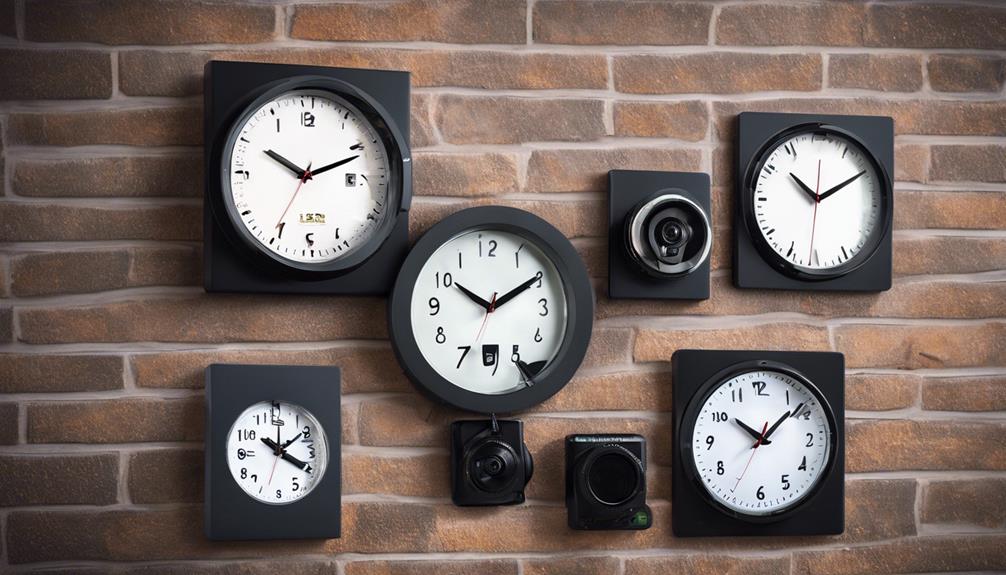

A window security camera can monitor a driveway, porch, yard, storefront entrance, or other area without requiring a camera to be mounted outdoors. Depending on the design, the device may sit indoors and record through the glass, attach near a window, or connect to an existing CCTV system. This makes window-based surveillance useful when exterior installation is difficult, unwanted, or not permitted. Consider discreet surveillance options for window mounted devices to monitor entrances without obvious visibility.
The best setup depends on what you need to observe, how often you want to record, and whether the camera must remain discreet. Before buying, consider the view from the window, available power, Wi-Fi coverage, lighting conditions, storage requirements, and the privacy of people outside the property.
How a window security camera works
Most window camera setups place the lens inside a building and aim it through clear glass. The camera can then provide a live view or record activity outside while remaining protected from rain, dust, and tampering. Some models are wireless and connect to a phone or cloud service over Wi-Fi, while others use cables and integrate with a DVR or wider CCTV system.
Common capabilities include motion detection, smartphone viewing, night vision, two-way audio, and local storage on a microSD card. These features are not equally useful in every location. For example, two-way audio may be helpful at a front entrance, while local recording may be preferable when an uninterrupted connection to the internet is not guaranteed.
Where window cameras are useful
A camera facing through a window can provide coverage for areas that are visible from inside the property, including:
- Front doors, porches, and delivery areas
- Driveways and vehicle access points
- Gardens, play areas, and pet spaces
- Street-facing approaches to a home or small business
- Customer entrances and nearby outdoor areas at a storefront
Indoor placement can also be practical for renters or anyone who cannot drill into exterior walls. It avoids exposing the equipment directly to the weather, although the window itself can still create image-quality problems.
Features worth comparing
Wired or wireless connection
A Wi-Fi window camera is generally easier to position and move. It is useful for temporary installations, but it depends on a reliable wireless signal and may require regular charging if it is battery-powered. A wired CCTV window camera can provide a more consistent connection and may fit better into a system that already includes a recorder.
Image quality and low-light performance
Choose a resolution appropriate for the distance between the camera and the area being monitored. A wide view can cover more ground, but a narrower view may provide greater detail on a particular entrance. Night vision or a capable low-light sensor is important when the area will be monitored after dark. For households balancing window surveillance with pet care, monitoring pets remotely offers added convenience throughout the day.
Recording and alerts
Motion zones can help limit alerts caused by irrelevant movement, such as trees or passing traffic. Check whether the camera supports local microSD storage, cloud recording, or both. Cloud services may involve a subscription, while local storage requires you to protect and maintain the memory card. If continuous recording matters, confirm how the camera behaves when storage is full or the internet connection fails.
Installation tips for clearer footage
Clean both sides of the window before positioning the camera. Smudges, dust, and condensation can make an otherwise sharp image appear hazy. Place the lens as close to the glass as practical and aim it slightly downward or sideways to reduce reflections. Avoid tinted, patterned, or heavily textured glass where possible.
Bright outdoor light can create a difficult contrast between the sky and darker areas near the ground. Adjust the viewing angle so the camera covers the target zone rather than a large amount of empty sky. Features such as wide dynamic range can help preserve detail in scenes with strong backlighting, but careful placement remains important.
Infrared night vision may reflect off the glass and produce glare or a bright haze. If this occurs, reposition the camera, reduce the gap between the lens and window, or use suitable visible lighting instead. For a Wi-Fi model, test the signal at the exact window location before finalising the installation.
Privacy and responsible use
A window security camera should be aimed at areas you are entitled to monitor. Avoid pointing it through a neighbor’s window or toward private spaces where people reasonably expect not to be recorded. Recording rules differ by location, especially when audio is captured, so check applicable local requirements before using two-way audio or continuous recording.
Businesses and multi-tenant properties should consider informing visitors and occupants about surveillance. Clear notice can make the purpose of the system understandable and supports a more transparent approach than concealing the camera. Keep recorded footage secure and limit access to people who genuinely need it.
Maintenance and security practices
- Clean the window and lens periodically.
- Review motion zones and alert sensitivity after installation.
- Check the power source, battery level, and Wi-Fi connection regularly.
- Install available firmware updates.
- Use a strong, unique account password and enable two-factor authentication when offered.
- Review storage settings so important footage is not overwritten unexpectedly.
Used thoughtfully, a window security camera can add useful coverage without a complex exterior installation. Careful positioning, dependable connectivity, appropriate recording settings, and respect for privacy will do more to improve the system than simply choosing the camera with the longest feature list.