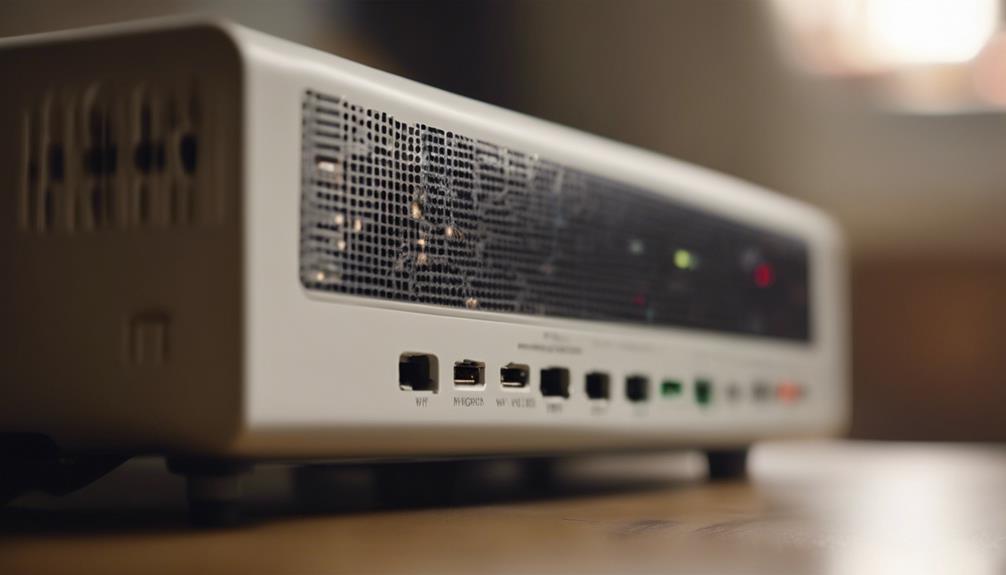

A wireless indoor camera can provide a convenient way to check on your home, pets, children, or vulnerable family members without running video cables through walls. Most models connect over Wi-Fi and can be viewed through a phone app, making them easier to install and reposition than traditional wired cameras. Explore discreet monitoring uses to understand how wireless indoor cameras support practical, unobtrusive observation in homes and offices.
However, convenience does not remove the need to consider privacy, security, and local recording laws. A good indoor camera is not simply the smallest or most discreet model. It is one that provides useful coverage, protects recorded footage, and is used with the knowledge and consent required in your situation.
What is a wireless indoor camera?
A wireless indoor camera is designed for use inside a home, office, or similar private property. It normally sends video over a wireless network and may offer features such as motion alerts, night vision, sound, two-way communication, and remote viewing through a mobile app.
Wireless models are especially useful when you want to test different viewing angles, monitor a room temporarily, or avoid installing permanent cabling. They do still require power unless they contain a rechargeable battery, so “wireless” usually refers to the network connection rather than complete freedom from cables.
Common, lawful uses
Indoor cameras can support several practical home-monitoring tasks when they are installed openly or used with appropriate notice and consent. Examples include:
- Checking on pets while you are away
- Monitoring activity in a living room or other shared area
- Watching a nursery or play area where the relevant adults understand the camera is present
- Receiving an alert when movement is detected inside your home
- Checking on an elderly relative or another household member with their knowledge
- Reviewing activity after a false alarm or unexpected household event
A camera with audio can provide additional context, but sound recording is often more privacy-sensitive than video. Before enabling a microphone, check the rules that apply where you live and tell affected occupants or visitors when disclosure is required.
Features worth comparing
Video quality and low-light performance
Clear video is more valuable than a long list of smart features. Look for suitable resolution, dependable image quality, and night vision or low-light performance if the camera will operate after dark. Consider whether the viewing angle covers the entire area you need without leaving important blind spots.
Motion detection and notifications
Motion alerts can help you notice activity without watching a live feed continuously. Compare how well a camera handles movement, changing light, and pets, since frequent false alerts can make a system difficult to use. Adjustable detection zones may help you ignore areas such as windows or busy walkways. For broader indoor monitoring options, consider the Arlo Pro 2 alongside this wireless camera setup.
Storage and privacy controls
Some cameras store recordings in the cloud, while others support a local memory card, a connected recorder, or both. Review how long footage is retained, who can access it, and whether recordings can be deleted easily. Encrypted communication, account protections, and regular firmware updates are important safeguards against unauthorized access.
Audio and two-way talk
Two-way audio can be useful for speaking to a family member or calming a pet. If the camera records sound, treat that function as a separate privacy decision rather than assuming it is automatically appropriate. A model with a physical microphone mute or privacy control can make it easier to pause audio when needed.
Power and connectivity
Choose a location with a dependable power source and a Wi-Fi signal strong enough for consistent video. A wired indoor camera may be preferable where uninterrupted power and stable connectivity matter more than easy repositioning. A wireless camera is generally more flexible, but its performance depends on the local network and battery or power arrangement.
Placement and responsible use
Place cameras in shared areas such as entrances, living rooms, or kitchens when there is a legitimate safety or security purpose. Avoid bathrooms, changing areas, and other locations where people reasonably expect privacy. Bedrooms require particular care and should not be monitored without clear, informed consent from everyone affected.
Do not use a camera to secretly record household members, guests, workers, or caregivers simply because the device is small or easy to conceal. Requirements for notice and consent vary by location, especially when audio is recorded. When in doubt, disclose the camera, disable audio, and obtain appropriate legal advice before recording.
Starting with a simple indoor camera setup
Begin with one camera in the area that matters most. Test its view during daylight and at night, check whether alerts are useful, and confirm that recordings can be accessed and deleted. Secure the account with a strong unique password and keep the camera software updated.
If one device meets your needs, you can expand to a multi-camera indoor system with separate coverage zones. The best setup is not necessarily the most extensive one; it is the arrangement that provides useful monitoring while respecting the privacy of everyone in the space.