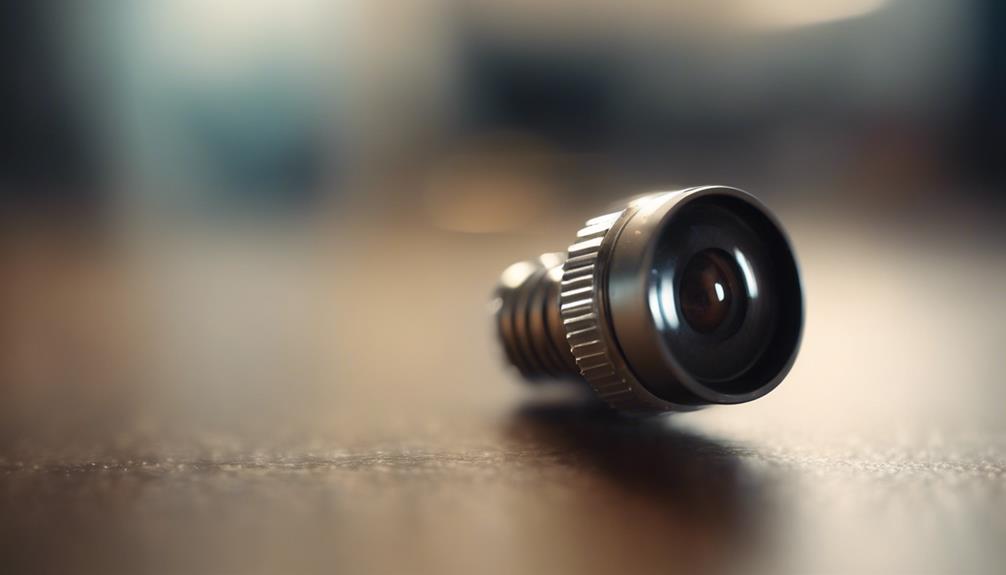

A wireless screw-style camera is a compact security device designed to blend into a wall, fixture, or other mounting point. Its small form factor can make it useful for monitoring property, entrances, work areas, or equipment when the camera is installed openly and used lawfully. Before choosing or installing one, consider image quality, wireless reliability, power requirements, motion detection, remote access, and the privacy of everyone who may be recorded.
What to Look for in a Wireless Screw Camera
The best model depends on the area being monitored and how often the camera will operate. A discreet housing may be convenient, but it should never be used to record people in private spaces or without any notice or consent required by local law.
- Video resolution: A camera rated at 1080p or higher can provide more detail than a lower-resolution model, although lighting, lens quality, and network performance also affect the final image.
- Viewing angle: A wider lens covers more of a room or entrance, while a narrower view may provide greater detail at a specific point.
- Low-light performance: If monitoring continues after dark, look for infrared or other night-vision support and check whether the feature produces a usable image in the intended environment.
- Motion detection: Adjustable sensitivity and activity zones can help reduce recordings triggered by shadows, pets, or other irrelevant movement.
- Power arrangement: Battery-powered cameras are easier to place but require charging or battery replacement. Wired power can support longer operation but may limit installation options.
- Storage: Confirm whether footage is stored on a memory card, a connected device, or a remote service, and review how recordings are accessed and deleted.
Installation and Positioning
Choose a stable mounting surface and position the lens toward the area you are permitted to monitor. Avoid aiming the camera through windows toward neighboring property or placing it in bedrooms, bathrooms, changing areas, or other locations where people reasonably expect privacy.
Before securing the camera, test the proposed angle and check for obstructions such as shelves, trim, plants, or reflective surfaces. The mounting point should be firm enough to prevent vibration, and the camera should remain accessible for charging, maintenance, or storage-card replacement. Follow the manufacturer’s instructions for drilling, fastening, powering on, and pairing the device with its app or receiver.
Wireless Connection and Reliability
Wireless video depends on signal strength, distance, walls, and interference from other electronic equipment. A camera may work well near the router but become unreliable when installed farther away or behind several obstructions. Test the connection from the final mounting position rather than assuming that a nearby indoor signal will provide consistent performance.
If the live view freezes or recordings contain gaps, move the router or camera when practical, reduce obstructions, or use a more suitable network arrangement. Keep the camera’s software and companion application updated when updates are provided, and protect the account with a strong, unique password and available multi-factor authentication.
Motion Detection and Recording
Motion-triggered recording can conserve storage and make important clips easier to find. Start with moderate sensitivity and test the system at different times of day. Adjust the settings if ordinary movement, changing light, tree branches, or pets create too many false alerts.
Review the retention settings regularly. Keeping only the footage needed for a legitimate security purpose reduces privacy risks and unnecessary storage. If other people may appear in recordings, provide appropriate notice and follow applicable workplace, residential, and data-protection requirements.
Remote Viewing and Security
Remote viewing can allow an authorized user to check a live feed or review saved clips while away from the property. Use the manufacturer’s official application, avoid sharing login credentials, and secure the phone or computer used to access the camera. A remote feature is only as dependable as the internet connection and the camera’s power supply, so it should not be treated as a guaranteed continuous connection.
Disable remote access if it is not needed, and check which accounts, devices, or services can view the camera. Be cautious about third-party applications that request unnecessary permissions or provide unclear information about how footage is handled.
Responsible Use
A wireless screw camera can be a practical tool for property security when installed transparently and used for a clearly defined purpose. Do not use it to secretly record private conversations, track people, or monitor areas where recording is prohibited. Laws vary by location, especially for audio recording and shared workplaces or rental properties, so obtain the required consent or legal guidance before installation.
With careful positioning, a dependable connection, sensible motion settings, and strong account security, this type of camera can support straightforward monitoring without sacrificing the privacy and safety of the people around it.