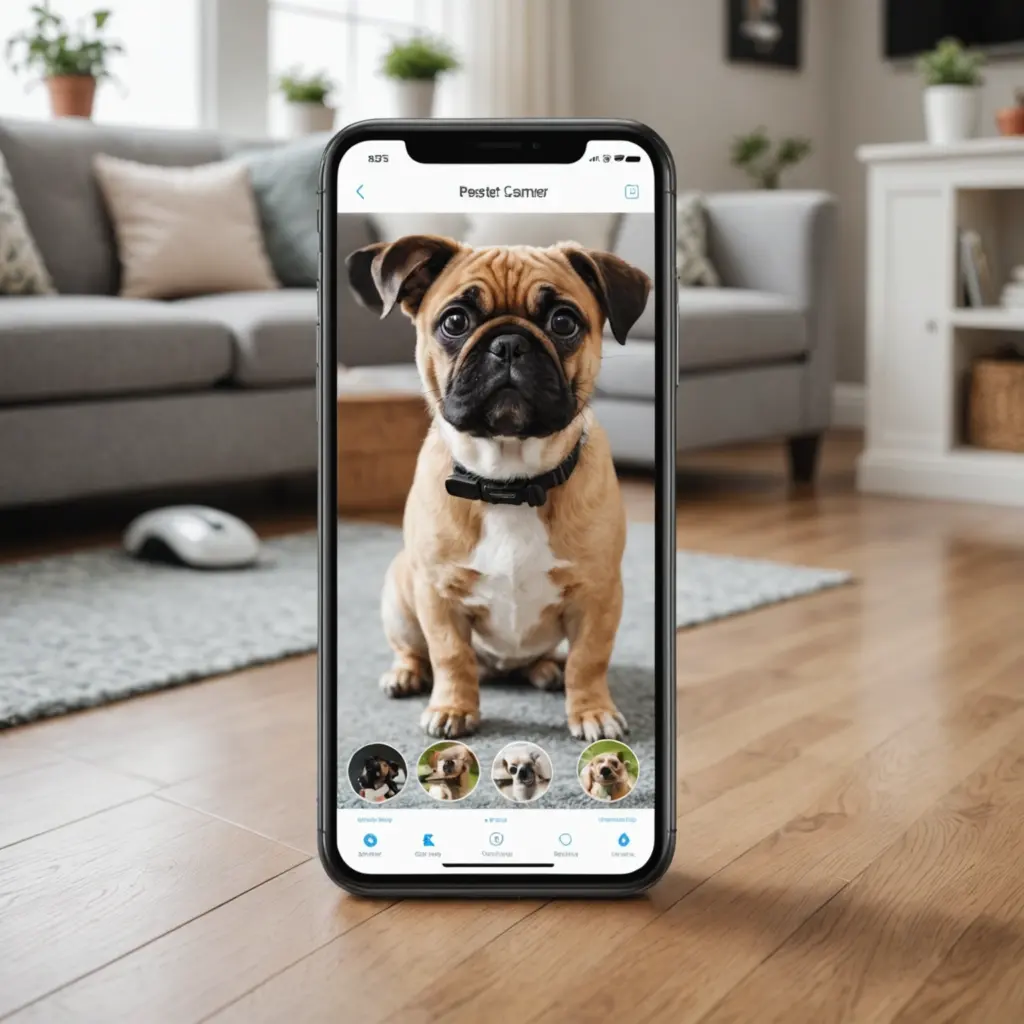

A pet camera with a dependable mobile app can make it easier to check on your dog or cat while you are away. Instead of simply recording video, the right system may let you receive activity alerts, speak to your pet, review clips, or dispense a small treat remotely. The best choice depends on your home, your pet’s routine, and how much you value interaction versus simple monitoring.
This guide explains what to look for in an app-enabled pet camera, compares suitable options for different needs, and covers privacy and setup considerations for responsible remote pet monitoring.
Why choose a pet camera with an app?
A connected camera gives you access to a live view from your phone, often with additional tools that make the system more useful for everyday care. You might check whether a new kitten has settled in, see how a dog behaves during the workday, or receive an alert when there is movement or unusual noise.
Depending on the model, an app may include:
- Live video streaming and night vision
- Two-way audio for speaking and listening
- Motion, sound, barking, or pet-related alerts
- Activity clips saved to local storage or the cloud
- Treat dispensing or remote play features
- Person and pet detection, with event filtering
These features can provide reassurance and useful information, but a camera should support normal care rather than replace exercise, supervision, or professional help when a pet is unwell or distressed.
Features to compare before buying
Video quality and viewing area
Clear video makes it easier to identify what your pet is doing. Full HD resolution is a practical starting point, while a wide viewing angle can help cover a larger room. Night vision is important if your pet spends time alone after dark. Also consider whether the camera can be tilted or panned, particularly if your pet moves between several areas.
App reliability and alerts
The app is the main way you will use the camera, so a strong feature list is not enough if notifications are delayed or the interface is difficult to navigate. Look for controls that make it simple to open the live feed, adjust settings, review events, and share access with another trusted household member.
Adjustable motion and sound sensitivity can reduce unnecessary alerts. Detection zones are useful when activity from a window, curtain, or heating vent repeatedly triggers notifications. If the camera offers pet or person detection, check which functions are included with the device and which require a subscription.
Interaction tools
Two-way audio can help you reassure a pet or interrupt unwanted behaviour, although some animals may find a voice from an unseen source confusing. Treat dispensers and laser or play functions can add interaction, but confirm that the dispenser accepts the treat size you use and that portions can be controlled responsibly. Remote features should never be used in a way that startles, frightens, or overfeeds an animal.
Power, storage, and ongoing costs
Plug-in cameras are generally better suited to continuous indoor monitoring because they do not depend on regular battery charging. Battery-powered models offer more flexible placement and may be useful where a power outlet is unavailable, but their operating time and recharge requirements need to be considered.
Compare the full cost, not just the purchase price. Cloud recording, advanced alerts, and additional storage may involve a recurring fee, while cameras with local storage can reduce dependence on a cloud plan. Confirm exactly which features remain available without a subscription.
Pet camera options for different priorities
Budget-friendly indoor monitoring
A Wyze Cam v3 is presented in the original recommendations as a value-oriented option with clear video, app-based monitoring, local storage support, and basic notifications. It may suit owners who mainly need a straightforward indoor feed rather than a dedicated treat-dispensing system. Check the specific model and plan details before buying, since features can vary.
Flexible or outdoor monitoring
An Arlo Pro 4 model is suited to buyers looking for wireless operation and more flexible placement. The legacy recommendations associate it with sharp video and useful app alerts, while also noting that advanced cloud storage may require a subscription. Consider battery maintenance and the total cost of optional services.
Remote interaction with pets
Furbo and Petcube Bites are designed around pet interaction, including treat dispensing and app-based engagement. These models may appeal to owners who want to reward or redirect a pet while away. Compare their alert systems, treat compatibility, storage terms, and play features rather than choosing on the dispenser alone.
Local storage and basic multi-camera setups
Eufy SoloCam models are identified in the source material as an option for owners who prioritise local storage and want to avoid mandatory cloud plans. Blink Mini is described as a compact indoor choice for basic monitoring and inexpensive multi-camera arrangements. As with any product family, verify current specifications for the exact model.
Privacy and responsible use
Change the default password immediately, use two-factor authentication when available, and install app and firmware updates. Limit shared access to people you trust, and avoid publicly sharing live feeds or recorded clips. If the camera also monitors people in the home, position it thoughtfully and make sure household members understand when and where recording takes place.
Setting up a camera effectively
Place the camera where your pet spends time, ideally with a stable view of the bed, sofa, or main activity area. Test the angle at your pet’s height and check the image in low light. Begin with conservative motion and sound settings, then adjust them after observing normal activity.
Before relying on the system, test notifications, two-way audio, recording, and any treat mechanism. A well-chosen camera combines useful video, dependable alerts, sensible privacy controls, and an app that fits your routine. Matching those priorities to your pet’s behaviour will usually matter more than selecting the model with the longest feature list.