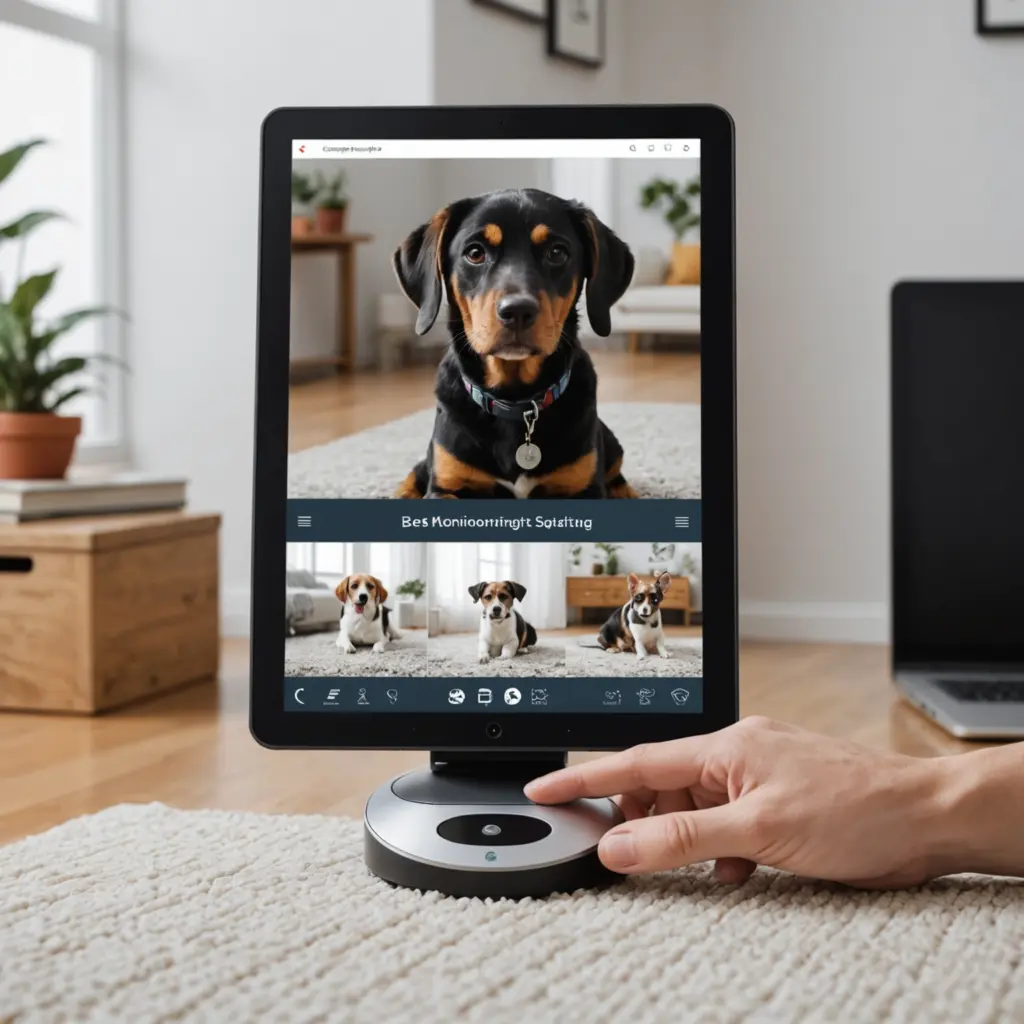

A thoughtful pet monitoring setup can help you check on an animal’s safety, routine, and comfort when you are away. It is especially useful when caring for a new puppy or kitten, managing separation-related behavior, watching an older pet, or keeping track of animals that may escape or get into unsafe areas. For room-by-room recommendations, explore choosing discreet monitors that help you check pets and caregivers without disrupting daily routines.
The most effective system is not necessarily the one with the most devices. Start with your pet’s habits and your home’s layout, then choose cameras and sensors that answer practical questions: Where is my pet? Are they moving normally? Has a door opened? Is the environment comfortable? Can I review what happened after an alert?
Start with your pet’s routine
Before buying equipment, observe where your pet spends time during the day. Note their sleeping area, food and water stations, favorite play spaces, doors they use, and any locations where they tend to hide or become restless. This information will guide both equipment selection and camera placement.
Consider what you need to monitor:
- Safety: movement near stairs, exits, balconies, or restricted rooms.
- Behavior: barking, pacing, destructive activity, or signs of distress.
- Health and comfort: eating, drinking, resting, and general movement.
- Routine: whether your pet is using a designated area or following a normal schedule.
Choose cameras for the spaces that matter
A wide-angle indoor camera can cover a living room or another shared space, while a pan-and-tilt model may be useful when your pet moves throughout a larger room. Stationary cameras are often a better choice for fixed locations such as a crate, bed, feeding area, or doorway.
Useful features include:
- Clear video: enough detail to distinguish posture, movement, and facial direction.
- Night vision: helpful for checking on pets after dark without leaving lights on.
- Motion detection: alerts you when activity occurs, with adjustable sensitivity where available.
- Two-way audio: allows you to speak to your pet, although it should not replace in-person care or training.
- Local or cloud storage: gives you a way to review an event rather than relying only on a live view.
- Reliable connectivity: important if you want to view the camera while away from home.
Compact cameras should be positioned where pets cannot chew, knock over, or pull down the equipment. If your animal jumps on furniture, avoid placing a camera within reach simply because it provides a convenient angle.
Place cameras for useful visibility
Place the primary camera where it can show your pet’s main resting or activity area. A second camera may be worthwhile for a frequently used entrance, feeding station, or another room that cannot be seen from the first position.
Test the view from your pet’s eye level and from the standing position you will normally use to review footage. The camera should show enough of the animal’s body to make movement and posture understandable, not just a close-up of the face. Avoid windows, mirrors, glossy surfaces, and strong backlighting that can create glare or make footage difficult to interpret.
In a multi-level home, a camera near the stairs or another transition point can help you understand movement between floors. For pets that show separation-related behavior, include the main entry and exit routes in the camera’s field of view.
Add sensors where cameras cannot tell the whole story
Additional sensors can provide useful context. A door sensor can notify you when an exterior door opens, while a motion sensor may identify activity in a room that is not continuously visible. Temperature and humidity sensors can help you keep watch over environmental conditions for animals that are sensitive to heat or cold. When comparing pet monitoring setups, understanding WiFi requirements for nanny cams helps match features to your home.
Some pets also use activity trackers or GPS devices for outdoor monitoring. These tools can complement indoor cameras, but they should not be treated as a substitute for secure fencing, supervision, or appropriate identification.
If several devices can be managed through one app, alerts and footage may be easier to review. For example, a door alert followed by camera footage can help you determine whether your pet approached the exit or whether someone else opened it. For households monitoring pets and children, pet-friendly nanny cams can provide practical coverage without complicating daily routines.
Improve reliability before you depend on the system
Test the setup from outside the home. Confirm that live video loads, alerts arrive, recorded footage can be played back, and the camera still covers the intended area at night. Check whether your Wi-Fi signal is strong enough in every monitored room. Wired connections may be preferable for fixed cameras when wireless performance is inconsistent.
To reduce unnecessary notifications, adjust motion sensitivity and define activity zones if those controls are available. Clean camera lenses regularly, review battery levels, and check that cables remain out of reach. If a battery camera drains quickly, motion-triggered recording and power-saving settings may help.
Protect privacy and account access
Pet cameras may also record people who live in or visit your home. Tell household members, roommates, and caregivers where cameras are located, and avoid placing devices in areas where people reasonably expect privacy. Outdoor cameras should be aimed carefully to limit unintended views of neighboring property.
Use a strong, unique password for each monitoring account, enable two-factor authentication when available, and install device or app updates. Review who has access to shared footage and remove accounts that are no longer needed.
Build around your actual needs
A dependable pet monitoring setup combines sensible camera placement, suitable alerts, and regular testing. Begin with the areas and behaviors that matter most, then add sensors or another camera only when they provide information the first device cannot. The result should make it easier to notice unusual activity and respond appropriately without creating a constant stream of distracting alerts.