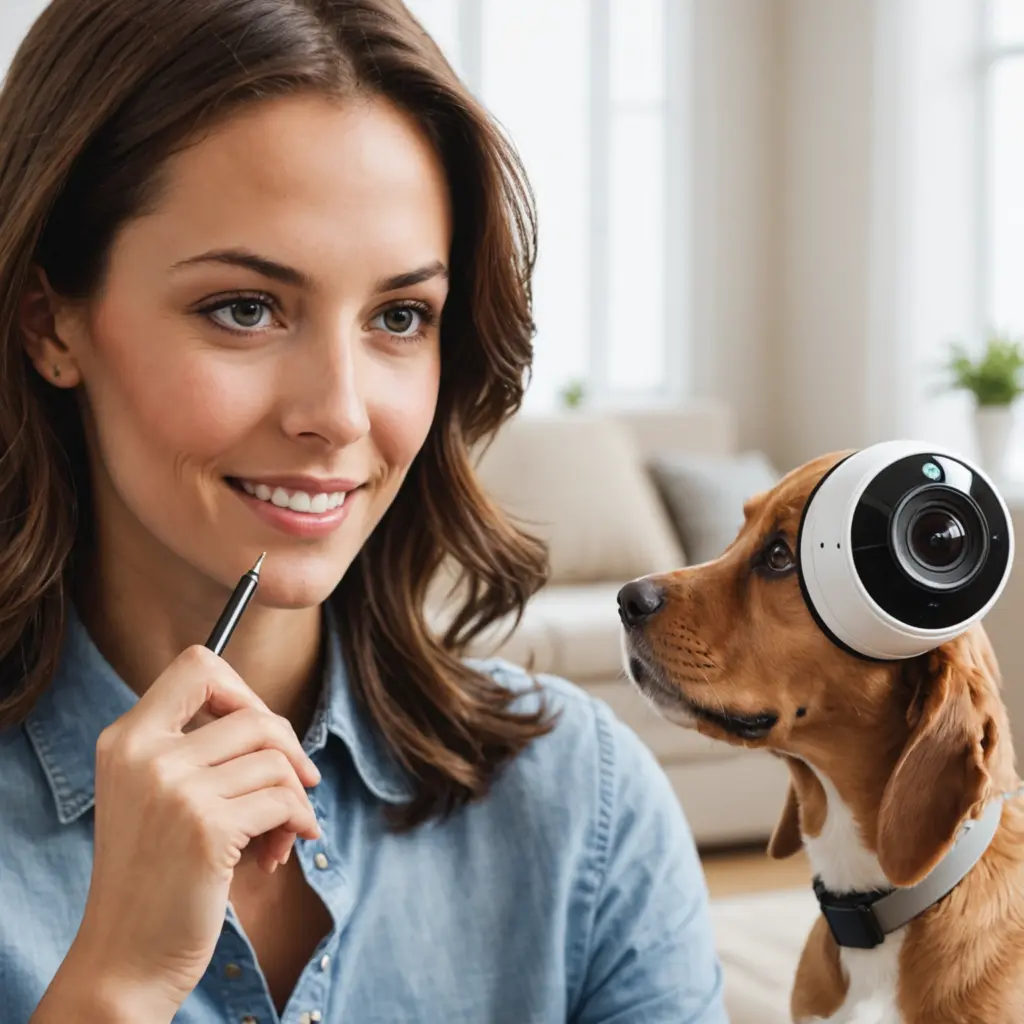

Home cameras can help parents, caregivers, and pet owners understand what is happening when they are in another room or away from home. A single system may be used to check on a sleeping child, observe interactions with a caregiver, or see whether a dog or cat is eating, resting, and staying out of danger. The best results come from treating cameras as one part of a wider care and safety plan—not as a replacement for supervision, communication, or regular check-ins.
What nanny cams can do for families and pets
A nanny cam is generally a camera used to observe activity inside the home, especially in areas where children and caregivers spend time. The same technology can be useful for animals. For example, footage may help you:
- Check whether a puppy is settling during crate training.
- See if an older pet is eating, drinking, and moving normally.
- Observe a cat’s activity while you are away.
- Confirm that a child and caregiver are following agreed routines.
- Investigate unusual noises, messes, or changes in a pet’s behavior.
Video can provide useful context, but it should not be used to diagnose a medical problem or replace professional advice. If a child or animal appears unwell or unsafe, respond directly and seek appropriate help.
Features to consider before buying
Choose features according to the people, animals, rooms, and schedule you need to monitor. A camera designed only for a small pet area may not provide the coverage needed for a shared family room.
Image quality and viewing angle
Clear video makes it easier to identify what happened, while a wide viewing angle can cover more of a room. Check whether the camera can show both higher activity, such as an adult standing, and lower activity, such as a pet resting on the floor. A camera that can pan or tilt may reduce blind spots, but it should still be positioned carefully.
Audio and night viewing
Two-way audio can allow a caregiver or pet owner to speak through the camera. It may be useful for reassurance or a brief instruction, but frequent remote commands can confuse children, caregivers, or anxious animals. Night vision is helpful for bedrooms and overnight pet areas; test it to ensure the view is not blocked by furniture, bedding, or reflective surfaces.
Motion alerts and storage
Motion detection can notify you when activity occurs, while adjustable sensitivity helps prevent a constant stream of alerts caused by normal pet movement. Decide whether you need live viewing only or recorded footage as well. Storage may be provided through a cloud service or locally, depending on the camera. Before relying on recordings, check how long footage is retained, who can access it, and how it can be downloaded or deleted.
Where to place cameras
Place cameras in ordinary shared areas where monitoring has a clear care or safety purpose. For children and caregivers, this might include a living room, play area, or other common space. For pets, consider their main activity area, bed, feeding station, or a location where they may encounter hazards.
Avoid bedrooms, bathrooms, changing areas, and other places where people reasonably expect privacy. Do not hide a camera in a way that defeats informed consent or creates uncertainty about where recording occurs. Mount or position each unit securely, keep cords away from children and animals, and make sure the camera cannot be knocked over or chewed.
Before finalizing placement, test the view at different times of day. Check for glare, poor lighting, blocked sightlines, and weak Wi-Fi. With several cameras, use clear names such as “living room” or “pet area” so the correct feed can be found quickly.
Privacy, consent, and responsible use
Camera use involves both legal and relationship concerns. Rules about recording vary by location and may depend on whether audio is captured, where the camera is placed, and who is being recorded. Tell caregivers and other household members that cameras are present, explain their locations and purpose, and follow any applicable employment or recording requirements. When in doubt, obtain informed consent and seek advice from a qualified local professional.
Limit access to people who genuinely need it. Use strong, unique account credentials, enable available security protections, update camera software, and avoid sharing footage casually. Visitors, housemates, delivery workers, and relatives may also appear in recordings, so review how your system handles their privacy. If footage suggests abuse, neglect, or another serious safety issue, preserve it securely and seek appropriate local assistance rather than posting it publicly.
Build cameras into a wider care routine
Cameras work best alongside clear instructions and regular communication. Write down feeding, medication, walks, play, sleep, and emergency procedures where relevant. Use the camera to check on a routine, not to watch continuously or replace direct contact.
Agree in advance on when live viewing, recording, and two-way audio will be used. Make sure caregivers know basic functions, such as how to pause monitoring or contact you if the camera is not working. Review alerts periodically and adjust motion sensitivity so notifications remain meaningful.
A thoughtful setup combines suitable equipment, practical placement, transparent consent, and secure handling of footage. Used this way, nanny cams and pet monitoring cameras can support safer caregiving and help you respond more quickly when a child or animal needs attention.
Related Guides
- Best Pet Monitoring Setups
- Do Nanny Cams Need WiFi
- How to Use a Nanny Cam Safely
- Two Way Audio Cameras Explained