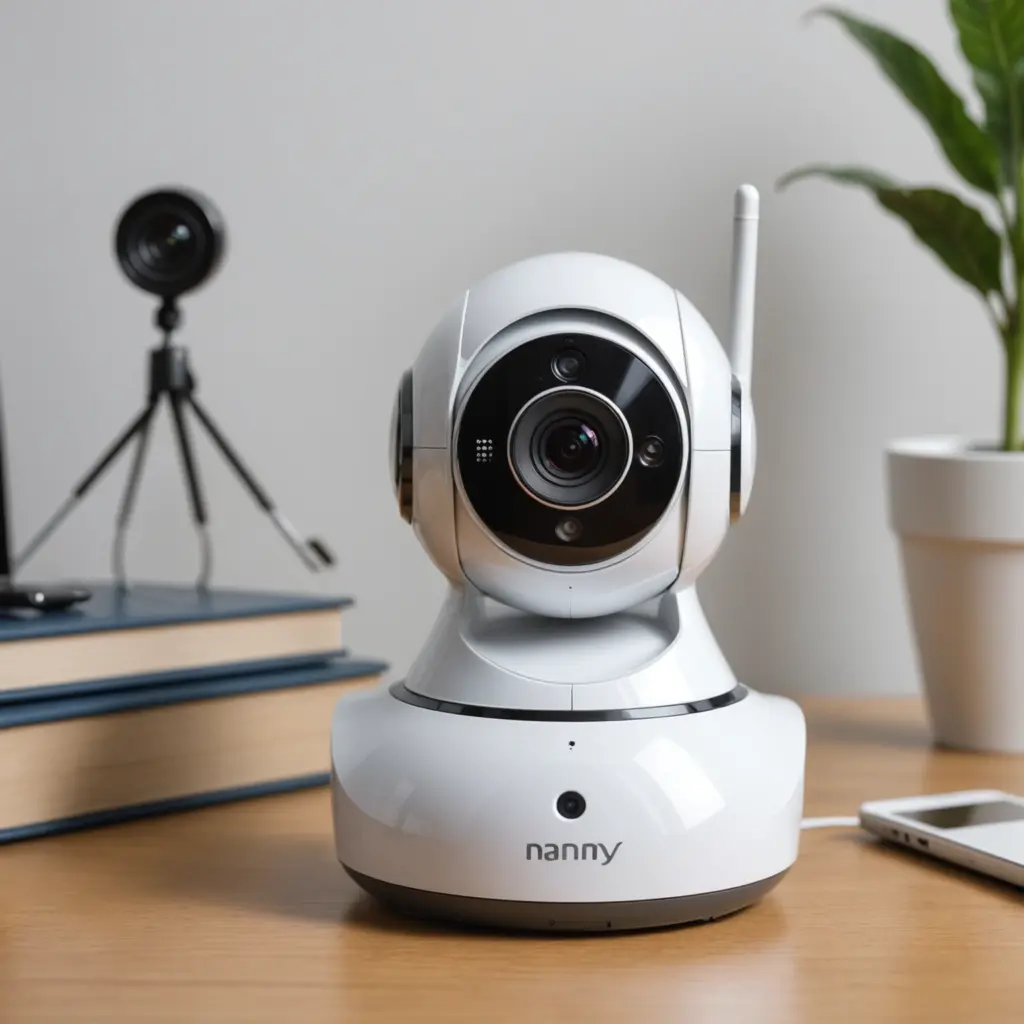

Whether a nanny cam needs WiFi depends on how you want to use it. If you want to view live video from your phone while away from home, receive alerts, or speak through the camera, an internet-connected WiFi model is usually the most convenient choice. If you only need to record activity for later viewing, a camera with local storage may be enough. For families comparing connectivity options, our pet monitoring considerations explain how nanny cams support animals when you're away.
The right setup depends on your priorities: remote access, recording features, privacy, reliability, and ongoing costs. These considerations apply whether you are monitoring children, pets, caregivers, or activity inside your home.
When does a nanny cam need WiFi?
A nanny cam generally needs WiFi when it relies on a smartphone app or cloud service for its main features. With a suitable connection, the camera may allow you to:
- Watch a live video feed while away from home
- Receive motion or sound notifications
- Use two-way audio to speak with someone in the room
- Review recordings stored in the cloud
- Share access with other authorised household members
These features can be useful for checking on a sleeping child, monitoring a pet during the day, or confirming that a caregiver has arrived. However, WiFi does not automatically mean unlimited remote access. The camera may also require an internet connection, a manufacturer’s app, an account, or a paid cloud-storage plan.
When WiFi is not necessary
You may not need WiFi if your main goal is to capture video locally. Some cameras save footage to a memory card, while others connect to a dedicated local recorder. These systems can record continuously or respond to movement without sending video to the cloud.
Local recording can be a better fit when you want to reduce subscription costs, limit online storage, or keep footage within your home. The trade-off is convenience: you may need to be physically present to watch recordings, remove the memory card, or access a recorder on your local network.
Some cameras also support viewing over a local network without providing remote internet access. This can allow viewing from a device connected to the same home network, although the exact functions depend on the camera.
WiFi versus wired monitoring
WiFi and wired describe different parts of a camera setup. A camera can use WiFi for data while still requiring a power cable. Conversely, a camera may use a wired network connection for more consistent communication but still offer remote viewing through the internet. Understanding WiFi requirements helps parents follow safe nanny cam practices while protecting privacy and household security.
WiFi cameras are usually easier to place because they do not need an Ethernet cable running back to a router or recorder. Their performance depends on wireless coverage, walls, interference, and the location of the camera. Wired network connections can be preferable in areas where a stable connection is more important than flexible placement.
Features to consider for children and pets
Choose features based on what you need to observe rather than selecting the longest feature list. Useful options may include:
- Night vision: Helpful for viewing a room in low light.
- Wide-angle coverage: Useful when one camera needs to cover a play area or larger room.
- Motion and sound alerts: Can notify you about activity, crying, barking, or other sounds.
- Two-way audio: Lets you communicate through the camera, although it should not replace appropriate supervision.
- Local or cloud storage: Determines how recordings are saved and accessed.
- Activity zones: Can limit alerts to selected areas and reduce unwanted notifications.
For pet monitoring, placement is especially important. Keep the camera out of reach of chewing or knocking, while maintaining a clear view of the pet’s usual area. For childcare, position the camera so it does not create a hazard and avoid relying on it as a substitute for responsible, in-person care. If nanny cams need WiFi, pet camera apps offer convenient monitoring features for checking pets remotely.
Privacy and security considerations
An internet-connected camera should be treated like any other device that handles sensitive information. Change the default password, use a unique account password, enable two-factor authentication when available, and install firmware updates. A separate network for connected home devices may provide additional organisation and isolation from other personal devices.
Consider who can view the feed and how long recordings are retained. If caregivers, visitors, or other adults may be recorded, check the laws that apply where you live. Video and audio recording may be treated differently, and consent requirements can vary. Be particularly careful when sharing footage or using a cloud service.
How to choose the right setup
Choose a WiFi nanny cam if remote viewing, alerts, and two-way communication are important to you. Choose local-storage or closed-circuit equipment if you mainly want recordings at home and prefer greater control over where footage is kept. Before buying, check the camera’s power requirements, storage method, app requirements, subscription fees, and performance in the intended location.
In short, nanny cams do not universally need WiFi. WiFi is valuable for remote access and connected features, while local systems can provide straightforward recording without depending on cloud services. Matching the camera to your monitoring routine will help you balance convenience, reliability, cost, and privacy.