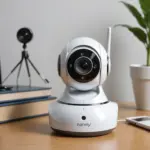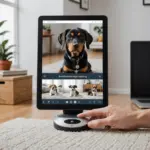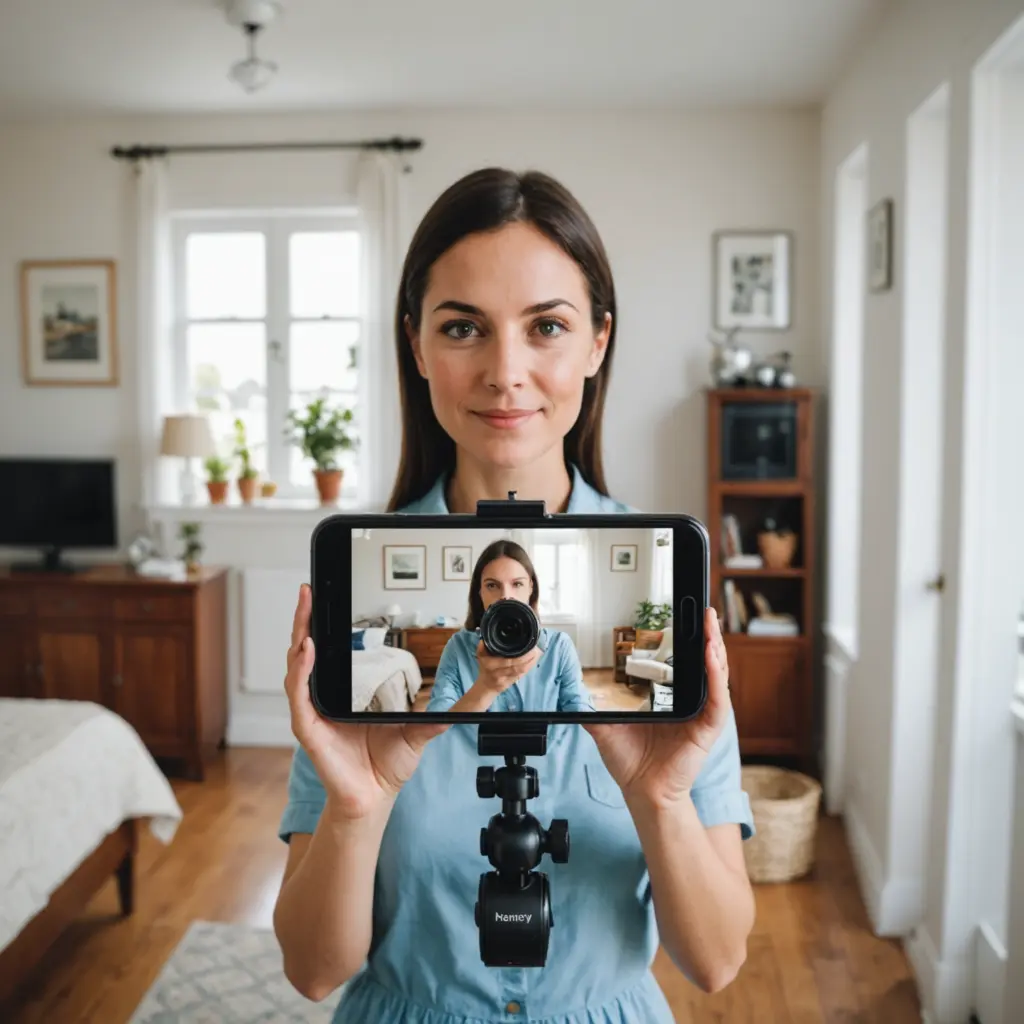

A nanny cam can help you understand how a pet behaves while you are away, check that feeding or medication instructions are being followed, and notice problems that may otherwise go unseen. It can also create tension if it is hidden, poorly secured, or used without considering the privacy of caregivers and visitors. The same privacy practices also apply when monitoring pets responsibly with indoor cameras while you are away.
Safe monitoring is about more than choosing a camera with a good picture. You also need to think about placement, audio recording, data security, communication, and the limits of what surveillance can tell you. The following steps can help you use a nanny cam responsibly in a home with pets and caregivers.
Decide what you need to monitor
Start with a specific purpose instead of recording every room continuously. You may want to check whether a dog is being exercised, see how a cat responds to being left alone, confirm that a sitter follows feeding instructions, or observe signs of separation anxiety.
A clear goal will help you choose an appropriate camera position and recording schedule. It also reduces unnecessary collection of footage showing household members, guests, or caregivers who are not relevant to your concern.
Choose features that match your home
Pet monitoring does not always require the most advanced device. Consider the areas you need to cover and the conditions in which the camera will operate.
- Video quality: Choose an image clear enough to identify normal activity and distinguish it from a potential problem.
- Night vision: This is useful if your pet spends time in a dim room, but check that infrared lights or other features do not disturb the animal.
- Motion alerts: Adjustable sensitivity can help reduce notifications caused by shadows, curtains, or other harmless movement.
- Two-way audio: This may let you speak with a caregiver or comfort a pet, but frequent remote commands can confuse or stress some animals.
- Power and storage: Check battery life, power backup, and whether recordings are stored locally or through a cloud service.
Extra features such as treat dispensers or sound alerts should be used cautiously. They are not a substitute for appropriate exercise, supervision, or veterinary advice.
Place the camera with privacy in mind
Position cameras in ordinary shared areas where pets spend time, such as a living room or feeding area. Avoid bedrooms, bathrooms, changing areas, and other places where people may reasonably expect privacy. Do not aim the camera toward a neighbor’s property or areas outside your home that you do not need to observe.
If a caregiver regularly works in the space, tell them where the cameras are located and what they record. Open placement is generally easier to explain and less likely to undermine trust than concealed surveillance. Mount the device securely, keep cables away from pets that might chew them, and make sure the camera cannot fall or become a hazard. When using a nanny cam, learn how two-way audio features support safer, clearer communication with caregivers.
Handle audio recording carefully
Audio can be more sensitive than video. Rules about recording conversations vary by location, and consent requirements may apply even when a camera is inside your home. Before enabling a microphone, learn the rules that apply where you live and consider whether audio is necessary for your purpose.
Tell household members and regular caregivers when audio or video monitoring is in use. If you hire a pet sitter or another caregiver, include the monitoring policy in the job discussion or written agreement. Explain whether the system records continuously, responds to motion, or is used only for live viewing.
Secure the camera and its recordings
A connected camera is part of your home network, so treat its live feed and recordings as sensitive information. Before relying on the device: Review these nanny cam options to compare privacy features, monitoring quality, and responsible placement before choosing one.
- Replace default passwords with strong, unique passwords.
- Use two-factor authentication if the camera service provides it.
- Keep the camera app, firmware, and home network equipment updated.
- Review account sharing and remove access that is no longer needed.
- Check how cloud recordings are retained, protected, and deleted.
- Store important footage securely and avoid keeping unnecessary recordings.
Limit access to people who genuinely need it. A shared login or an old caregiver account can expose live video long after the original reason for access has ended.
Test the system and review its limits
Before leaving your pet with a caregiver, test the camera from the location where you will view it. Confirm that the angle, lighting, notifications, audio settings, and recording function work as expected. Clean the lens periodically, check power connections, and replace batteries before a long absence.
Review alerts rather than assuming every notification signals a problem. A camera shows only part of an animal’s routine and cannot replace direct care, exercise, or professional help when a pet is ill or distressed. If you notice a recurring concern, discuss it directly with the caregiver and use timestamps or notes to describe what happened.
Use monitoring to support trust and good care
A nanny cam works best when it supports a clear care plan rather than serving as a substitute for communication. Define expectations for feeding, medication, walks, and emergencies, then let the camera provide limited reassurance about those routines. Respect privacy, secure the technology, follow applicable laws, and delete footage when it is no longer needed. Used this way, a camera can help protect pets while preserving a fair and transparent relationship with the people who care for them.