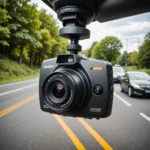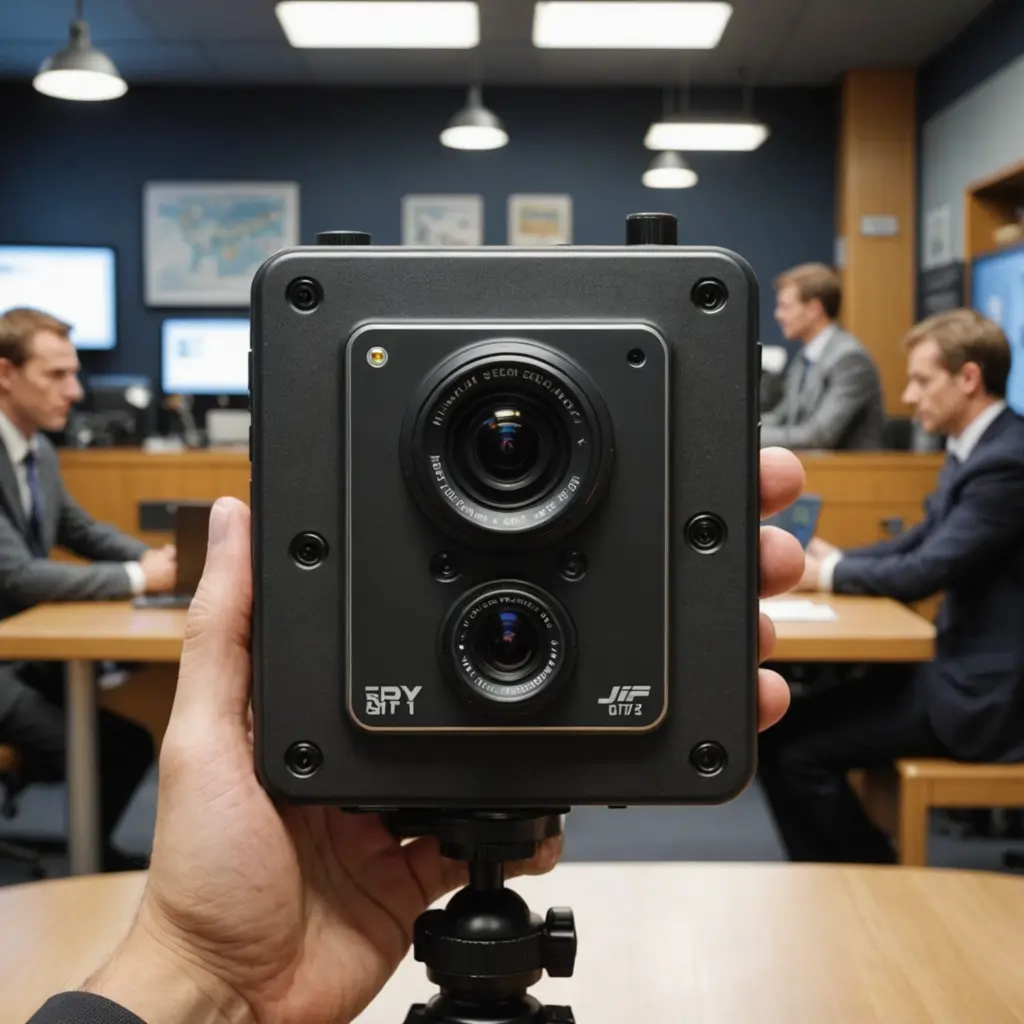

Cellular hidden cameras combine a small camera with mobile-network connectivity, allowing authorized users to view or receive footage without connecting the device to a local Wi-Fi network. That makes them useful for certain remote monitoring situations, but their discreet design also creates significant privacy, legal, and security responsibilities.
What is a cellular hidden camera?
A cellular hidden camera is a compact camera placed inside a small enclosure or ordinary-looking object and equipped with a cellular modem. A SIM card and active data plan connect the device to a mobile network, which can then deliver live video, motion alerts, or recorded clips to an app, web portal, or storage service.
Unlike a conventional IP camera, the device does not depend on a nearby router. This can be helpful at locations where broadband service is unavailable, unreliable, or unsuitable for the intended monitoring arrangement. Cellular coverage is still essential, however, and the camera cannot transmit reliably in areas with a weak or nonexistent signal.
How the technology works
Most cellular camera systems include a camera sensor, processor, cellular modem, power source, and either internal storage or a connection to cloud storage. When motion is detected, the camera may wake from a low-power state, record a clip, and send an alert over the mobile network. Depending on the model and service plan, it may also support live viewing or scheduled uploads.
Connection speed affects the practicality of remote viewing and the quality of transmitted video. Models using faster cellular standards can generally handle smoother streams and higher-resolution footage than older systems, but performance also depends on signal strength, network availability, data limits, and the camera’s own hardware.
Where cellular connectivity can help
Cellular cameras are best suited to locations that need remote oversight but do not have dependable Wi-Fi. Potentially appropriate applications include:
- Monitoring a privately owned cabin, storage area, or other remote property.
- Checking on a construction or maintenance site where internet service has not yet been installed.
- Adding a communications backup for a security system that could otherwise lose connectivity when the home internet connection fails.
- Observing a vehicle, camper, or other personal asset when it is parked in a location with cellular coverage.
- Supporting legitimate, documented investigative or safety work conducted within applicable laws.
A cellular connection is not automatically better than Wi-Fi. It may involve recurring data charges, limited bandwidth, greater power consumption, and less predictable performance in rural or obstructed areas.
Features worth evaluating
Connectivity and data use
Confirm which cellular networks the camera supports and whether the device is compatible with the coverage available at the installation site. Review how much data live viewing and cloud uploads consume, and check whether the SIM or service plan is included. A camera that records only after motion events may use substantially less data than one that streams continuously.
Power and storage
Battery operation can simplify placement but requires regular charging and may limit recording time. For longer deployments, consider power-efficient standby modes, replaceable batteries, or an appropriate external power source. Local storage can reduce dependence on continuous uploads, while cloud storage may make remote access easier. Either option should be protected against unauthorized access or removal.
Image quality and reliability
Useful features may include motion detection, night vision, timestamped recordings, weather resistance, and a stable mobile application. Two-way audio deserves particular scrutiny because recording or transmitting conversations may be regulated differently from video. Outdoor installations should have suitable protection from moisture, dust, and temperature changes.
Installation and ongoing maintenance
Before placing the camera, test the cellular signal and confirm that the lens has a clear, lawful view of the area you need to monitor. Avoid locations where people reasonably expect privacy. The device should be positioned securely without blocking the lens or creating an obvious mismatch between the camera and its surroundings.
Maintenance includes checking the battery or power supply, verifying that the data plan remains active, reviewing storage capacity, cleaning the lens, and installing trusted firmware updates when available. Use strong account credentials and secure the associated app or cloud account with any available access controls.
Legal and ethical responsibilities
Discreet monitoring is not automatically lawful simply because a camera is small or uses cellular connectivity. Rules vary by location, and audio recording may have separate or stricter requirements. Recording inside bedrooms, bathrooms, changing areas, or other private spaces can create serious legal and ethical problems. Workplace, rental, and shared-property monitoring may also require clear notice or consent.
Use a cellular hidden camera only for a legitimate, proportionate purpose. Limit the field of view, collect only the footage needed, restrict access to recordings, and establish a retention period rather than keeping data indefinitely. When the legal position is uncertain, obtain advice from a qualified local professional before installing the device.
Making a responsible choice
A cellular hidden camera can provide flexible remote monitoring where Wi-Fi is unavailable, but its value depends on more than video resolution. Check coverage, power requirements, data costs, storage, security controls, and the rules governing the proposed location. Choosing equipment that fits the site—and using it transparently and lawfully where required—helps preserve both reliability and privacy.