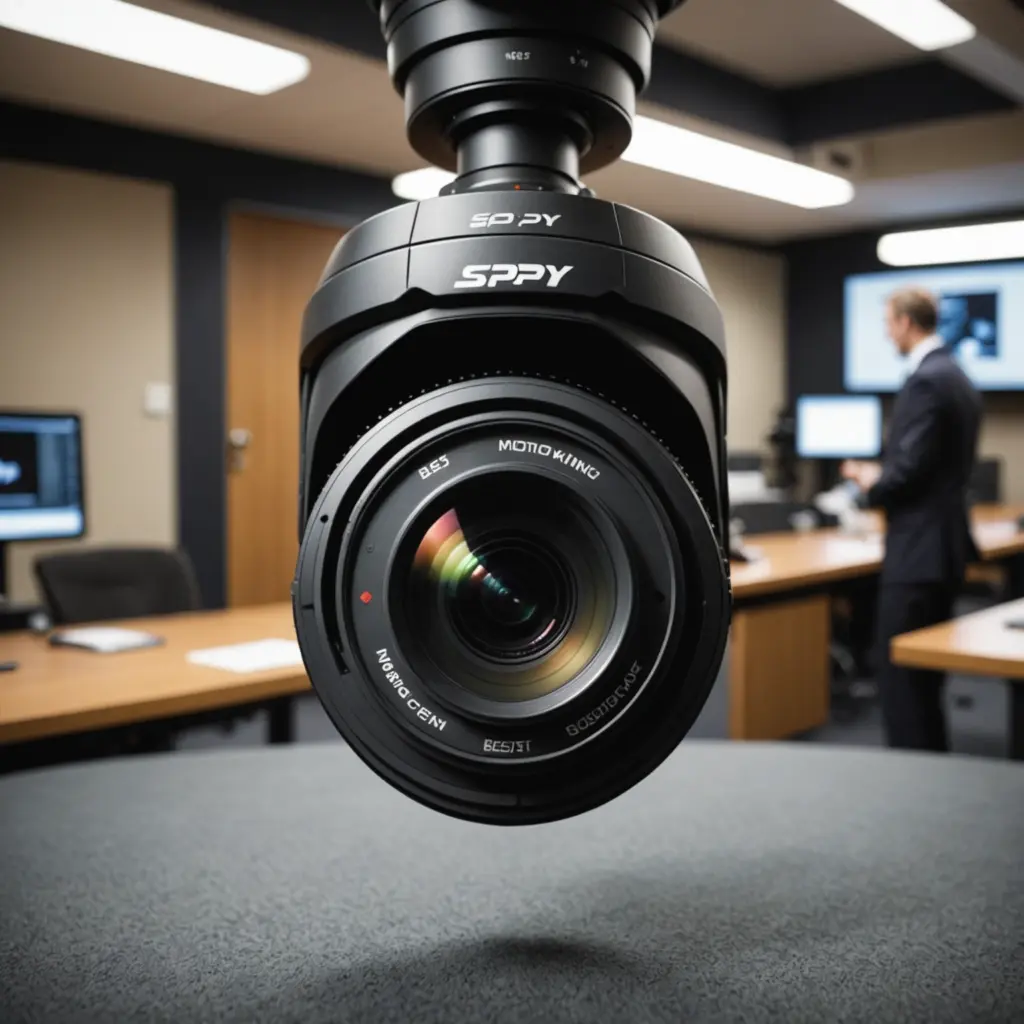

A motion tracking camera is designed to do more than detect movement. It can identify activity, follow a subject across its viewing area, and record a more useful sequence than a fixed camera pointed in one direction. The right choice depends on where the camera will be used, what it needs to follow, and whether you prioritise deterrence, coverage, image quality, or discretion. Learn how motion tracking precision informs the essential features and technology behind covert surveillance devices.
How motion tracking works
Motion tracking usually combines a detection system with image analysis and a camera that can adjust its view. Basic models may use passive infrared detection to sense changes in heat and trigger recording or an alert. More advanced cameras analyse the image to identify movement and may distinguish people, pets, vehicles, or general activity.
There are three common approaches:
- Mechanical tracking: A pan-tilt or pan-tilt-zoom mechanism physically turns the lens to follow movement.
- Digital tracking: The camera keeps a wide, high-resolution view and crops into the image to follow a subject without moving the lens.
- Hybrid tracking: Mechanical movement provides broad coverage while software keeps the selected subject centred.
Mechanical tracking can provide a wider change in viewing direction, while digital tracking avoids motor noise and moving parts. In either case, performance depends on lighting, obstructions, subject speed, and the camera’s detection software.
Features that matter most
Image quality and low-light performance
Resolution affects how clearly recorded footage shows faces, clothing, vehicles, and other details. A 1080p camera may be sufficient for general monitoring, while higher resolution can provide more detail or allow useful digital cropping. Resolution alone is not enough: sensor quality, exposure control, and infrared night vision also affect the result.
Tracking accuracy and movement
Look for settings that allow you to select detection zones, adjust sensitivity, and filter unwanted activity. Person or object recognition can reduce alerts caused by shadows, foliage, or other harmless movement. A motorised camera should move smoothly and quickly enough to keep up with the activity it is intended to monitor. Check whether it can resume a preset position after tracking ends and whether it supports multiple viewing points.
Audio, alerts, and storage
Two-way audio can be useful for communication, although it should not be treated as a substitute for a dedicated intercom. Consider how alerts are delivered and whether recordings are stored on a microSD card, a network device, cloud storage, or a combination of these options. Local storage may reduce dependence on an online service, while cloud storage can make remote access simpler. Review any subscription, retention, and account requirements before buying. For extended motion tracking footage, consider motion tracking storage options that preserve recordings without constant card swaps.
Power and connectivity
A wired camera generally avoids battery-management concerns, but its mounting location must have access to power. Battery-powered models are easier to place but may record less often or require charging, especially when tracking is active. Wireless cameras also need dependable network coverage. A weak connection can delay alerts, interrupt live viewing, or prevent recordings from being uploaded.
Visible or discreet camera?
A visible camera is often the practical choice for home or business security. Its presence may deter unwanted activity, and larger housings can accommodate stronger motors, larger sensors, and more capable night-vision hardware.
Small or concealed cameras may be selected when a less prominent installation is necessary, but compact size can involve compromises in image quality, viewing angle, battery life, durability, or mechanical movement. Any concealed recording must be handled carefully. Laws and reasonable expectations of privacy vary by location, and recording people in private spaces without appropriate consent may be unlawful. Do not use a camera to monitor bathrooms, bedrooms, or other areas where privacy is expected.
Choosing a camera for different situations
- Home entryways: Prioritise reliable person detection, night vision, weather resistance where required, and alerts that are easy to review.
- Living rooms or nurseries: Look for quiet movement, two-way audio, privacy controls, and the ability to disable tracking or recording when appropriate.
- Businesses: Consider coverage of high-traffic areas, user permissions, storage capacity, and whether the camera can integrate with the existing security setup.
- Outdoor observation: Check weather protection, operating temperature, glare control, and the stability of the network connection.
- Content creation or observation: Smooth movement, predictable tracking, manual controls, and high-quality digital cropping may matter more than alarm features.
Installation and privacy checklist
Place the camera where furniture, walls, plants, or other objects will not regularly block the subject. Avoid aiming directly at windows, since reflections and changing outdoor light can create glare or false detections. Test tracking during both bright and dim conditions, then adjust sensitivity and activity zones.
- Use a strong, unique password for the camera account.
- Keep the camera and its companion software updated.
- Secure the wireless network and restrict access to people who need it.
- Set recording areas carefully so neighbouring property and private spaces are excluded.
- Tell household members, employees, visitors, or participants about monitoring where required.
- Review how long recordings are retained and delete footage that is no longer needed.
Making the final choice
The best motion tracking camera is not necessarily the one with the longest feature list. Start with the area to be covered, the type of movement expected, the available power and network connection, and the level of privacy required. Then compare tracking reliability, image quality, night performance, storage, and security controls. Careful placement and responsible configuration are just as important as the camera itself.